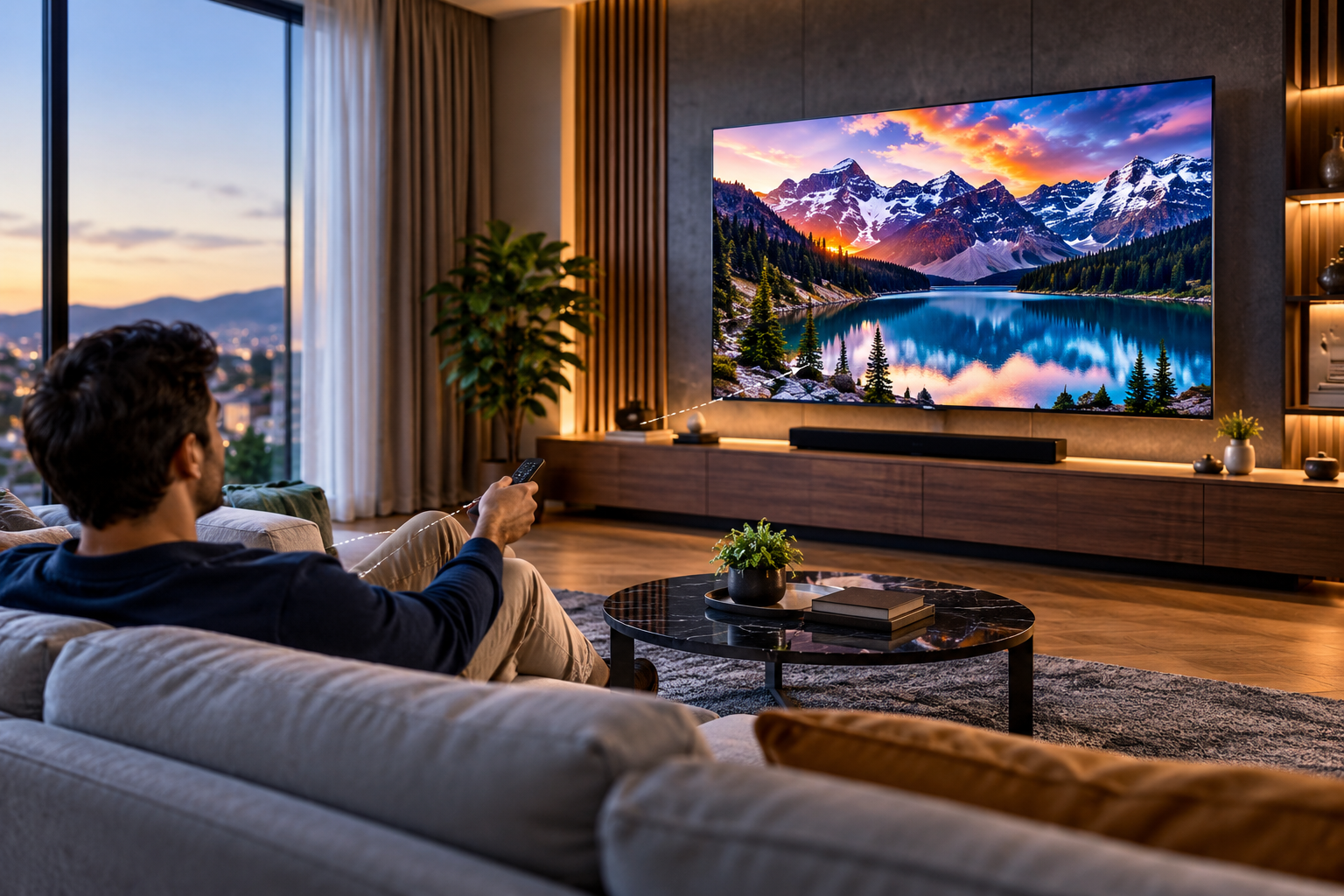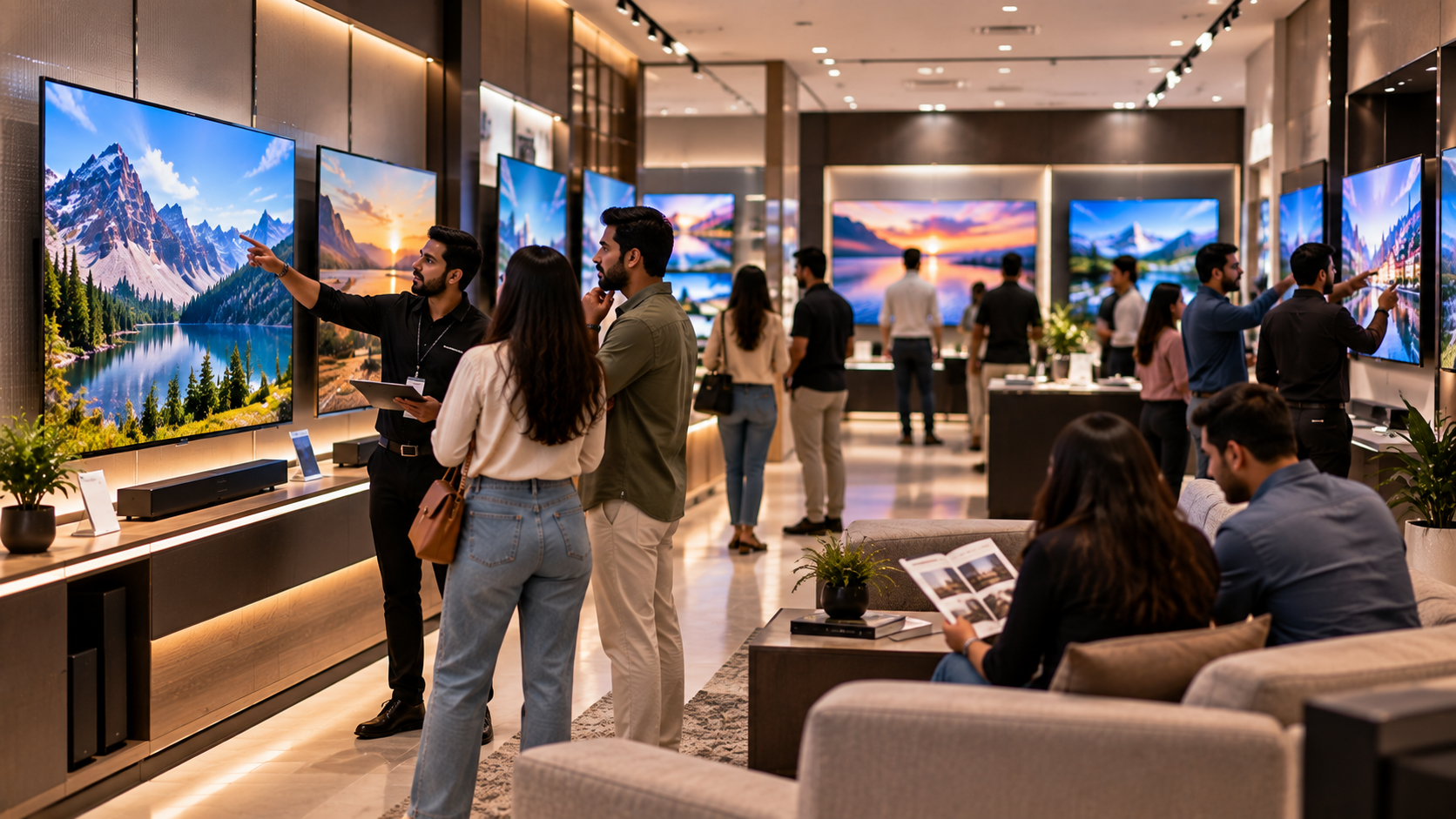


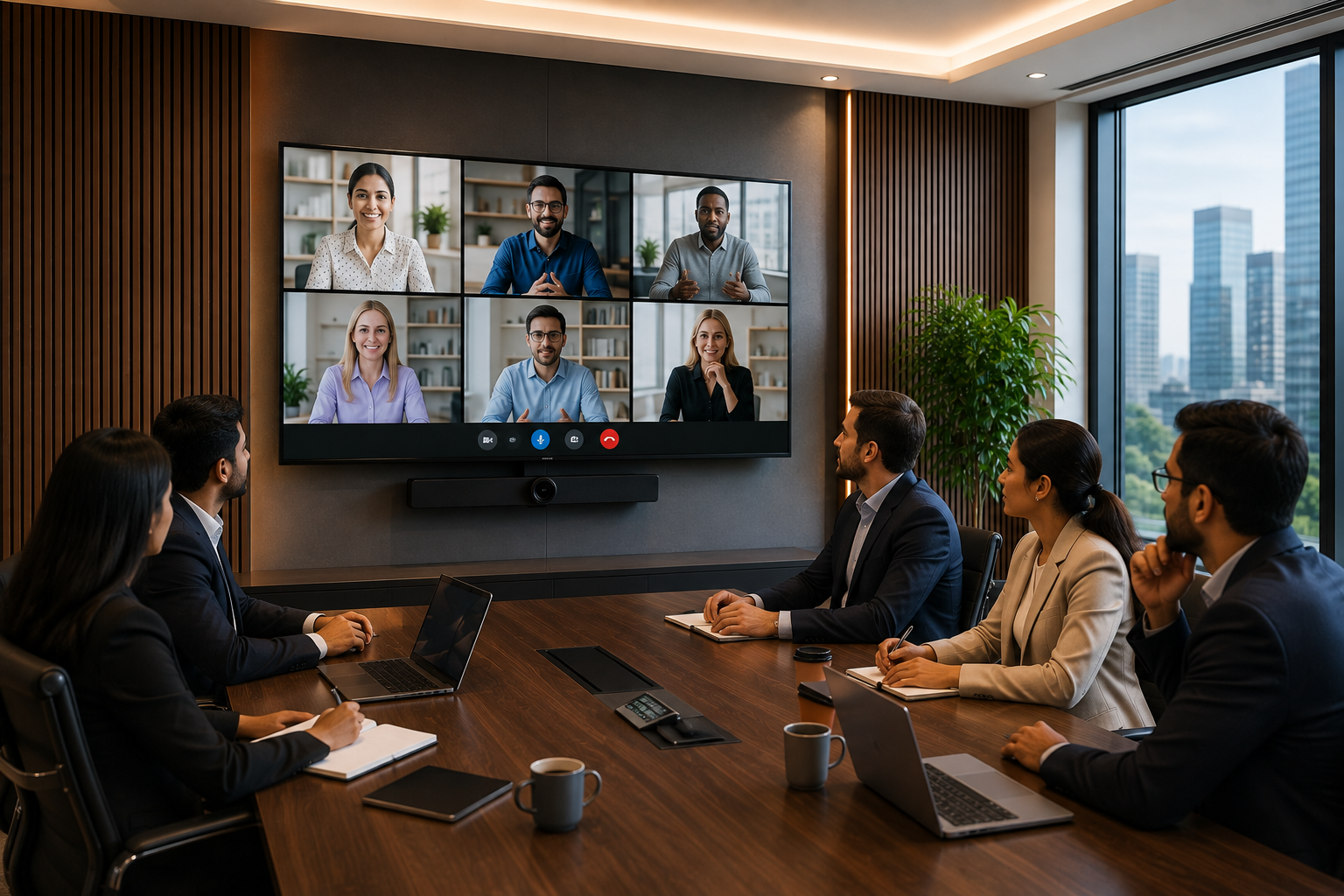
 Choosing between a 50-inch and 55-inch display for a meeting room sounds like a minor decision. In practice, those extra five inches can matter when the room gets crowded, the presentation has small text, or someone at the back is trying to read a chart.
The bigger screen isn't automatically the better one, though.
For a small meeting room, a 50-inch display may be easier to accommodate and perfectly comfortable for a few people sitting close to the screen. A 55-inch display starts making more sense when the room is deeper, more people use it, or presentations involve detailed charts, dashboards and documents.
So instead of asking, "Which size is better?", ask a more useful question:
Which size will make sense for the way this room is actually used every day?
This guide breaks down the practical differences so you can make that decision before buying.
Quick Answer: Should You Choose 50 Inches or 55 Inches?
If the room is compact and most viewers sit relatively close to the display, 50 inches can be a practical choice.
If people sit farther away, the room accommodates a larger group, or the display needs to handle detailed presentations, 55 inches may be the safer choice.
Before deciding, look at:
- Viewing distance
- Number of viewers
- Room layout
- Type of content
- Wall and mounting space
- Connectivity requirements
- Possible future use
The five-inch difference matters less than how those factors work together.
What Is the Actual Difference Between a 50-Inch and 55-Inch Display?
On paper, the difference looks small. Once a display is installed in a meeting room, however, the extra screen area can make content easier to see from farther seats.
That doesn't mean you should simply choose the 55-inch model.
A 50-inch display can make more sense when:
- The meeting room is compact
- Only a small team uses the room
- Viewers sit fairly close
- Wall space is limited
- The screen is mainly used for straightforward presentations or videos
A 55-inch display deserves consideration when:
- The room is deeper or wider
- More people regularly attend meetings
- Some viewers sit farther away
- Presentations contain charts, tables or smaller text
- The display is also used for client presentations or training
- You want some additional flexibility for future use
The objective isn't to buy the largest screen that fits. It's to buy a screen that people can use comfortably.
How Far Will People Sit From the Screen?
This should be one of the first things you check.
A common mistake is measuring the wall, seeing that both sizes fit and then choosing based on price or appearance. The wall doesn't tell you whether someone sitting at the back can comfortably read the screen.
Measure the distance between the planned display position and the farthest regular viewer.
Then consider the room's actual layout.
For example, a compact room with four or five people sitting around a table may not need a large display. In a longer conference room, however, the last person in the room may be considerably farther away.
Also check:
- Are people sitting directly in front of the display?
- Will some people view it from the side?
- Is the screen mounted at a comfortable height?
- Will people stand during presentations?
- Is furniture likely to change later?
A few minutes spent measuring the room can prevent an expensive sizing mistake.
What Will You Display on the Screen?
This is where the choice becomes more practical.
Not every meeting-room display has the same job.
If you're mainly showing videos, images or straightforward presentation slides, a 50-inch screen may be sufficient for a compact room.
But if your team regularly works with detailed information, visibility becomes more important.
Think about whether the display will be used for:
- PowerPoint or other presentations
- Business dashboards
- Spreadsheets
- Charts and reports
- Video conferences
- Training sessions
- Product demonstrations
- Client presentations
- Brand or promotional content
Imagine presenting a spreadsheet during a client meeting. If someone has to keep asking, "Can you zoom that in?", the screen isn't doing its job particularly well.
That is where moving from 50 inches to 55 inches may be worth considering.
When Is a 50-Inch Display a Better Fit?
A 50-inch display can work well when the room is relatively compact and the audience isn't too large.
It may suit:
- Small meeting rooms
- Manager cabins
- Small office collaboration spaces
- Reception areas
- Compact training rooms
- Retail counters
- Smaller hospitality spaces
There's another advantage: physical practicality.
If the wall is limited or the furniture sits close to the display, a 55-inch screen may make the space feel unnecessarily crowded. In those situations, going larger simply because you can isn't necessarily a better decision.
If your requirement is for a compact setup, you can review the VU Glo 50-inch Mini LED TV after checking your room dimensions and viewing distance.
When Does a 55-Inch Display Make More Sense?
A 55-inch display becomes more interesting when the room has more viewing distance or a larger audience.
It can be considered for:
- Medium-sized meeting rooms
- Conference rooms
- Training spaces
- Showrooms
- Customer presentation areas
- Larger reception areas
- Business lounges
The additional screen size can provide more comfortable viewing when people aren't sitting right next to the display.
It can also give you a little more breathing room when presenting detailed content. That's useful if the same screen is going to be used for everything from an internal presentation on Monday to a client demonstration on Friday.
For that type of requirement, compare the VU Glo 55-inch Mini LED TV with the 50-inch option before finalising the purchase.
50-Inch vs 55-Inch: A Practical Comparison
| Consideration | 50-Inch Display | 55-Inch Display |
|---|---|---|
| Compact meeting room | Often suitable | May be more than needed |
| Larger meeting room | May need careful assessment | Worth considering |
| Small audience | Usually practical | Useful if viewing distance is greater |
| Larger audience | Depends on room layout | Can offer more viewing area |
| Detailed presentations | Suitable when viewing distance is limited | More room to work with |
| Limited wall space | Easier to accommodate | Requires more space |
| Future flexibility | Good for compact spaces | More suitable if room usage may expand |
This isn't a rulebook. It's a starting point for evaluating your actual room.
Don't Ignore Installation
For businesses also comparing professional display options, the range of Samsung Business displays can be useful as a reference when evaluating screen sizes, installation requirements and commercial display features.Screen size is only one part of the purchase.
Before ordering either a 50-inch or 55-inch display, check where and how it will be installed.
Check the wall
Make sure there is enough usable wall space and that the mounting position works with the room layout.
Check the viewing height
A display mounted too high can become uncomfortable during longer meetings, regardless of its size.
Plan the cables
Consider where power and other connections will come from. Poor cable planning can make an otherwise clean meeting room look messy.
Consider lighting
Windows and strong room lighting can affect how comfortably people view the screen. Check the display position during normal working conditions rather than only when the room is empty.
Think about the furniture
The screen shouldn't compete with the meeting table, chairs, cabinets or other equipment for space.
Connectivity Matters Too
Before selecting a display, list the devices your team expects to connect.
Depending on the setup, that could include:
- Laptops
- USB devices
- Media players
- Wireless casting devices
- Video-conferencing equipment
- Network-connected equipment
Don't assume that a display will automatically suit your existing meeting-room setup.
For a business purchase, it is better to confirm the required connections before ordering than to discover an installation problem afterwards.
What If You're Still Stuck Between 50 and 55 Inches?
If both sizes appear suitable, don't make the decision based solely on the price difference.
Instead, ask which problem you're trying to avoid.
Choose 50 inches if your main concern is:
- Limited space
- A compact room
- A small audience
- Short viewing distance
- Keeping the setup relatively compact
Lean towards 55 inches if your main concern is:
- Longer viewing distance
- Larger groups
- Detailed content
- Client-facing presentations
- Training sessions
- More flexibility for future use
If you're still unsure, compare the available models within the VU Glo Mini LED TV series against the actual requirements of the room.
Common Buying Mistakes
1. Choosing the larger screen because it looks more impressive
A huge screen isn't useful if the room is too small for it.
2. Looking only at the price
A cheaper display that doesn't provide comfortable viewing may become the more expensive decision over time.
3. Measuring only the wall
Wall dimensions tell you whether the display fits. They don't tell you whether everyone can see it properly.
4. Forgetting about content
A screen for videos and a screen for detailed dashboards may have very different requirements.
5. Leaving installation until the end
Power, mounting, cable routing and viewing height should be considered before procurement.
6. Ignoring future use
If the room may eventually host larger meetings or client presentations, factor that into the decision now.
50-Inch or 55-Inch? Use This Simple Checklist
Choose 50 inches when:
- The room is compact
- The audience is small
- Viewing distance is relatively short
- Wall space is limited
- The display will mainly show straightforward content
Consider 55 inches when:
- The room is larger or deeper
- People sit farther from the screen
- More viewers need to see the content
- Presentations contain detailed information
- The screen will also support client meetings or training
If you're ticking boxes from both sides, don't guess. Measure the viewing distance and compare both options before placing the order.
Frequently Asked Questions
Is a 50-inch display enough for a small meeting room?
It can be. A 50-inch display may work well when the room is compact, the audience is small and viewers sit reasonably close to the screen.
Is a 55-inch display better than a 50-inch display?
Not automatically. A 55-inch display can be more suitable for larger rooms or longer viewing distances, while 50 inches may be more practical in a compact space.
Which is better for detailed presentations, 50 inches or 55 inches?
A 55-inch display may provide more visible screen area, particularly when viewers sit farther away. The room layout and viewing distance should still guide the decision.
Should I choose 50 inches or 55 inches for a conference room?
Measure the room first. Consider the number of viewers, farthest viewing distance, content type and installation position before choosing between the two sizes.
What should I check before buying a meeting-room display?
Check viewing distance, room layout, audience size, content type, wall space, mounting position, power access, cable routing and connectivity requirements.
Final Word
There isn't a magic screen size that works for every meeting room.
A 50-inch display can be the sensible choice for a compact room where people sit close to the screen. A 55-inch display may be worth the extra space when the room is larger, the audience is bigger or presentations contain more detailed information.
The important part is to make the decision from the room outward not from the product catalogue inward.
Measure the viewing distance. Look at how the room is used. Think about the content. Then compare the 50-inch and 55-inch options.
If the larger size looks more appropriate for your setup, review the VU Glo 55-inch Mini LED TV and compare it with the 50-inch option before making your procurement decision.