
Why Are So Many Companies Switching to Interactive Flat Panels for Meetings?
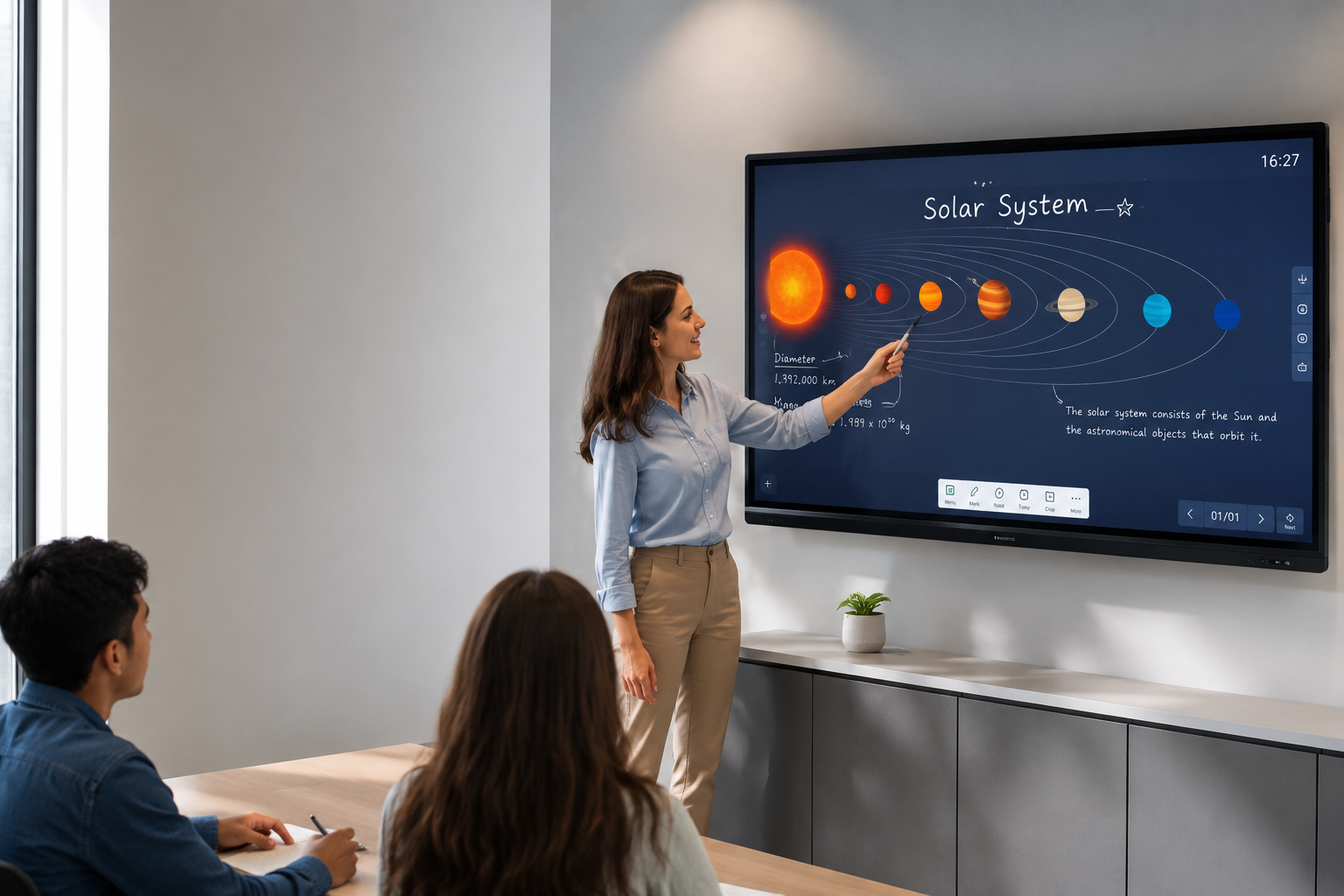
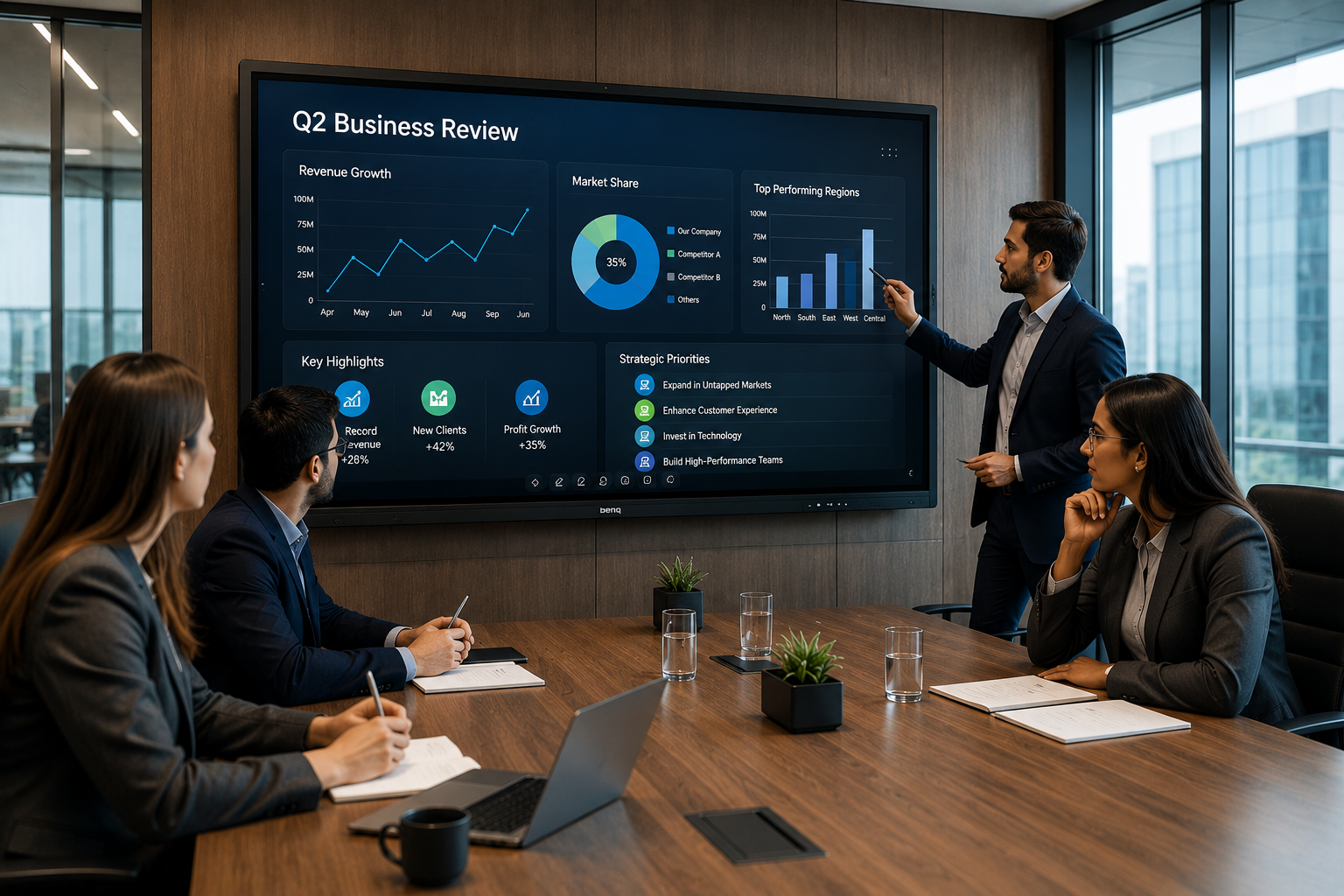
Walk into any modern office today and you'll notice something. That old whiteboard covered in half-erased marker stains? Gone. The projector that took ten minutes to warm up and still looked washed out? Also gone. In its place sits a sleek touchscreen display that everyone in the room actually wants to use.
I've sat through enough painful meetings to know why this shift happened. Somebody fumbling with HDMI cables. A laptop that won't connect to the projector. Half the team squinting at a screen because the sunlight from the window is drowning out the presentation. An Interactive Flat Panel for Business fixes all of that in one shot, and honestly, once you use one properly, going back feels like driving a car with hand-crank windows.
Let's get into what actually makes these panels worth the investment, and which features actually move the needle for your team.
The Core Interactive Flat Panel Features That Actually Matter
Not every feature on the spec sheet deserves your attention. Some are just marketing fluff. Here's what genuinely changes how your team works together:
- Multi-touch responsiveness — Multiple people can write, drag, and annotate on the screen at the same time, not one person hogging the pen while everyone else watches.
- Wireless screen sharing — Anyone in the room casts their laptop or phone screen in seconds, no cables, no IT ticket, no waiting.
- Built-in whiteboarding software — Digital sticky notes, mind maps, and freehand drawing that save automatically instead of vanishing the second someone wipes the board.
- 4K display clarity — Text and spreadsheets stay sharp even when six people are crowded around a nine-foot screen.
- Cloud integration — Save your session, email it to the team, or pick it back up tomorrow without losing a single note.
- Video conferencing compatibility — Built-in cameras, mics, and speakers mean remote colleagues aren't squinting at a tiny laptop webcam feed.
These aren't nice-to-haves anymore. They're the baseline expectation for any Business Collaboration Display worth putting in your conference room.
How an Interactive Display for Meetings Changes the Room's Energy
Here's something nobody talks about enough the psychology of a meeting shifts the moment you swap a static screen for something interactive.
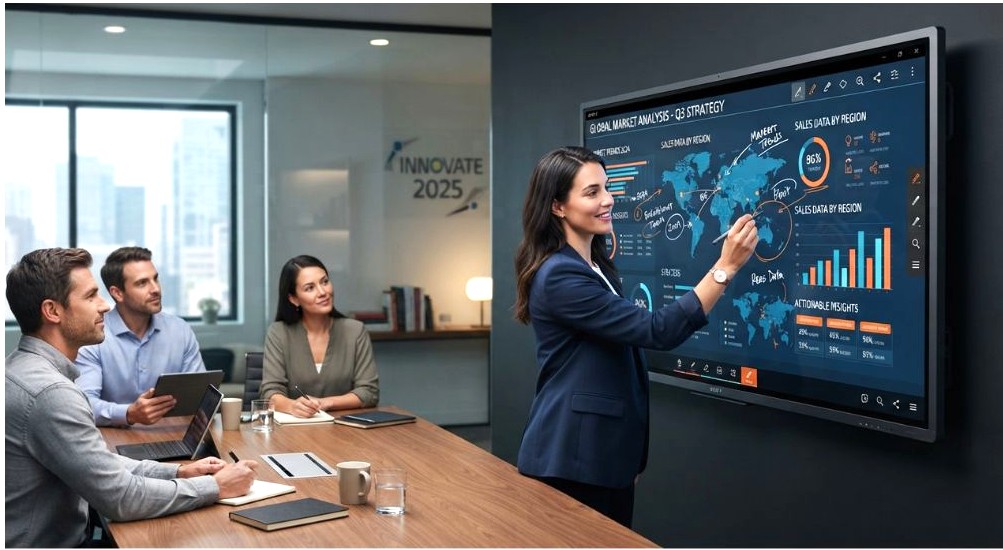
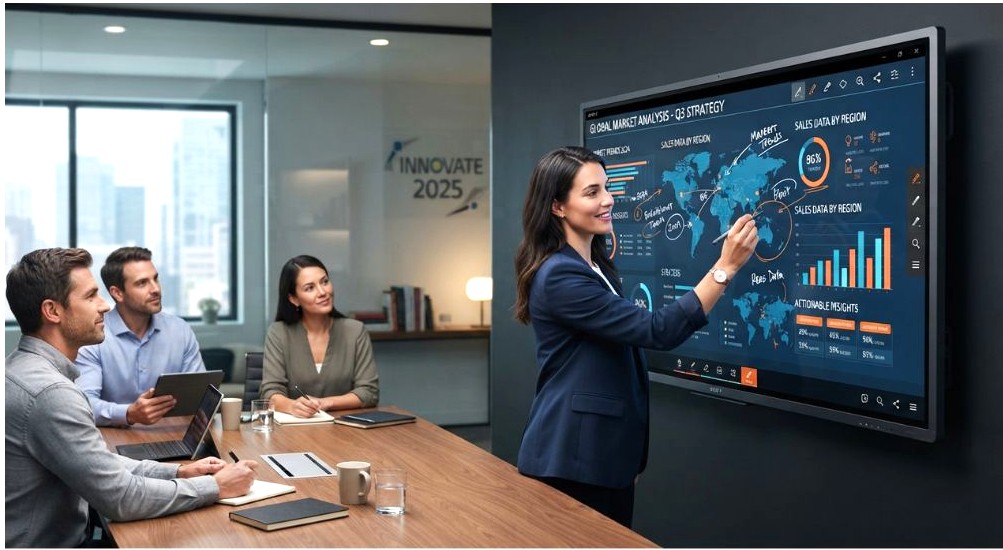
Think about it this way. A regular screen is a lecture. One person talks, everyone else nods along, half the room is mentally drafting emails. An Interactive Display for Meetings turns that dynamic on its head. Suddenly people are walking up, tapping, dragging boxes around, adding their two cents directly onto the screen. It's the difference between watching a cooking show and actually being in the kitchen.
A few practical shifts I've noticed teams experience:
- Junior staff speak up more because contributing feels less like interrupting and more like just... adding to the board.
- Decisions get documented in real time instead of relying on someone's rushed notes afterward.
- Brainstorming sessions stop dying after the first five minutes because there's a visual, moving canvas keeping momentum going.
- Meetings run shorter because everyone's literally pointing at the same thing instead of arguing over which spreadsheet version is correct.
If your meetings currently feel like a chore people tolerate rather than a session they show up ready for, this is usually where the disconnect lives.
Setting Up an Interactive Flat Panel for Conference Room Use
Buying the panel is step one. Setting it up so your team actually uses it properly is where most companies drop the ball. A few things I'd tell any business owner before installation day:
- Mount it at the right height. Sounds obvious, but I've seen panels installed too high for shorter staff to reach the top toolbar. Measure your average team member's arm reach, not just where it "looks good" on the wall.
- Check your room's lighting. An Interactive Flat Panel for Conference Room setups needs anti-glare consideration, especially if there's a window facing the screen. Ask your vendor about brightness ratings before you commit.
- Test your existing software stack first. Whatever tool your team already lives in — video calls, project boards, whatever — confirm the panel plays nice with it before installation, not after.
- Train the room, not just IT. The biggest waste I've seen is companies spending thousands on hardware and then never showing the actual staff how to use half its features. Fifteen minutes of training saves months of underuse.
- Plan the cable and power setup ahead of time. Even wireless panels need power routing sorted properly so cords aren't dangling across a boardroom table.
Get these right and the panel earns its keep from day one instead of becoming an expensive wall decoration nobody touches.
What ROI Actually Looks Like With an Interactive Flat Panel for Business
Let's talk money, because at the end of the day, that's what you're really weighing here.
An Interactive Flat Panel for Business isn't cheap upfront. I won't pretend otherwise. But the return shows up in places people don't always expect:
- Fewer wasted meeting hours. If your average meeting runs even ten minutes shorter because decisions happen faster, multiply that across every team, every week, every month. That adds up to real payroll savings.
- Reduced travel costs. Better video conferencing quality means fewer "let's just fly out for this" decisions.
- Less duplicated work. When meeting notes and whiteboard sessions save automatically, nobody's reconstructing what was discussed from memory two days later.
- Faster onboarding for new hires. Recorded sessions and saved boards mean new team members can catch up on past discussions without someone re-explaining everything from scratch.
- Better client impressions. Walking a client through a proposal on a crisp interactive display looks a lot more credible than a laptop screen turned sideways on a table.
None of this shows up as a single dramatic number on a spreadsheet. It's death by a thousand small inefficiencies that quietly disappear once the right tools are in place.
Choosing the Right Panel for Your Business
Not every business needs the same setup. A five-person startup and a two-hundred-employee firm have completely different requirements, and it's worth being honest about that before you buy.
Ask yourself:
- How many people typically join your meetings, in person and remote combined?
- Does your team need annotation tools for design or technical work, or mostly just presentations?
- Will this live in one boardroom, or do you need panels across multiple offices?
- What's your existing software ecosystem, and does the panel integrate cleanly with it?
There's no universal "best" panel. There's the best one for how your team actually works, which is a very different question.
Final Thoughts
Collaboration tools have quietly become a competitive advantage rather than just office furniture. An Interactive Flat Panel for Business won't fix a broken team culture or replace good leadership, but it removes a surprising number of small frictions that add up over time.
If you've been putting off upgrading your meeting room, consider this your nudge. Your team will notice the difference within the first week, and honestly, so will your clients.