
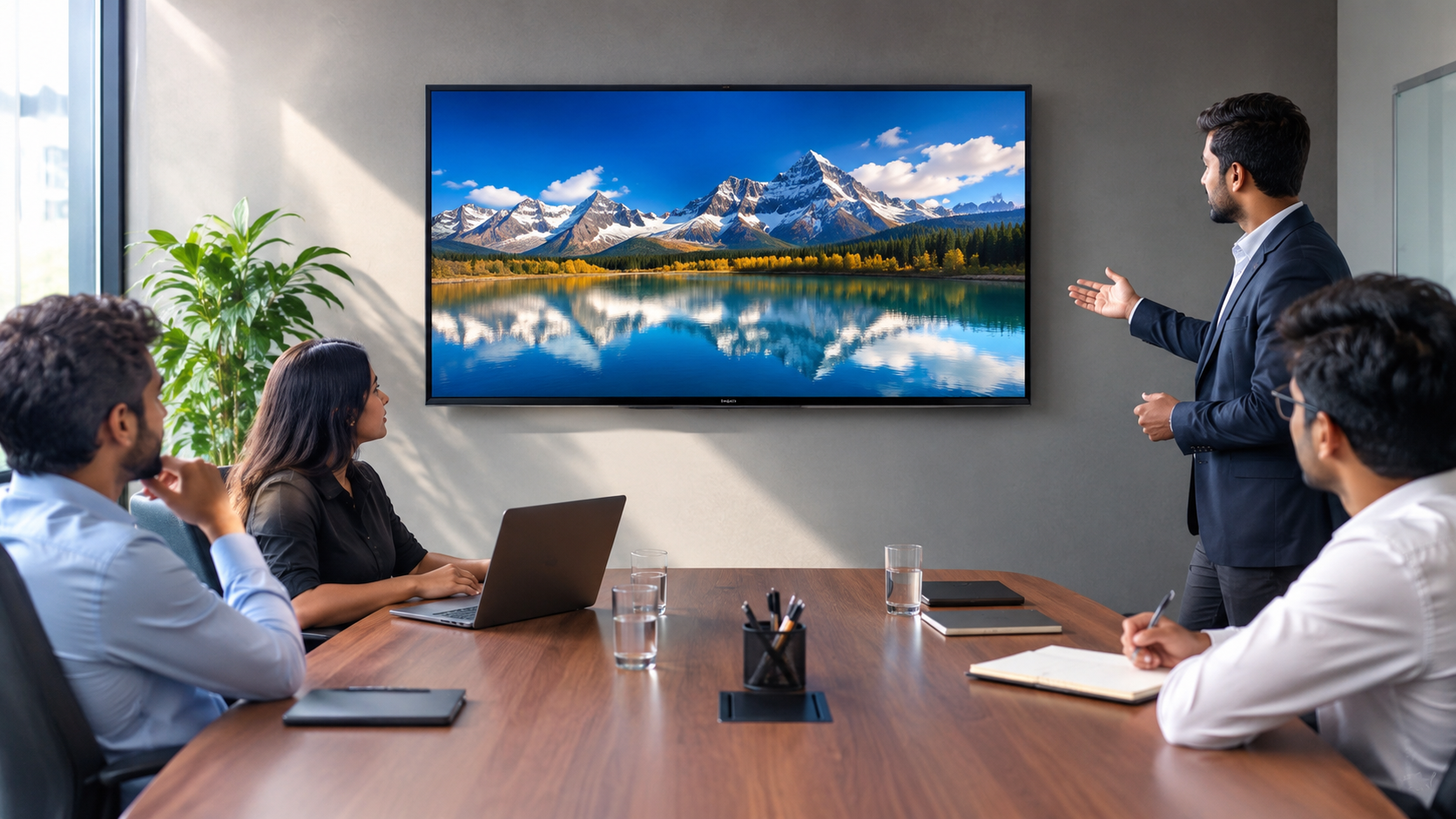
A 43-inch display can make a lot of sense when a business needs a screen for a small meeting room, reception area, office cabin, or compact collaboration space. But choosing the right screen isn't simply about picking a size and placing an order.
The room, viewing distance, type of content and installation setup all matter. A screen that works perfectly in a small meeting room may feel too small in a larger space. On the other hand, going for a much bigger display when only a few people need to view it can mean spending more than necessary.
If you're considering a compact 4K display, the VU Glo 43-inch Mini LED TV is one option to consider as part of the wider VU Glo Mini LED TV range.
When Does a 43-Inch Display Make Sense?
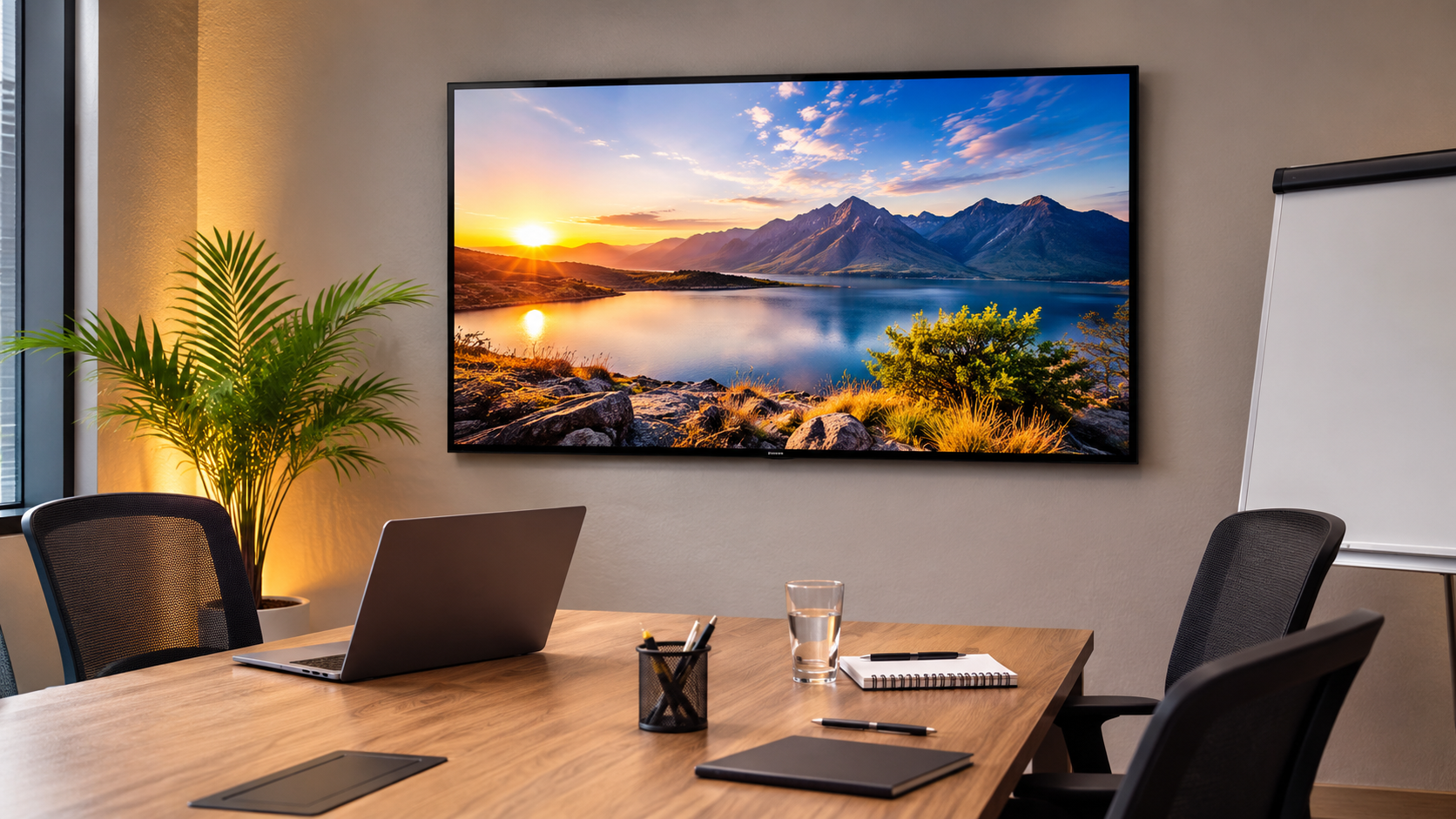
A 43-inch screen can work well when the audience is relatively small and people aren't sitting too far away from the display.
Some common examples include:
- Small meeting rooms
- Reception and waiting areas
- Manager cabins
- Compact office collaboration spaces
- Small retail counters
- Training rooms with a limited number of attendees
The easiest way to judge it is to think about the people who will actually use the screen. Can everyone read a presentation comfortably? Can someone sitting at the back see a dashboard clearly?
If the answer is yes, a 43-inch display may be enough. If the room is wider or more people will be viewing the screen, it is worth comparing larger options such as the 50-inch, 55-inch and 65-inch VU Glo models.
What Should You Check Before Choosing a 43-Inch Display?
1. Start With the Room, Not the Product
Before looking at specifications, take a good look at the room.
Measure the distance between the planned screen position and where people will normally sit. Also think about whether viewers will be seated throughout a meeting or whether people may need to view the screen while standing or moving around.
A 43-inch display can be perfectly comfortable for a small four-person meeting room, but the same screen may not work as well when a larger team is sitting farther away.
In other words, the room should decide the screen size not the other way around.
2. Think About What You'll Actually Show
The type of content matters more than it first appears.
For example, the screen might be used for:
- Business presentations
- Video calls
- Dashboards
- Training videos
- Reception information
- Product or brand visuals
- Entertainment content in hospitality or waiting areas
If your team regularly works with spreadsheets, detailed dashboards or text-heavy presentations, visibility becomes particularly important. Don't just check whether the content technically fits on the screen; consider whether people can comfortably read it from their usual seats.
3. Check Your Connectivity Requirements
This is one of those details that's easy to overlook until installation day.
Make a list of the devices you expect to connect to the display. Depending on your setup, that could include laptops, media devices, network equipment or USB-based content sources.
The product information for the VU Glo 43-inch model lists three HDMI inputs, USB inputs, Apple AirPlay, Google Chromecast, 2-Way Bluetooth and dual-band Wi-Fi.
Before placing a final order, match those listed connections with your actual setup. It is much easier to discover a missing requirement before installation than after everything is mounted.
4. Don't Leave Installation Until the Last Minute
The display may be the main part of the purchase, but the installation details deserve attention too.
Check:
- Available wall space
- Mounting position
- Power-point location
- Cable routing
- Network access
- Seating and viewing angle
- Whether you plan to use a wall mount or stand
These details also make it easier for a supplier to understand exactly what you're looking for when you request a quotation.
Why the Cheapest Display Isn't Always the Right Choice
Price will obviously be part of the buying decision. But for a business, the cheapest option isn't automatically the best value.
A screen that's too small may make presentations harder to follow. A display that doesn't have the connections your team needs can create additional hassle. And a poor fit for the room can make the purchase feel wrong from day one.
Instead, look at the complete requirement:
- Room size
- Viewing distance
- Number of viewers
- Type of content
- Connectivity
- Installation requirements
- Intended use
- Quantity needed
For a compact setup, a 43-inch model may be a sensible choice. If you're dealing with a larger room or longer viewing distances, compare it with the larger models in the VU Glo Mini LED TV range before making the final decision.
What Does the VU Glo 43-Inch Mini LED TV Offer?
The VU GLO 43 MINILED TV is listed as a 43-inch 4K UHD Mini-LED model.
According to the product information, it includes features such as:
- QD Mini-LED picture technology
- Google TV OS with Gemini
- Dolby Vision
- HDR10
- HLG
- Apple AirPlay
- Google Chromecast
- 2-Way Bluetooth
- 2.2-channel 50-watt VuFX sound system
- Three HDMI inputs
- USB connectivity
- 16GB storage
- 2GB RAM
Whether those features make it the right choice for your particular setup depends on how you plan to use the screen.
For that reason, it is worth reviewing the complete VU Glo 43-inch Mini LED TV product information before making a procurement decision.
Frequently Asked Questions
Is a 43-inch display suitable for a small meeting room?
It can be, particularly when the room is compact, the audience is small and the viewing distance is relatively short. Measuring the room before choosing the display is still important.
What should businesses check before buying a meeting-room display?
Start with viewing distance, room layout, screen placement, connectivity, power access, installation requirements, audience size and the type of content that will be displayed most often.
Should I compare a 43-inch and 50-inch display?
Yes. If people will be sitting farther away or more viewers need to see the screen, comparing the 43-inch and 50-inch options can help you make a more suitable choice.
Can I request a quotation for a business display requirement?
Yes. When requesting a quotation, it helps to provide details such as the intended use, required quantity, installation city and preferred screen size.