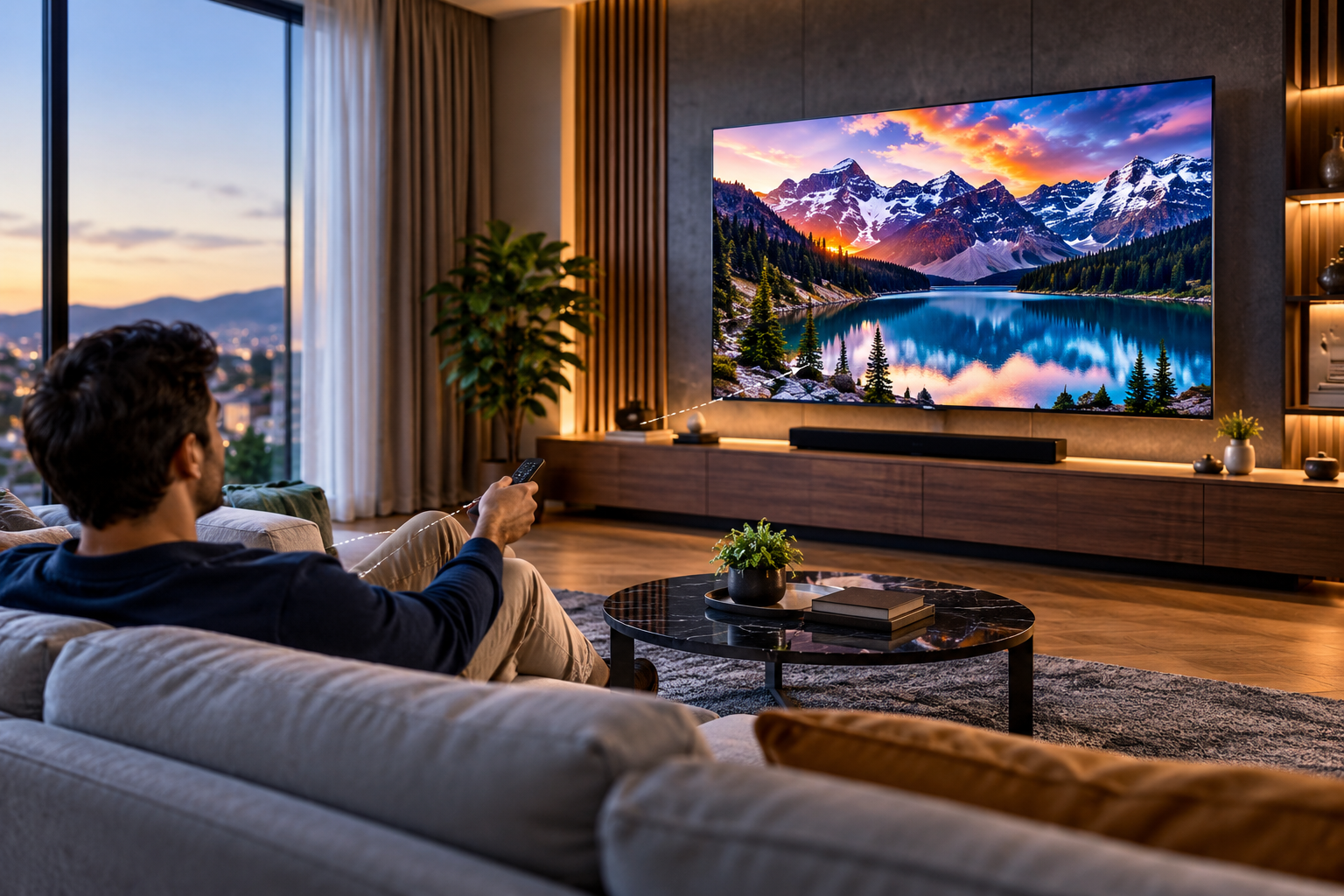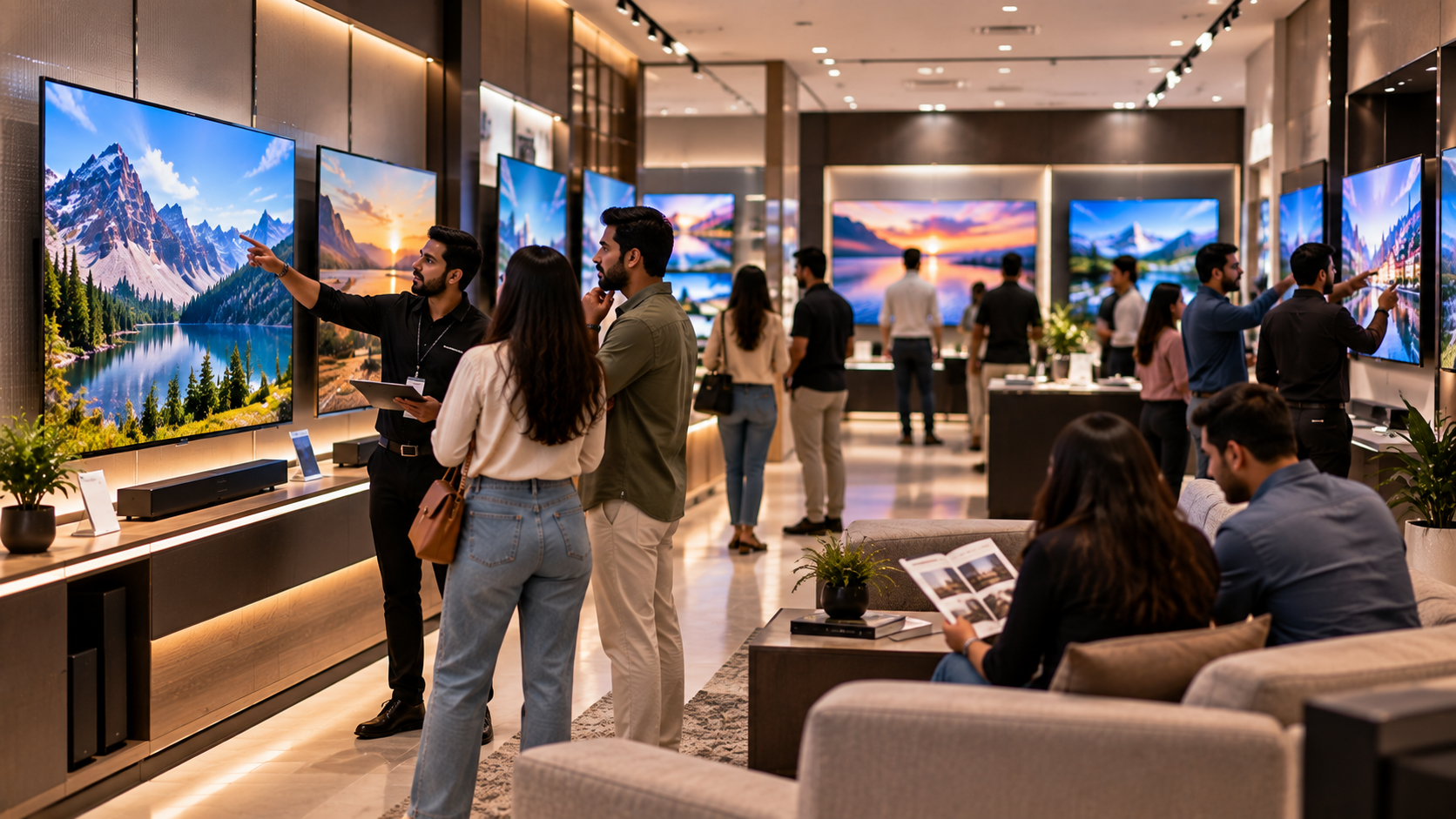

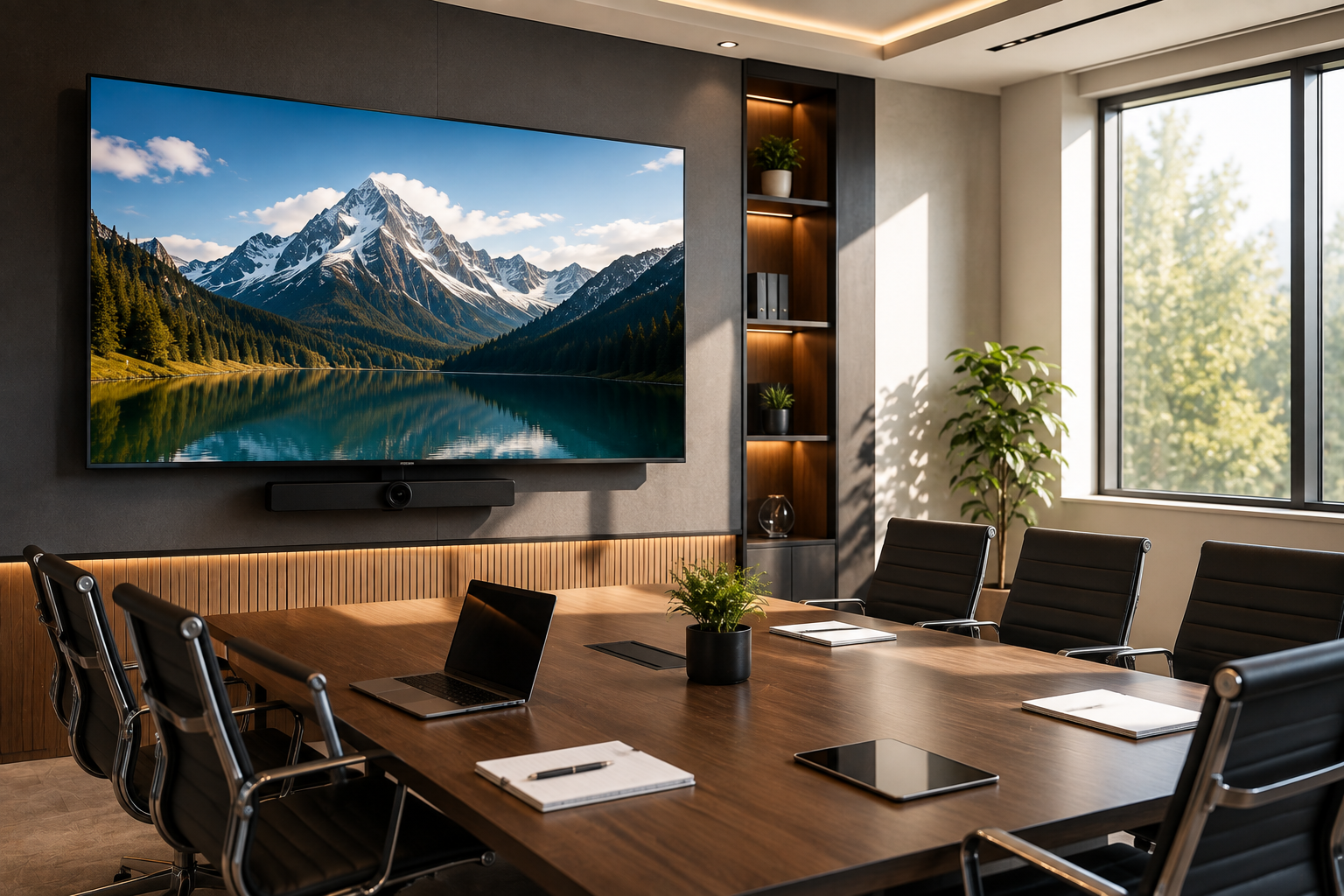
 Choosing a 50-inch Mini LED TV for a business isn't as simple as measuring the wall and picking whatever fits. The better question is: will people actually be able to see and use the screen comfortably?
For a small meeting room, office discussion area, reception space or showroom, a 50-inch screen can offer a useful middle ground between visibility and space. But that only works when the viewing distance, room layout, content and installation setup all make sense.
If you're currently comparing options, this guide will help you work through those decisions before placing an order. And if you've already decided that 50 inches is the right size, you can also review the VU Glo 50-inch Mini LED TV as one option within the VU Glo range.
Key Takeaways
- A 50-inch Mini LED TV can suit compact and medium-sized business spaces.
- Viewing distance is more important than simply measuring the wall.
- The type of content matters, especially for presentations and detailed dashboards.
- Connectivity and installation should be checked before purchasing.
- If you're between sizes, compare 50-inch and 55-inch options rather than automatically choosing the larger screen.
- Once the size is clear, review the specific product and its available specifications before making the final decision.
Is a 50-Inch Mini LED TV the Right Size for Your Space?
There isn't one room size where a 50-inch screen suddenly becomes the "correct" choice. The people using it and the way they use it matter more.
A 50-inch screen may work well in places such as:
- Small or medium meeting rooms
- Office discussion areas
- Manager cabins
- Reception and waiting areas
- Compact training rooms
- Retail counters
- Showroom information areas
- Hospitality lounges
Imagine a meeting room where six people sit around a table and everyone is reasonably close to the screen. A 50-inch display could be a comfortable fit.
Now imagine the same screen at the end of a longer room with ten people sitting several metres away. That is a different situation. Small text in a presentation or spreadsheet may become harder to read.
So before looking at the product, ask yourself one simple question:
Can the person sitting farthest away comfortably read what's on the screen?
If you're not sure, it is worth comparing a larger size before making the purchase.
Start With Viewing Distance
This is probably the easiest part of the buying decision to overlook.
Most people measure the wall, check whether a 50-inch screen will physically fit, and stop there. But a screen can fit perfectly on a wall and still be uncomfortable to use.
Measure from the planned screen position to the farthest regular viewer, not just the nearest chair.
Think about what people will actually be doing:
- Sitting around a meeting table
- Standing during presentations
- Joining video calls
- Looking at dashboards
- Watching training material
- Viewing information from a reception area
Viewing angle matters too. A screen mounted too high, placed in a corner, or positioned where some seats have a poor angle can reduce visibility even when the size itself is adequate.
A quick walk around the room before ordering can tell you more than staring at a product specification sheet.
What Will You Actually Show on the Screen?
A display used for a brand video doesn't have the same job as one showing a spreadsheet.
Think about the content your team or customers will see most often:
- Presentation slides
- Video conferences
- Training material
- Business dashboards
- Product information
- Reception messages
- Brand videos
- Promotional content
- Hospitality entertainment
If the screen will mainly show videos or visual content, viewing may be relatively straightforward.
Detailed presentations are different. Small text, charts and spreadsheets need to remain readable from the back of the room. In that situation, screen size and seating arrangement need to work together.
This is why choosing a display based only on screen size can be misleading. The display needs to suit the job you expect it to do.
Look at the Room Layout Before Buying
Two rooms with similar floor areas can have completely different display requirements.
A long meeting room, for example, may require more screen size than a compact square room. A reception area may have visitors approaching from several directions. A showroom display might need to remain noticeable from farther away.
Before choosing a 50-inch model, check:
- Room width and depth
- Farthest viewing distance
- Seating arrangement
- Viewing angles
- Available wall space
- Ceiling height
- Nearby windows and lighting
- Planned mounting position
Also think a little beyond today's requirement.
If a room currently hosts small team meetings but may later be used for larger discussions, choosing a display right at the limit of what the room needs could become inconvenient later.
Don't Forget Connectivity
A display can have the right size and still be a poor fit if it doesn't work with the devices your team uses.
Before buying, make a simple list of everything that needs to connect to the screen.
For example:
- Employee laptops
- Media devices
- USB content sources
- Wireless casting devices
- Network connections
- Video-conferencing equipment
Then ask:
- Will employees regularly connect their laptops?
- Is wireless screen sharing required?
- Will a media player be connected?
- Does the display need network access?
- Are USB connections important?
- Does the IT team have specific compatibility requirements?
This becomes even more important when you're purchasing multiple displays for different rooms or locations. A setup that works in one office may not necessarily work everywhere.
It's much easier to sort out these questions before the order than after the display has been installed.
Installation Should Be Part of the Purchase Decision
Installation isn't something to think about after the product arrives.
Before finalising the requirement, check:
- Available wall space
- Mounting position
- Wall suitability
- Power-point location
- Cable routing
- Network access
- Nearby windows or bright light
- Whether a stand or wall mount is required
- Whether the display needs to remain fixed or movable
Even a well-sized screen can become awkward if it is mounted too high or if cables and power access haven't been planned properly.
For businesses requesting quotations, having these details ready also makes it easier to explain the requirement to the supplier.
50-Inch or 55-Inch: When Should You Compare?
If you're unsure whether 50 inches will be enough, don't treat the decision as a simple "smaller versus bigger" choice.
Compare a 50-inch and 55-inch option when:
- More people regularly need to see the screen
- Viewers sit farther away
- Presentations contain detailed text or data
- The display will serve both internal and customer-facing purposes
- The room may have a different use in the future
- You're already close to the limit of comfortable visibility
The point isn't to automatically move up to 55 inches. It's to make sure you don't end up replacing a screen because the original choice was slightly undersized.
If you want to compare the available options within the same range, you can review the VU Glo Mini LED TV series and then narrow the requirement to the size that fits your space.
Common Mistakes to Avoid
Choosing only on price
The lowest upfront price isn't necessarily the best business purchase. If the screen doesn't work well for the room, the saving doesn't mean much.
Measuring only the wall
A screen fitting on the wall doesn't tell you whether everyone can see it comfortably. Always consider viewing distance.
Ignoring the content
A screen used for promotional videos has different requirements from one used for detailed financial presentations or dashboards.
Planning installation too late
Power, mounting, cables and network access should be considered before ordering.
Not comparing nearby sizes
If you're unsure between 50 and 55 inches, compare both before finalising the purchase. That's easier than changing the display later.
A Simple 50-Inch Mini LED TV Buying Checklist
Before you place an order, run through this list:
- Room size and layout checked
- Farthest viewing distance measured
- Number of regular viewers considered
- Main content type identified
- Wall or stand installation decided
- Power and cable access checked
- Connectivity requirements confirmed
- Required quantity confirmed
- 50-inch size compared with a larger option where necessary
- Product specifications reviewed before procurement
Once these points are clear, you can take a closer look at the VU Glo 50-inch Mini LED TV and decide whether it fits the actual requirement.
Frequently Asked Questions
Is a 50-inch Mini LED TV suitable for a meeting room?
It can be suitable for a compact or medium-sized meeting room when the viewing distance and audience size are appropriate. The room layout and type of content should guide the final decision.
Should I choose a 50-inch or 55-inch Mini LED TV?
Compare both if viewers sit farther away, the room is larger, or the screen will regularly display detailed presentations and dashboards. The right choice depends on the actual viewing conditions.
Can a 50-inch display work in a reception area?
Yes, it may work well in a compact reception or waiting area. Consider where visitors will sit or stand and how far they will be from the screen.
What should businesses check before buying a 50-inch display?
Check the viewing distance, room layout, audience size, content type, installation requirements, connectivity and quantity needed.
Why does viewing distance matter when choosing a display?
Viewing distance affects how comfortably people can read and understand what is shown on screen. A display that is too small for the room may make presentations and detailed content harder to follow.
Final Thought
A 50-inch Mini LED TV can be a sensible choice when the room, audience and intended use all line up. The mistake is deciding on the size first and trying to make the room work around it.
Measure the viewing distance. Think about the content. Check the installation and connectivity requirements. Then compare the available options.
If your requirement points towards a 50-inch screen, review the VU Glo 50-inch Mini LED TV and its available product information before making the final procurement decision.