

Interactive Flat Panel: The Complete Guide for Modern Classrooms and Meeting Rooms
Imagine a meeting room where ideas flow seamlessly teams annotate directly on the screen, share content wirelessly, and walk away with everything saved. Or a classroom where students engage with lessons by touching, dragging, and interacting instead of just watching.
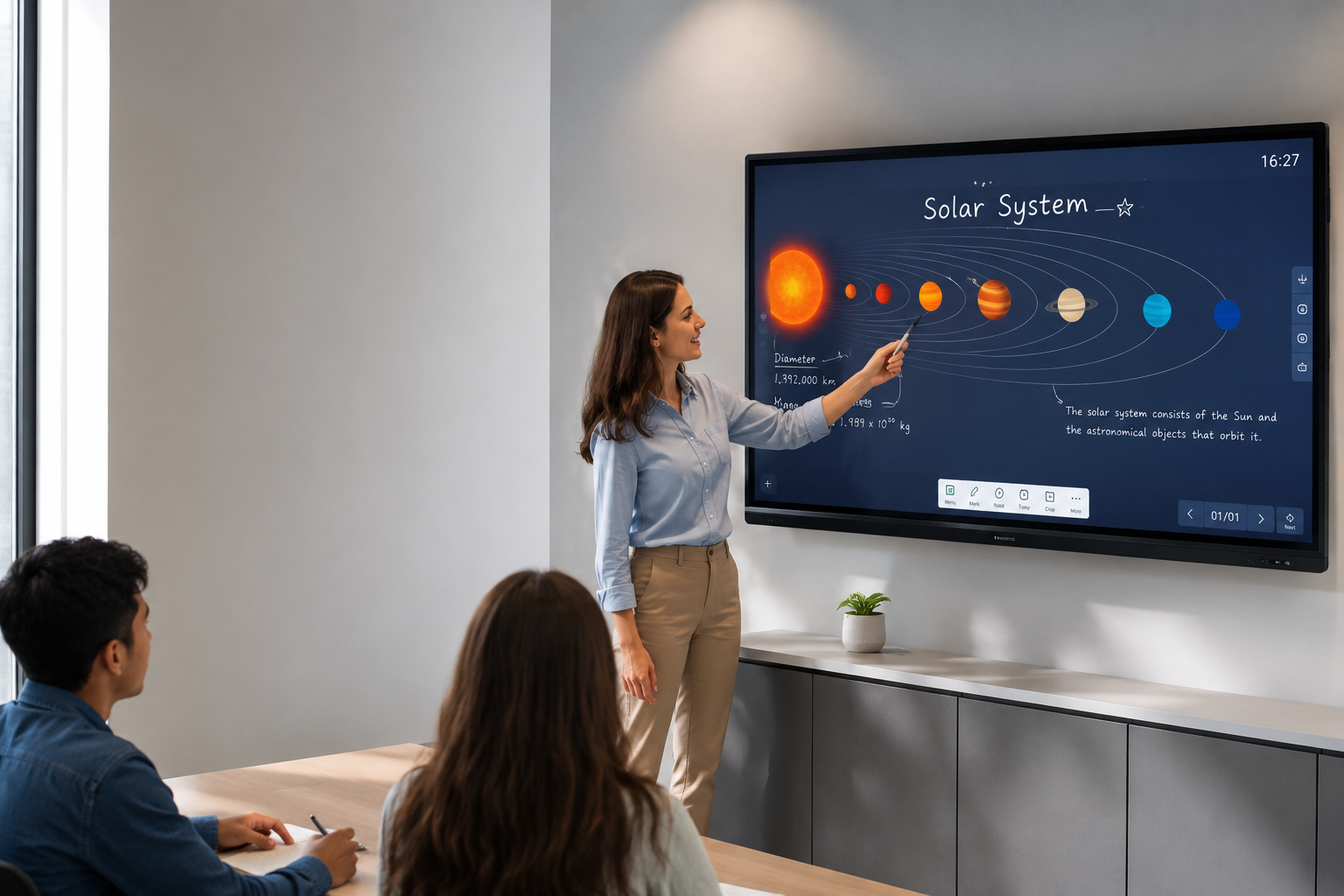
This is what an interactive flat panel delivers. Unlike a standard display that only shows content, an interactive flat panel lets users touch, write, and collaborate directly on the screen. It is transforming how businesses meet, how teachers teach, and how teams collaborate.
If you are looking for an interactive flat panel
for your school, college, or corporate office in Delhi, this guide covers everything you need to know from benefits and types to buying factors and brand comparison.
 What is an Interactive Flat Panel?
An interactive flat panel (IFP) is a large touch-screen display that combines a 4K UHD screen with touch interaction technology. Users can write, draw, move objects, and control applications directly on the screen using their fingers or a stylus.
Think of it as a giant tablet mounted on a wall or stand but built for continuous commercial use. Interactive flat panels have replaced ageing projectors and whiteboards in modern workplaces and educational institutions because they offer:
- Brighter, clearer images even in well-lit rooms
- Touch responsiveness with minimal lag
- Built-in Android or Windows operating systems
- Wireless screen sharing from laptops, phones, and tablets
The most common commercial-grade options include the Samsung WAF Series Interactive Flat Panel and LG interactive displays, both designed for 24/7 operation in educational and corporate environments.
Key Benefits of Interactive Flat Panels
1. Enhanced Collaboration
Multiple users can interact with the screen simultaneously. Team members can brainstorm, annotate documents, and share ideas in real time whether they are in the same room or joining remotely.
2. Improved Engagement
Studies show that interactive learning increases student engagement by up to 60%. Touch-based interaction keeps participants active rather than passive, leading to better information retention.
3. Cost Savings Over Time
An interactive flat panel replaces projectors, screens, whiteboards, markers, and cleaning supplies. With no bulbs to replace and no consumables, the total cost of ownership is significantly lower.'
4. Wireless Connectivity
Modern IFPs support screen mirroring from any device — laptops, smartphones, and tablets — without cables or adapters. This makes meetings and lessons start faster and run smoother.
5. Easy Content Sharing
Annotations and notes from sessions can be saved, emailed, or shared to the cloud instantly. No more photographing whiteboards or transcribing notes.
Types of Interactive Displays
Touch Screen Display with Infrared Technology
Infrared (IR) touch screens are the most common in commercial interactive flat panels. They use sensors around the bezel to detect touch, supporting up to 20 simultaneous touch points. These are ideal for classrooms and conference rooms where multiple users interact at once.
Capacitive Touch Display
Capacitive touch screens offer a more responsive experience similar to a smartphone. They support gestures like pinch, zoom, and swipe. Premium interactive flat panels like the Samsung WAF Series use advanced touch technology for smooth, lag-free interaction.
Windows-Based Interactive Panel
For advanced applications requiring specific software, some interactive flat panels include a Windows module or support PC connection. This is common in corporate training rooms and higher education settings.
 Industry Applications of Interactive Flat Panels
Education Schools and Colleges
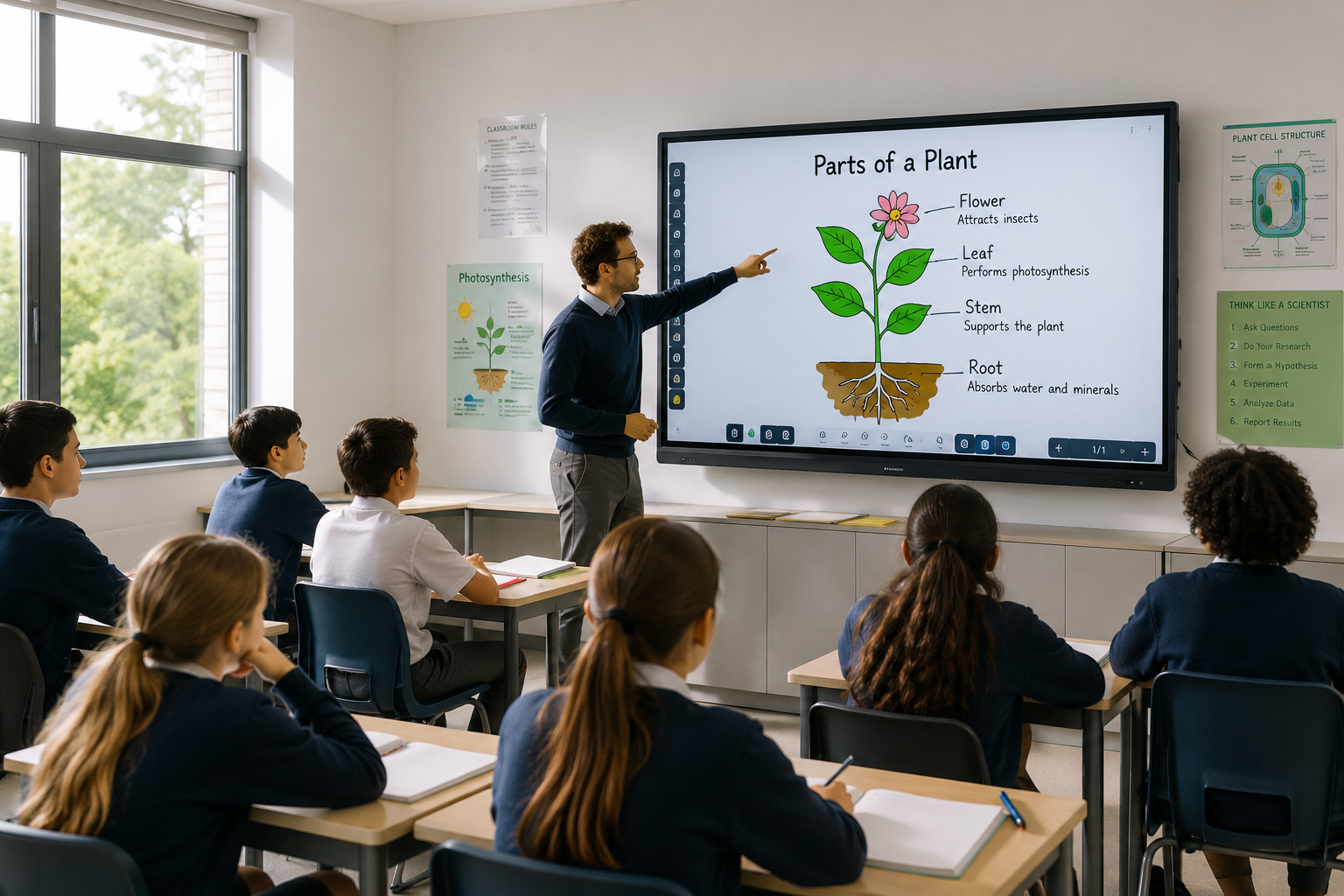
Interactive flat panels are replacing traditional blackboards and projectors in classrooms across India. Teachers can display lessons, annotate in real time, record sessions, and share materials digitally. A smart classroom display makes learning visual, interactive, and accessible for every student.
 Corporate Meeting and Board Rooms
In corporate environments, interactive flat panels streamline presentations, brainstorming sessions, and client meetings. Wireless screen sharing and annotation tools reduce meeting time and improve decision-making.
Corporate Training Centres
Training rooms benefit from interactive displays that allow instructors to present, annotate, and share materials seamlessly. Trainees can participate using their own devices via wireless connectivity.
Healthcare Patient Education and Consultation
Hospitals and clinics use interactive flat panels to explain diagnoses visually, display test results, and educate patients. Touch interaction makes it easy for doctors to highlight specific areas of interest.
Government and Public Sector
Government offices use IFPs for digital collaboration, public information displays, and training. The durability and long lifespan of commercial-grade panels make them suitable for high-usage environments.
Retail Interactive Product Displays
Retail stores use interactive flat panels as digital catalogues where customers can browse products, check specifications, and explore options through touch interaction.
 How to Choose the Right Interactive Flat Panel
Choosing the best interactive display for your needs depends on several factors:
1. Screen Size
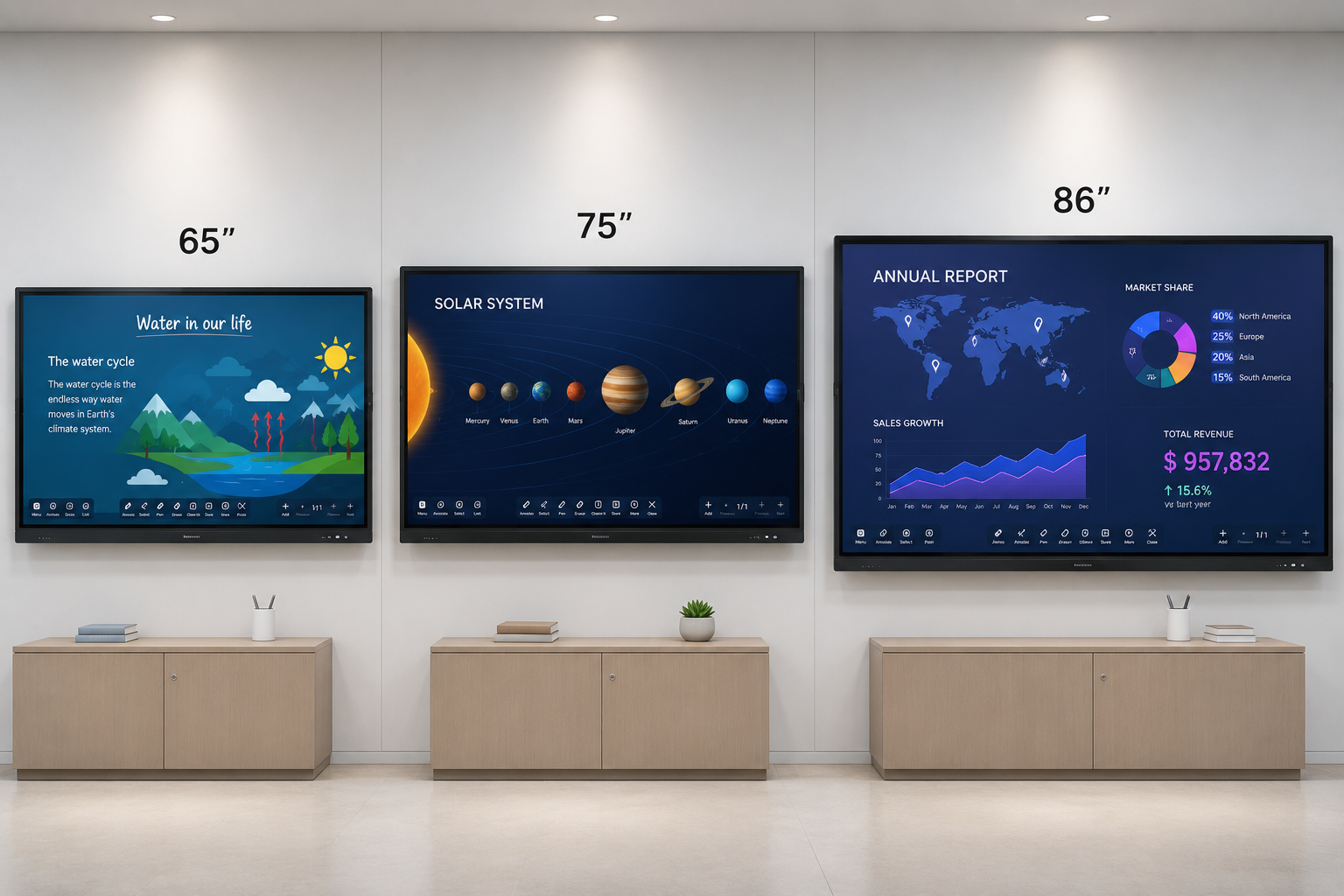
Common sizes range from 55 to 86 inches. For classrooms and small meeting rooms (up to 10 people), 65 inches is ideal. For larger rooms and training halls, 75 or 86 inches is recommended.
2. Touch Points
More touch points allow multiple users to interact simultaneously. For classrooms, look for 20-point touch minimum. For meeting rooms, 10-point touch is usually sufficient.
3. Resolution
Always choose 4K UHD (3840 x 2160) for crisp text and detailed visuals. Lower resolutions appear pixelated on large screens viewed up close.
4. Operating System
Android-based panels are cost-effective and easy to use. If you need Windows-specific software, choose a panel with Windows support or OPS (Open Pluggable Specification) slot.
5. Brightness and Anti-Glare
Classrooms and meeting rooms often have ambient lighting. Look for 350 nits or higher brightness with anti-glare coating for clear visibility.
6. Connectivity
Ensure the panel has enough HDMI, USB, and USB-C ports. Built-in Wi-Fi and Bluetooth are essential for wireless screen sharing.
7. Warranty and Support
Commercial-grade interactive flat panels should come with at least 3 years of on-site warranty. This is critical for schools and businesses that rely on daily usage.
8. Mounting Options
Wall mounts, mobile stands, and height-adjustable trolleys are available depending on your space and usage pattern.
Brand Comparison: Samsung vs LG Interactive Displays
| Feature | Samsung WAF Series | LG Interactive Displays |
|---|---|---|
| Screen Sizes | 65,75, 86 | 65,75,86 |
| Touch Technology | Advanced IR, 20-Point Multi-Touch | IR Touch, 10–20 Point Multi-Touch |
| Display Resolution | 4K UHD (3840 × 2160) | 4K UHD (3840 × 2160) |
| Operating System | Android | webOS / Android |
| Wireless Screen Sharing | Yes (Built-in) | Yes (Built-in) |
| Brightness | 400 nits | 350–400 nits |
| Speaker System | Built-in 2.1 Channel Speakers | Built-in Stereo Speakers |
| Warranty | 3 Years On-Site Warranty | 3 Years On-Site Warranty |
| Best For | Smart Classrooms, Corporate Training, Meeting Rooms | Schools, Colleges, Corporate Offices, Collaboration Spaces |
Both brands deliver excellent quality. The Samsung WAF Series is preferred for education environments due to its advanced touch responsiveness and content management features. LG interactive displays are a strong choice for corporate settings with webOS integration.
Why Choose Vishwanath Traders for Your Interactive Flat Panel
With over 13 years in the commercial display industry, Vishwanath Traders is a trusted supplier of interactive flat panels and display solutions in Delhi. As an authorised VU partner and reseller of Samsung and LG we provide genuine products with full warranty and support.
13+ Years Experience : Established in 2012, we understand the Indian education and corporate market
Authorised Partner of VU Televisions and Reseller of samsung and LG for commercial displays
Pan India Supply : Delivery and installation support across all major cities
GST Billing : Enterprise-grade billing for schools, colleges, and corporate procurement
Bulk Orders : Volume pricing for institutional and enterprise deployments
End-to-End Support : From product selection to installation and after-sales service
MultiBrand Portfolio : Samsung + LG under one roof for easy comparison
Frequently Asked Questions
1. What is an interactive flat panel?
An interactive flat panel is a large touch-screen display that allows users to write, draw, and interact directly on the screen using fingers or a stylus.
2. What is the difference between an interactive flat panel and a regular TV?
Unlike a regular TV, an IFP has touch capability, runs Android or Windows software, supports wireless screen sharing, and is built for continuous commercial use.
3. Can I use an interactive flat panel without a computer?
Yes. Most IFPs come with built-in Android OS, so you can run apps, display content, and annotate without connecting any external device.
4. How many touch points do I need?
For classrooms, 20 touch points are recommended. For meeting rooms, 10 touch points are usually sufficient.
5. What size interactive flat panel should I buy?
65 inches for rooms up to 10 people, 75 inches for 10-15 people, 86 inches for larger rooms and training halls.
6. Is an interactive flat panel better than a projector?
Yes. IFPs offer brighter images, no shadow issues, no bulb replacement, touch interaction, and wireless connectivity all in one device.
7. Can students write on the screen simultaneously?
Yes. Modern interactive flat panels support multi-touch, so multiple students can write or draw at the same time.
8. Do I need special software for an interactive flat panel?
Most IFPs come with built-in whiteboarding and annotation software. Optional educational and collaboration software can enhance functionality.
9. What is the lifespan of an interactive flat panel?
Commercial-grade IFPs are rated for 50,000+ hours of operation, which translates to 10+ years of typical school or office usage.
10. Do you offer installation in Delhi?
Yes. Vishwanath Traders provides professional installation services for interactive flat panels across Delhi NCR and pan India.
Conclusion
An interactive flat panel is more than just a screen it is a complete collaboration tool that transforms how people teach, learn, and work together. Whether you need an interactive display for your school classroom, a touch screen display for your meeting room, or a smart classroom display for your training centre, choosing the right interactive flat panel is a long-term investment in productivity and engagement.
Looking for the best interactive flat panel for your needs?
Vishwanath Traders offers the Samsung WAF Series Interactive Flat Panel and LG interactive displays at competitive B2B prices. As an authorised partner of Vu televisions and reseller of Samsung and LG in Delhi, we provide genuine products, GST billing, and pan-India delivery.
Call +91 8851717696 or visit www.vishwanathtrader.com for a free consultation and bulk pricing.