
When expanding across multiple locations, choosing the right digital signage is important. You need displays that fit each branch's environment, maintain a consistent brand experience, and offer value over the long term.
Samsung offers two commercial signage series: QMC and QBC. Which one is right for your business depends on the environment, operating hours, content requirements, and budget. The display that works well in your flagship store may not be the best choice for every branch.
Here are the key factors to consider before standardising your displays across multiple locations.
What Are the Major Differences Between Samsung QMC and QBC?
Both the Samsung QMC Series and Samsung QBC Series are designed for commercial use. However, their specifications and positioning differ. Compare individual models rather than assuming that every display in a series offers the same capabilities.
When comparing Samsung QMC and QBC, consider:
-
Display size and resolution: Does the screen fit the available space and suit the viewing distance at each branch?
-
Brightness and visibility: How much ambient light is present? Is the display near windows, and will customers view it from a distance?
-
Operating hours: Does the display's rated operating schedule match your branch's daily usage?
-
Mounting and connectivity: Can the display be installed in the required orientation? Does it offer the connections you need, and will it fit the available space?
-
Total cost: What are the costs of the display, installation, content management, maintenance, and replacement?
Always check the specifications of the exact model before placing a bulk order.
Why Does a Multi-Branch Rollout Need Its Own Strategy?
With one location, you can choose a display based on a single layout. A multi-branch rollout requires you to account for different layouts, lighting conditions, and customer traffic patterns.
Your rollout strategy should consider:
-
Brand consistency: Maintain a recognisable brand experience across all branches.
-
Localisation: Allow branches to promote local offers, services, and announcements.
-
Operational simplicity: Make displays easy to install, update, and troubleshoot.
-
Scalability: Ensure the solution remains suitable as your business expands.
-
Budget: Standardising one model may simplify purchasing, but using it everywhere could create unnecessary costs or visibility issues.
Rather than making every branch identical, consider grouping locations according to their requirements.
How Do You Choose the Best Display for Each Branch Environment?
The right display depends on the location and how it will be used.
Retail Stores and Showrooms
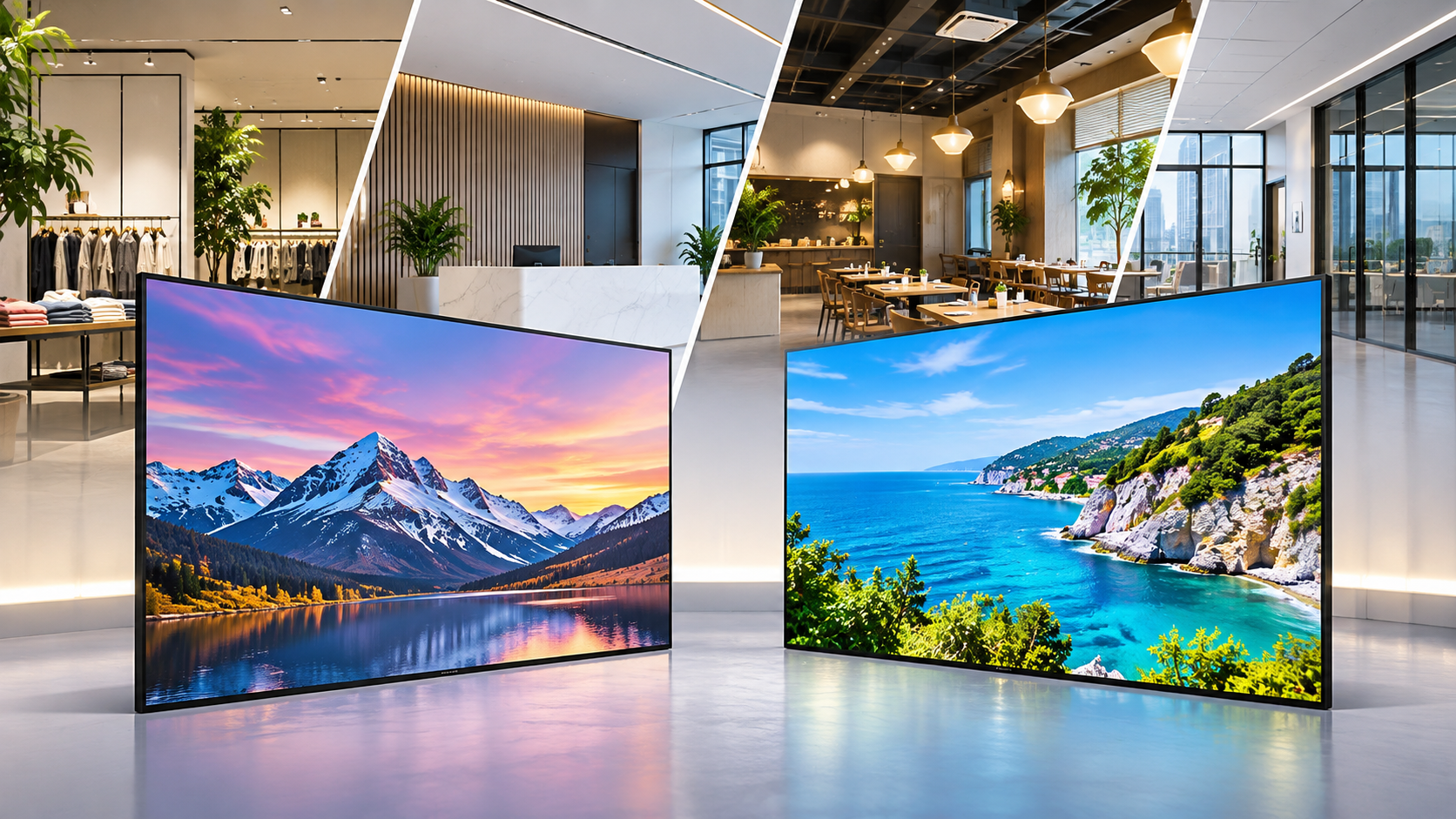
Retail displays can promote offers, provide product information, and communicate your brand story.
Consider:
-
How far away will customers be from the screen?
-
Will the display face bright windows or strong indoor lighting?
-
How often will the content change?
-
How many hours will the display operate each day?
Using one common model across stores with similar layouts can simplify planning and installation.
Offices and Reception Areas
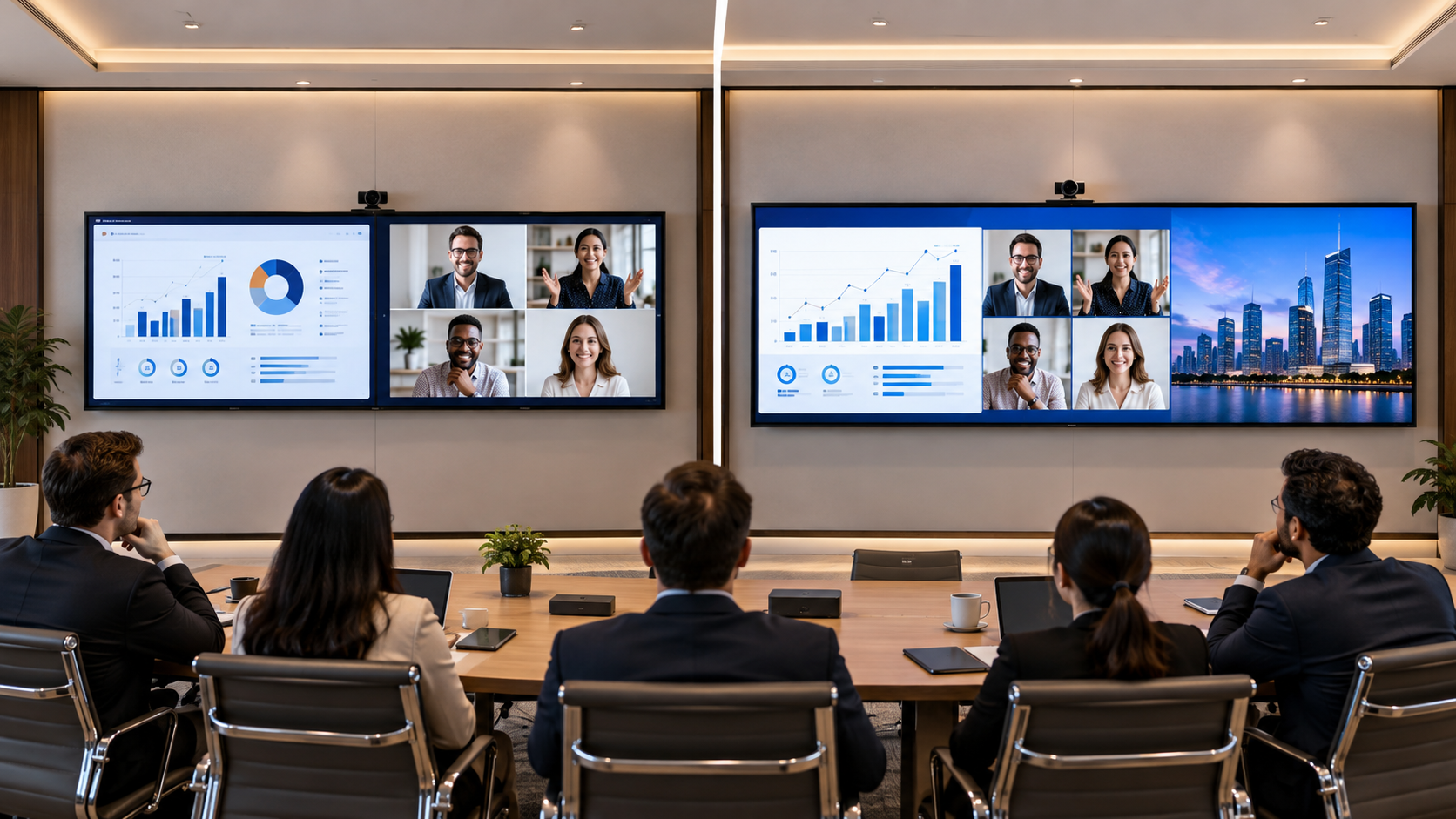
Office displays may show welcome messages, company news, meeting information, and internal announcements.
Consider:
-
Visibility from reception seating.
-
Mounting position and viewing angle.
-
Whether the display needs to operate beyond normal office hours.
Restaurants and Cafés
Displays in restaurants and cafés can show menus, promotions, and special offers.
Consider:
-
Whether menu text is readable from the ordering area.
-
Whether customers can understand the content at a glance.
-
The lighting conditions and daily operating hours.
Compare Samsung QMC and QBC based on these real-world requirements rather than choosing by series name alone.
How Do Operating Hours Affect Display Suitability?
The number of hours a display operates each day can affect its suitability and long-term cost.
Before selecting a model:
-
Check the manufacturer's rated daily operating hours.
-
Choose a display that matches the branch's planned usage.
-
Review warranty terms and any usage-related conditions.
-
Understand the maintenance process and replacement requirements.
A display used for a few hours a day has different requirements from one operating from early morning until late evening. For longer schedules, choose a model rated for the intended usage.
How Can You Manage Content Across Multiple Locations?
A network of displays is more effective when content can be managed efficiently.
Before installation, decide:
-
What content will be shared across all branches?
-
Which messages can be customised locally?
-
Who will approve promotional content?
-
How often will content be updated?
-
How will branches handle network issues?
A clear content strategy helps prevent outdated promotions, inconsistent branding, and unnecessary manual work. Make sure your content management platform supports your business requirements.
Should You Standardise Your Displays or Use a Mixed Approach?
Standardisation can simplify purchasing and support, but it should not come at the expense of individual branch needs.
Use these considerations when grouping locations:
| Location type | Key considerations |
|---|---|
| Small stores | Viewing distance, wall space, and budget |
| Large showrooms | Visibility and content impact |
| Office reception areas | Viewing angle, installation, and operating schedule |
| Restaurants | Menu readability, lighting, and operating hours |
| Flagship locations | Brand presentation and visitor experience |
If one model suits most branches, standardising may simplify deployment. If locations have significantly different requirements, a mixed approach may be more practical.
What Should You Include in Your Rollout Budget?
The purchase price is only one part of the total cost of ownership.
Plan for:
-
Display hardware.
-
Installation costs.
-
Mounts, cabling, and network upgrades.
-
Content creation and management.
-
Maintenance and support.
-
Replacement planning and warranty coverage.
When comparing Samsung QMC vs QBC, consider the total cost over the expected service period—not just the initial purchase price. A lower upfront cost may not offer the best value if the display is unsuitable for the operating environment.
What Should You Check Before Placing a Bulk Order?
Use this checklist before purchasing displays for multiple branches:
-
Map locations: Record screen size requirements, lighting, viewing distance, and operating hours.
-
Plan content: Decide what will be displayed and how often it will change.
-
Compare models: Check size, brightness, connectivity, orientation, and operating ratings.
-
Pilot test: Install a display at a representative location and assess visibility and usability.
-
Confirm support: Review delivery, installation, warranty, and service arrangements.
-
Plan for growth: Ensure the solution can support future branches.
Pilot testing can reveal practical challenges, such as glare, mounting height, and text readability, that may not be obvious during planning.
Final Thoughts
Choosing between Samsung QMC and QBC involves more than comparing product names or prices. The best choice depends on each branch's environment, operating schedule, content plan, and budget.
For many businesses, standardising displays across similar branches is a practical approach. For locations with different requirements, using different models may be more effective.
Compare the exact specifications, test displays in representative locations, and calculate the total cost before committing to a bulk purchase.
If you are evaluating commercial signage displays, Vishwanath Traders can help assess your requirements and identify suitable options. A well-planned rollout can simplify digital signage management and support a consistent customer experience across your network.