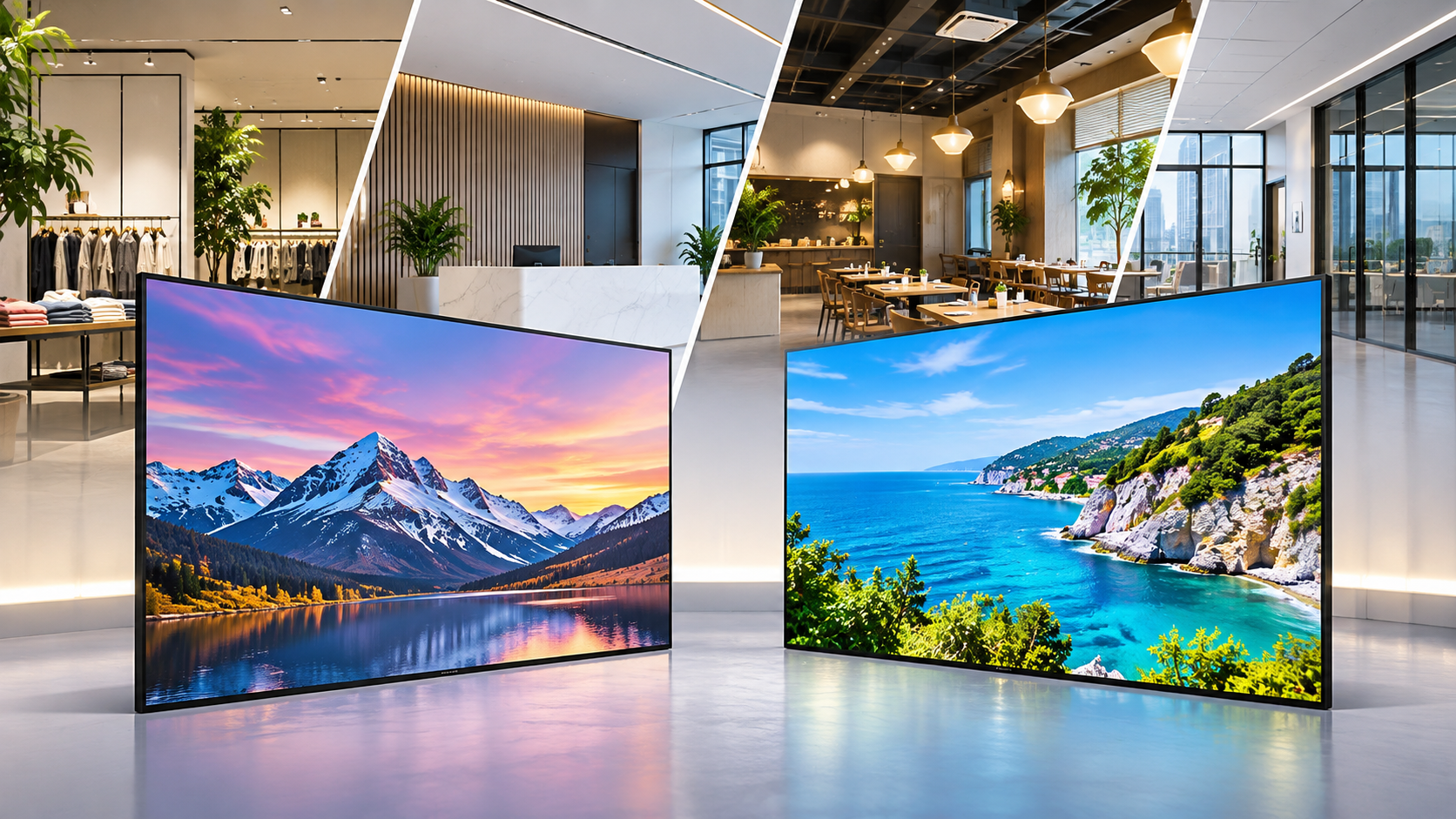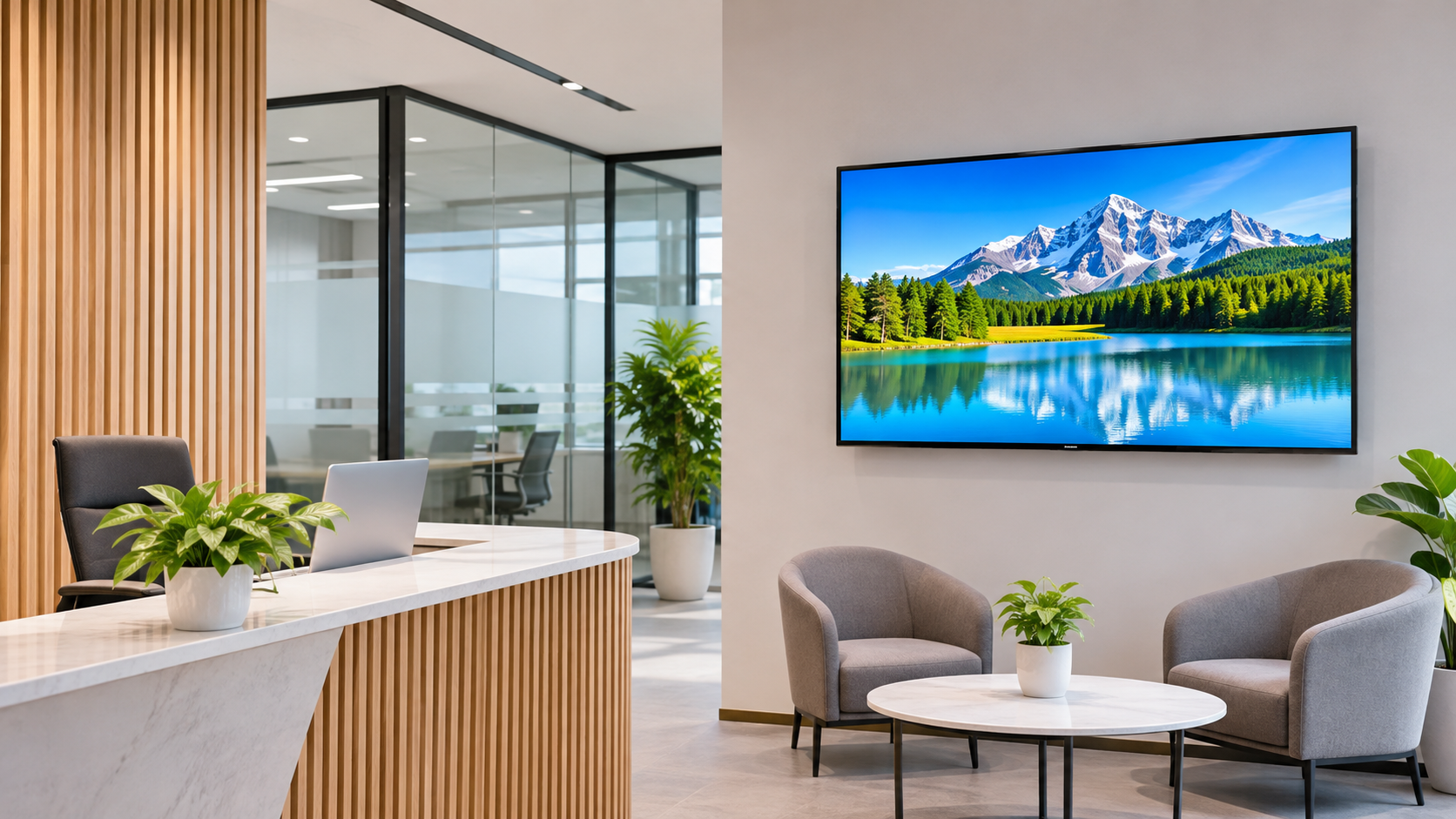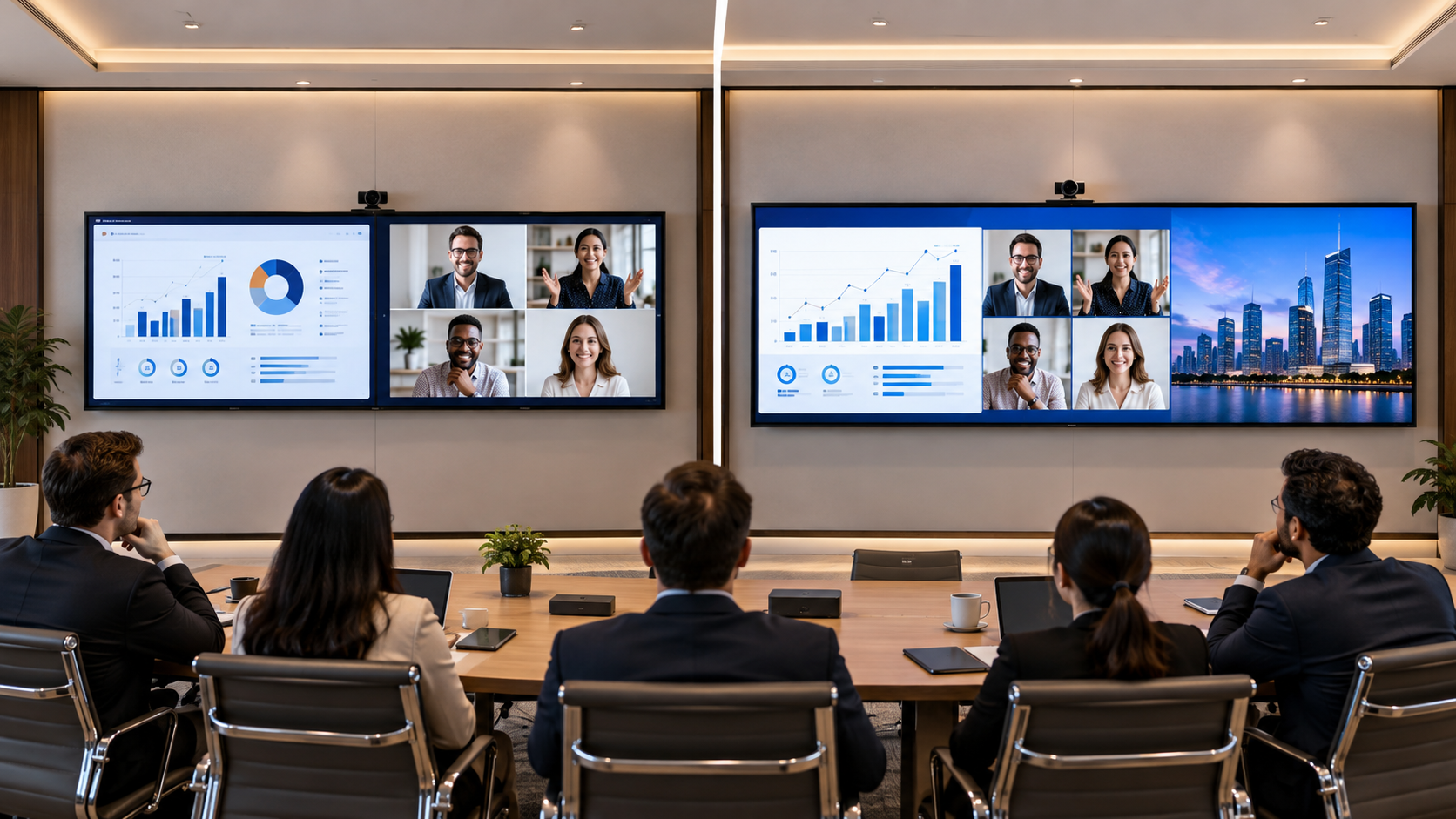

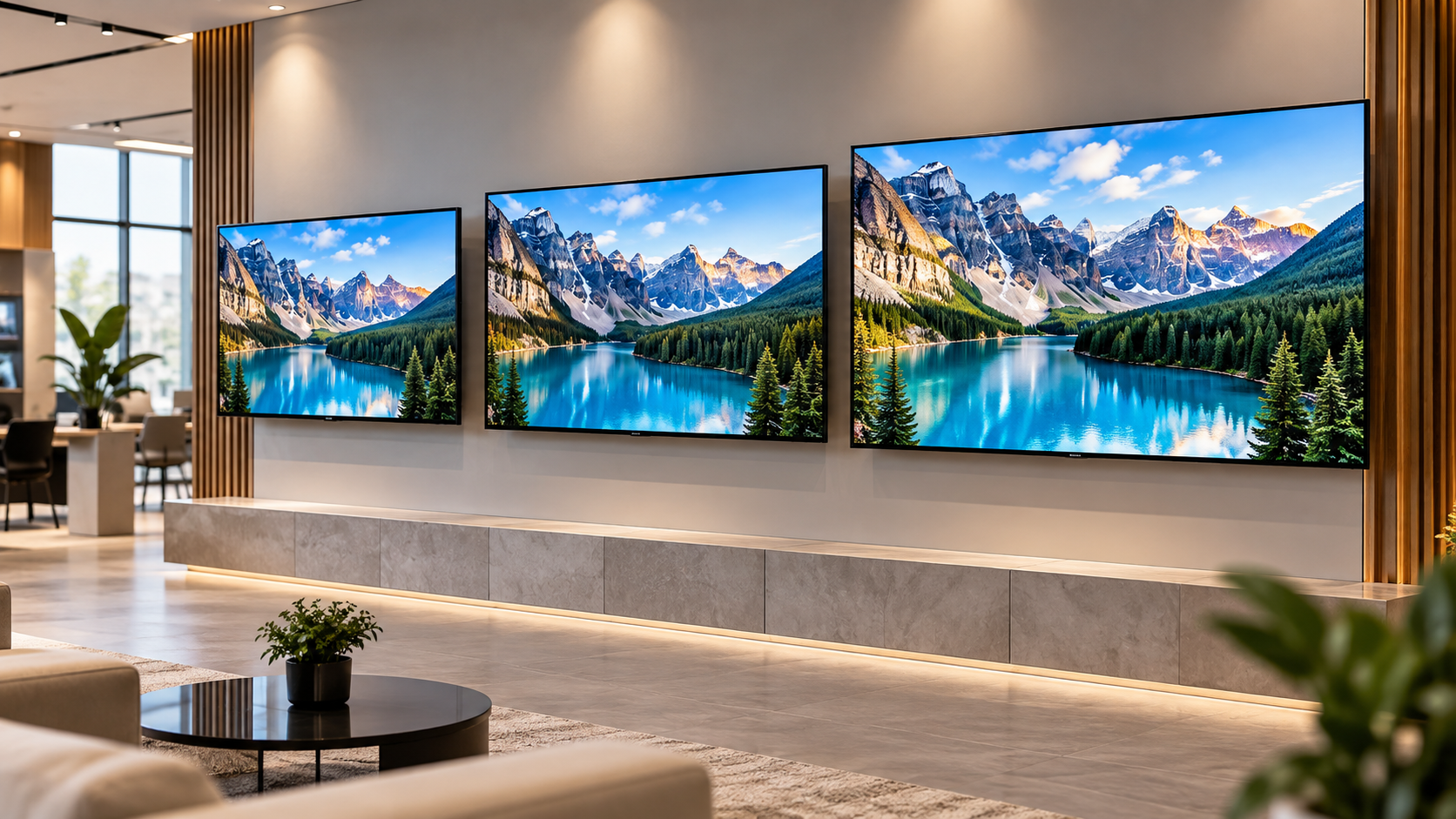
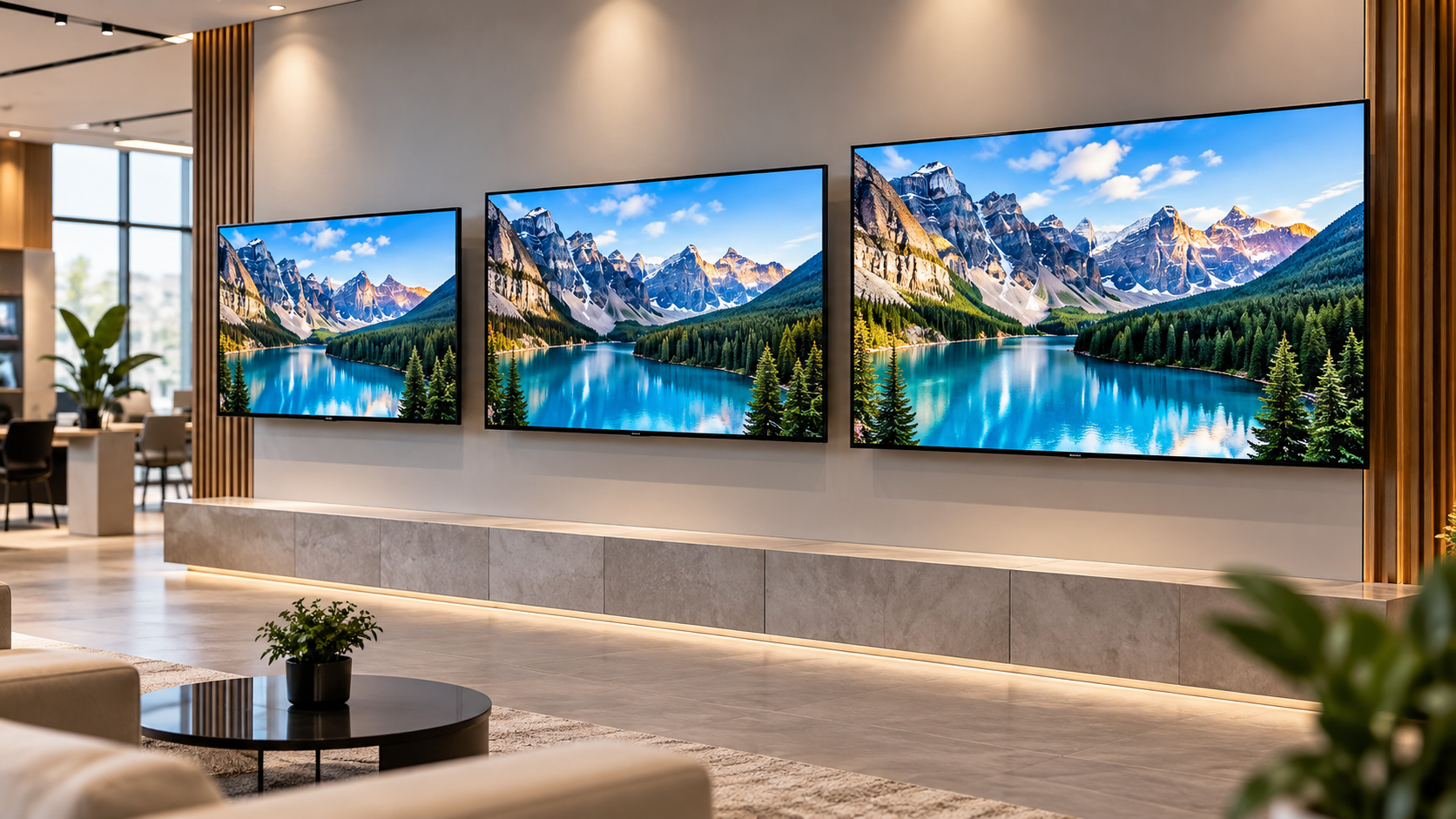
Choosing the right commercial display is not always as simple as picking the biggest screen within your budget. A 43-inch display may work perfectly in a compact office, while a 55-inch screen could be a better fit for a showroom where customers view content from a distance.
For business owners, CEOs, founders, and company directors, the decision comes down to three things: available space, viewing distance, and the purpose of the display.
This guide to Samsung QBC 43 vs 50 vs 55 inch compares the three sizes and explains how to choose the right option for your business.
What Is the Samsung QBC Series?
Samsung's QBC series is a range of 4K UHD commercial signage displays designed for business environments. Businesses can use commercial displays to show promotional videos, product information, announcements, menus, and other visual content.
Some key features to consider include:
-
4K UHD resolution: Supports detailed images and video content.
-
Slim design: Fits into modern retail, office, and showroom interiors.
-
Commercial operation: Check the rated operating hours of the specific model before installation.
-
Connectivity: Review available ports and network options to ensure compatibility with your setup.
The right display depends on more than its specifications. Its size, placement, and intended use also affect how well it performs in your business environment.
What Is the Difference Between Samsung QBC 43-inch and 55 Inch Displays?
The main difference is screen size. A larger display offers more screen area, but that extra space is only useful when it suits the viewing environment.
1. Samsung QBC 43 Inch Display
A Samsung QBC 43-inch display can be a practical choice for businesses with limited wall space or relatively short viewing distances.
Best suited for:
-
Small office reception areas
-
Compact retail stores
-
Meeting rooms
-
Customer service counters
-
Product information displays
Key advantages:
-
Takes up less wall space than larger models.
-
Works well in compact commercial interiors.
-
Can display announcements, menus, and promotional content.
-
Helps keep the installation proportionate to the room.
What to consider: A 43-inch display may not provide enough visual impact in a large showroom or an open space where customers view content from farther away.
What to consider: Measure the installation area and viewing distance before deciding. A 50-inch display may work well in a medium-sized space but may be less noticeable in a larger showroom.
2. Samsung QBC 55 Inch Display
A Samsung QBC 55-inch display is worth considering when visibility and visual impact are important priorities.
Best suited for:
-
Retail stores with promotional areas
-
Brand showrooms
-
Corporate reception areas
-
Hotel lobbies
-
Larger customer waiting areas
Key advantages:
-
Offers a larger viewing area for images and videos.
-
Can make promotional content more noticeable in suitable locations.
-
Works well on wider walls and in larger interiors.
-
Provides more screen space for visual communication.
What to consider: A larger display requires sufficient space and suitable placement. In a compact room, it may dominate the interior without adding meaningful value.
Which Samsung QBC Display Size Should You Choose for Your Business?
Start with your business requirements rather than choosing a size based on appearance alone.
| Business requirement | Size to consider | Why? |
|---|---|---|
| Compact office or reception | 43 inch | Requires less wall space |
| Medium-sized retail outlet | 50 inch | Balances screen area and installation space |
| Showroom or larger reception | 55 inch | Provides a larger viewing area |
| Information near a service counter | 43 or 50 inch | Depends on viewing distance |
| Promotions across a wider area | 50 or 55 inch | Offers more screen area |
These recommendations are starting points, not fixed rules. The final choice should depend on the room dimensions, audience position, content design, and exact model specifications.
Which Samsung QBC Display Specifications Should You Check Before Buying?
When comparing Samsung QBC display specifications, look beyond screen size. Different models may have different specifications, so verify the exact model number before purchasing.
Check these factors:
-
Resolution: Confirm the supported resolution and whether it meets your content requirements.
-
Brightness: Consider the lighting conditions where the display will be installed.
-
Operating hours: Make sure the model's rated operating schedule matches your daily usage.
-
Connectivity: Check HDMI, USB, network connections, and other ports required for your setup.
-
Installation requirements: Confirm mounting compatibility, screen orientation, and available space.
-
Content management: Decide how your team will create, update, and schedule content.
-
Warranty and support: Understand the warranty terms and available service arrangements.
Always verify specifications against the manufacturer's information for the exact model and market.
How Can the Right Screen Size Improve Business Value?
A commercial display is useful when it helps people notice, understand, or act on the information being shown. A bigger screen does not automatically mean a better return on investment.
Consider these five factors:
-
Visibility: Can customers or employees read the content from their usual viewing positions?
-
Content design: Are the text, images, and messages easy to understand?
-
Space utilisation: Does the display fit naturally into the environment?
-
Total cost: Have you considered the display, mounting hardware, installation, content creation, and ongoing management?
-
Business objective: Will the screen support promotions, announcements, customer information, or brand communication?
For example, a well-positioned 43-inch screen displaying clear product information may be more effective than a 55-inch screen installed where customers rarely look.
The goal is to choose a display that serves a clear business purpose rather than simply purchasing the largest model available.
What Should You Check Before Purchasing a Samsung QBC Display?
Use this checklist before finalising your purchase:
-
Measure the available wall or installation area.
-
Estimate the viewing distance.
-
Identify the type of content the display will show.
-
Assess the lighting conditions.
-
Confirm connectivity and content-management requirements.
-
Compare the exact 43-, 50-, and 55-inch models available in your market.
-
Request a quotation that separates product cost from additional installation charges.
-
Check warranty terms and after-sales support.
These steps can help you make a more informed decision and avoid choosing a screen that does not suit your space.
Final Verdict: Samsung QBC 43 vs 50 vs 55 Inch
In the Samsung QBC 43 vs 50 vs 55 inch comparison, each size has a place depending on the business environment.
-
Choose 43 inch if space is limited and viewers will be relatively close to the screen.
-
Consider 50 inch if you need a larger viewing area for a medium-sized commercial environment.
-
Choose 55 inch if you have sufficient space and want promotional or informational content to stand out more.
Before making a final decision, compare model-specific specifications, installation requirements, and total costs. The right display is the one that fits your environment and supports your business objectives.
For businesses exploring commercial display options, Vishwanath Traders can be a starting point for enquiries about model availability, specifications, and quotations.
Frequently Asked Questions (FAQs)
1. Is a Samsung QBC 43 inch display suitable for a small office?
Yes, it can be suitable for a compact office, reception area, or meeting room. Check the viewing distance and the type of content you plan to display.
2. Should I choose a Samsung QBC 50 inch display over a 43-inch model?
Choose the 50-inch option if the additional screen area would improve visibility in your space. A 43-inch display may be sufficient for smaller rooms and simpler content.
3. When should I consider a Samsung QBC 55 inch display?
Consider it for showrooms, larger reception areas, retail spaces, and other environments where a larger viewing area would be useful.
4. Which Samsung QBC display specifications matter most?
Check resolution, brightness, rated operating hours, connectivity, installation requirements, warranty, and content-management needs.
5. How do I choose between the three display sizes?
Measure the installation area, estimate the viewing distance, identify the screen's purpose, and compare the available models and total costs before purchasing.