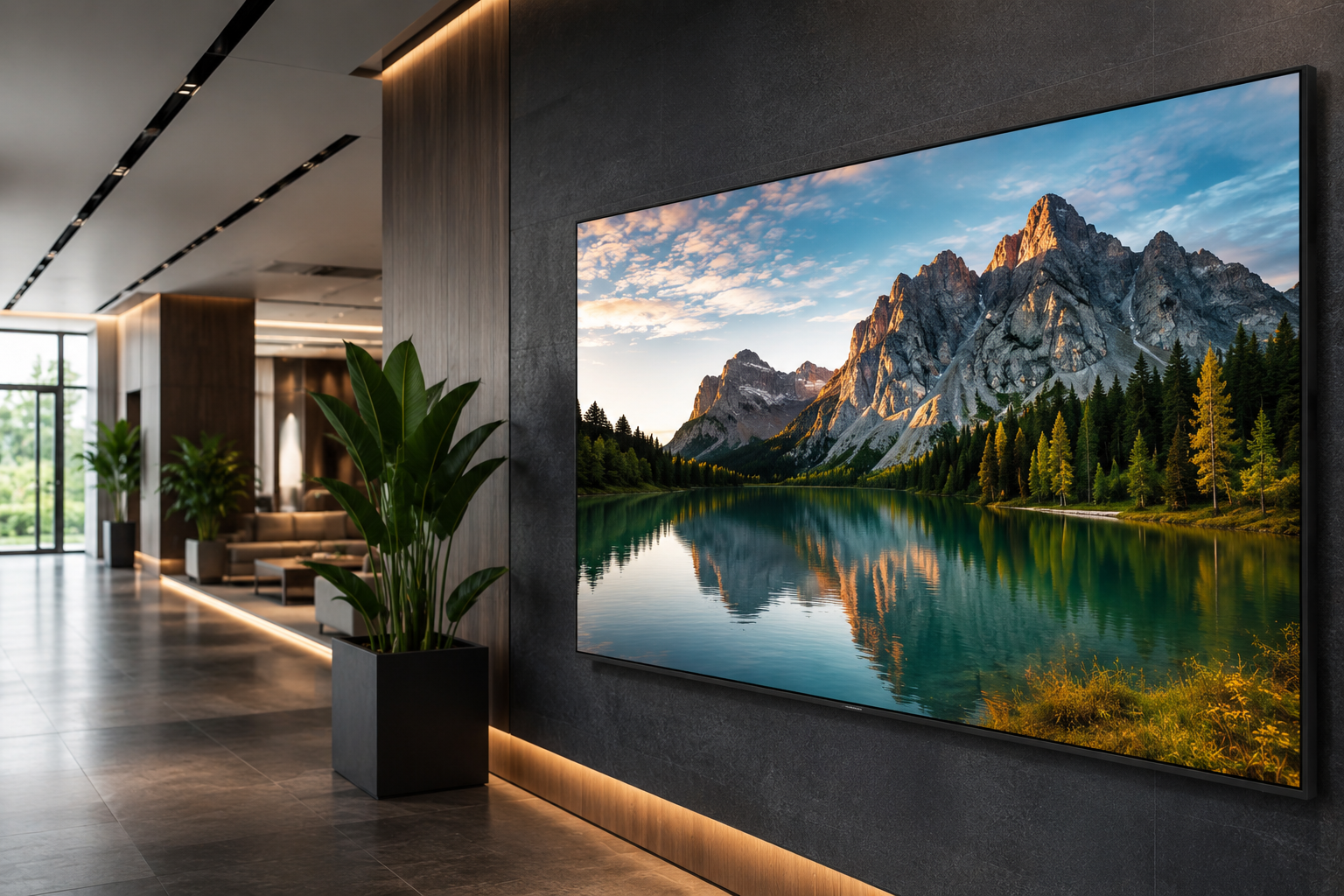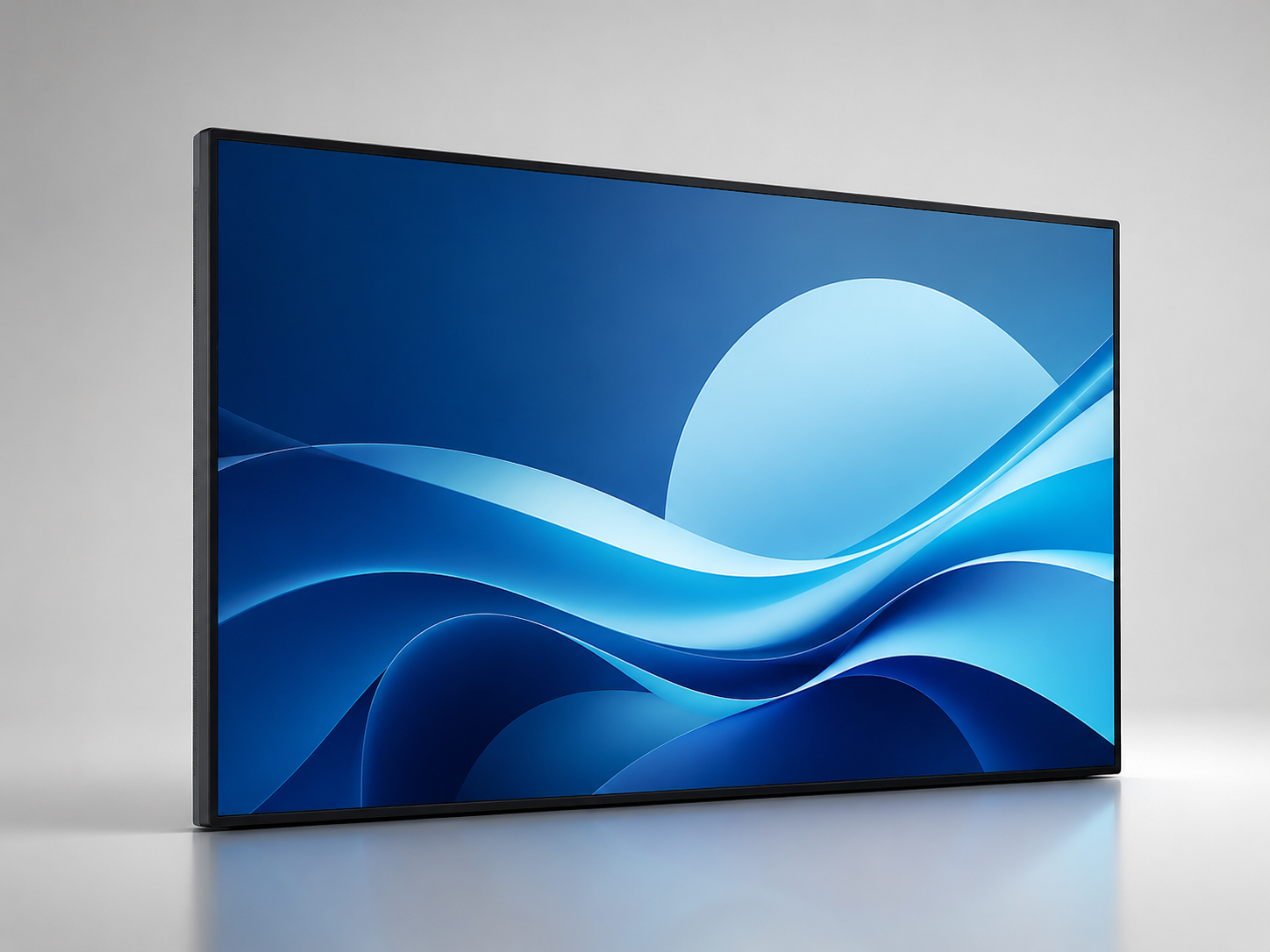

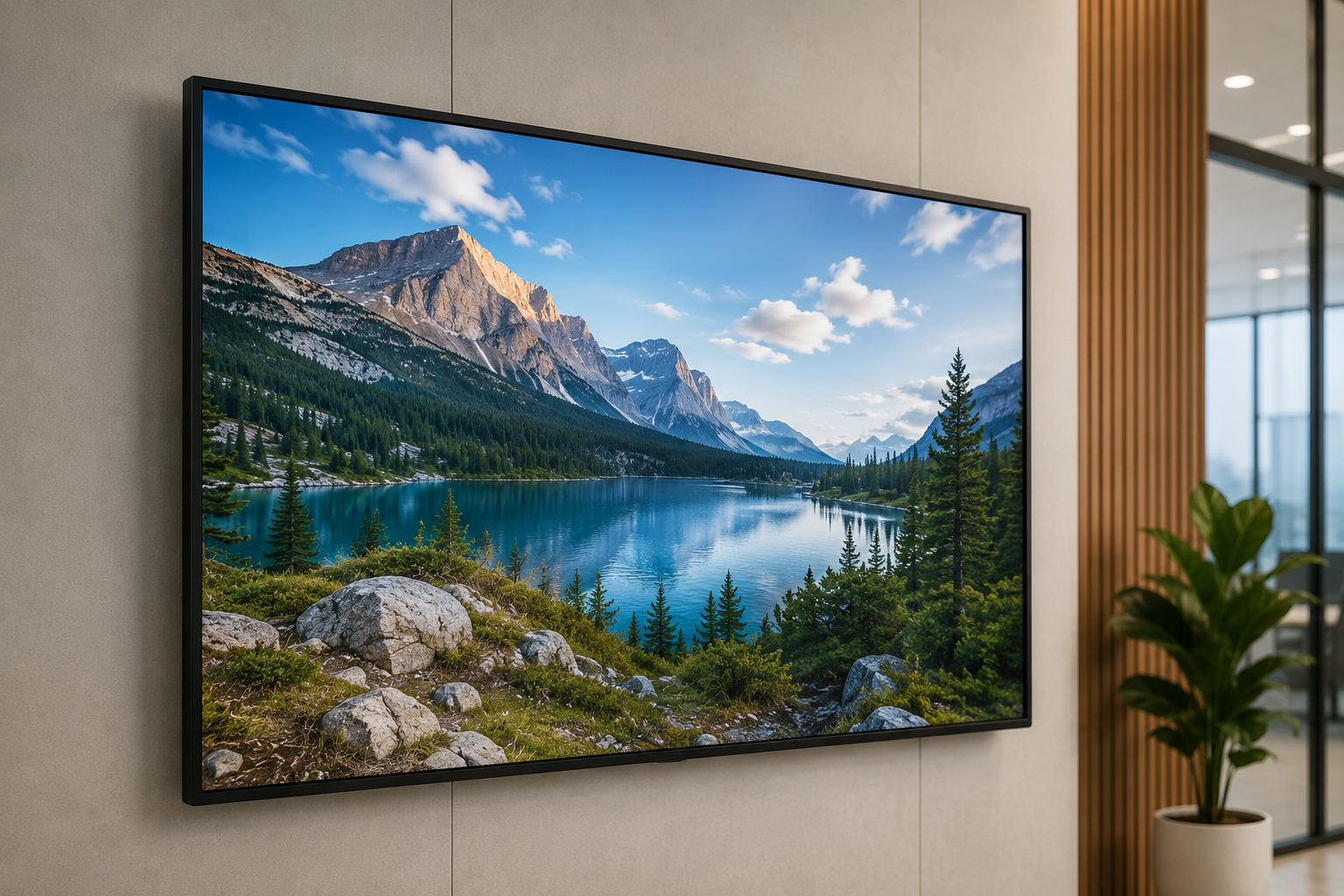
I'll admit something upfront I used to think a screen was just a screen. Then I watched a client's lobby display die mid-presentation in front of an investor, and I changed my mind pretty fast. That's about the time the name Samsung QBC Series started showing up in every serious conversation I had with business owners about display screens.
Most buying guides out there are basically spec sheets wearing a trench coat. This one isn't going to be that. I want to actually talk through what the Samsung QBC Series is, why so many business owners land on it, and whether it makes sense for what you're running office, storefront, restaurant, whatever the case may be.
So, What Exactly Is the Samsung QBC Series?
Picture the reliable coworker who shows up early, never complains, and just quietly gets the job done every single day. That's basically the Samsung QBC Series in display form. It's not chasing the same crowd as home theater TVs it's built for businesses that need a screen to run for years, day in and day out, without drama.
It sits under Samsung's broader Samsung 4K Signage lineup, which is really just a fancy way of saying: this thing was made for digital signage, presentations, and information displays in commercial spaces. Hotel lobby, retail chain, corporate office, restaurant menu board doesn't matter. The engineering behind it was clearly built with long hours in mind, not weekend movie nights.
And that's really the difference between this and a regular TV you'd buy for your living room. Same-ish resolution on paper, sure. But underneath, you've got sturdier components, smarter heat handling, and firmware that actually plays nice with signage software instead of fighting it.
Why So Many Business Owners End Up Choosing This Series
Here's something I've noticed after watching a lot of businesses buy displays: the cheap option always looks great in the quote, right up until you're replacing it eighteen months later because it couldn't handle running twelve hours a day. That's exactly where Crystal 4K UHD Signage earns its keep.
A few reasons this series keeps coming up in conversations with owners and directors:
- It's genuinely built for long hours some models handle close to sixteen hours of daily runtime without flinching
- The picture quality, thanks to UHD Signage, actually matters for practical reasons text stays sharp, and customers notice blurry menus or price boards faster than you'd expect
- The total cost over time tends to work in your favor, even though the sticker price stings a bit more upfront
- Content management is baked in on most models, so you're not out shopping for a separate media player for every single screen
Honestly, I think people underestimate this point: a display isn't decoration. It's a communication tool. And a communication tool that dies during your busiest hour costs you a lot more than just the price of the screen.
Breaking Down the Core Features
Let's get into the actual meat of what you're paying for.
Resolution and Picture Quality Every model in the lineup delivers UHD Signage clarity four times sharper than standard HD. For anything with text on it, and let's be real, most business displays are covered in text, this stops being a nice-to-have and becomes almost non-negotiable.
Brightness This one trips people up more than it should. Brightness needs vary a lot depending on where the screen lives. A display parked in a sunlit storefront window needs serious brightness to stay readable, while something tucked into a boardroom can get by on far less.
Build Quality Commercial spaces are rough on electronics dust, humidity, constant power cycling, the works. The QBC Series was clearly engineered to shrug that off, which is probably the single biggest gap between this and something you'd grab off a shelf at a general electronics store.
Smart Signage Tools A lot of models come with built-in platforms for remote content management. That means updating a menu board across fifteen locations from your laptop no sending someone out with a USB stick like it's 2009.
How Do You Actually Pick the Right Size and Model?
This is usually where people freeze up a bit, and I get it. There are multiple sizes and sub-models inside the Samsung QBC lineup, and guessing wrong wastes money either way you slice it. If you've already decided on the screen size, explore the complete Samsung QB55C Series specifications before making your final decision. Businesses looking for a larger display can compare the Samsung QB65C Series for conference rooms and retail environments.
A few honest questions worth sitting with before you buy:
- How far away will people actually be standing from the screen? Reception desks need something smaller and sharper; open lobbies or retail floors need bigger panels for distance visibility
- What's the lighting like where it's going? Bright storefronts need higher brightness ratings, dim indoor spots don't
- How many hours a day will it realistically run? If it's close to round-the-clock, lean toward the models rated for extended use
- Are you managing more than one screen or location? If so, built-in signage software will save you real time down the line
- What can you actually spend, realistically? Bigger isn't automatically better a 55-inch screen jammed into a cramped hallway does less for you than a well-placed 43-inch one
Where the Samsung QBC Series Actually Fits
From what I've seen, this series tends to shine in a handful of specific settings:
- Corporate offices, for meeting room schedules and internal announcements
- Retail stores, for promotions and product or pricing information
- Restaurants and cafes, running digital menu boards
- Hotels and hospitality spots, handling wayfinding or event info
- Healthcare facilities, using screens for patient info or waiting room content
If your business falls into any of these buckets, there's a good chance a Samsung QBC Series display will simply outwork whatever generic screen you're currently limping along with.
Mistakes I See Business Owners Make When Buying
I'll just say this plainly, because it doesn't get said enough.
- Buying on size alone a huge screen crammed into a tight space looks off and often ends up too close for comfortable viewing
- Ignoring brightness specs a beautiful display is useless if nobody can actually see it under store lighting
- Forgetting about ventilation and mounting commercial screens need proper airflow, especially the ones running long hours
- Skipping the content management question entirely if you're running multiple screens, not planning for centralized control turns into a real headache later
Is It Actually Worth the Money?
Here's my honest take, no sugarcoating: if screens matter to how your business operates, the Samsung QBC Series earns its price. The mix of Crystal 4K UHD Signage clarity, commercial-grade durability, and built-in smart tools makes it a practical buy, not a flashy upsell someone talked you into.
You're not just buying a screen, really. You're buying:
- Fewer service calls
- Fewer of those cringe-worthy "sorry, our display's down again" moments in front of customers
- A tool that actually holds up to the wear and tear of daily business use
Final Thoughts
Buying display tech for your business shouldn't feel like rolling dice, and with a bit of thought, it doesn't have to. The Samsung QBC Series was clearly built with commercial reliability as the priority, and once you match the right model to your space, lighting, and how hard you'll run it, the thing tends to pay for itself just by not causing problems.
If you're still weighing it, start with your actual environment foot traffic, lighting, hours of use instead of chasing whichever screen looks biggest on the showroom floor. That one shift in thinking will save you more money and frustration than any spec sheet ever could.