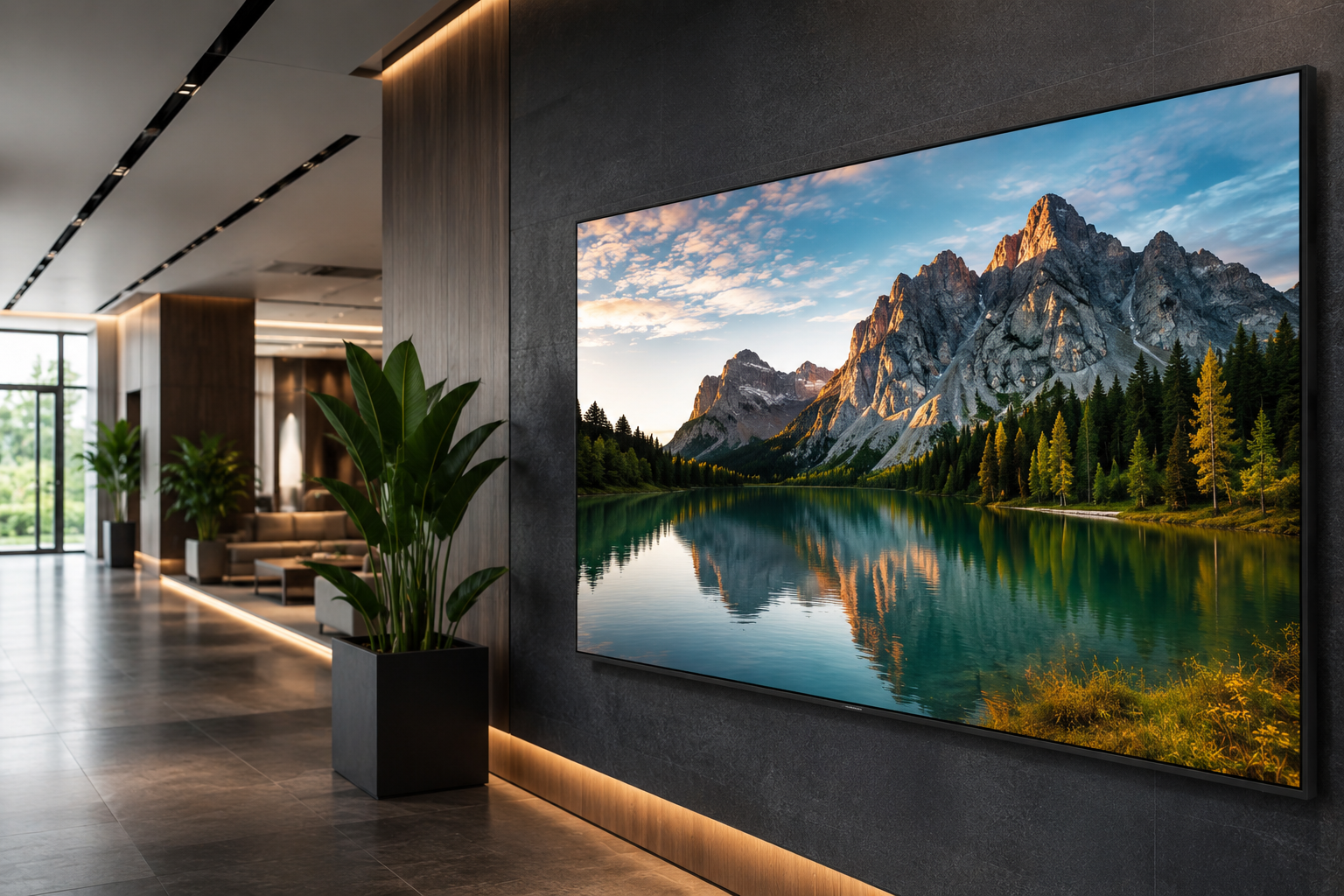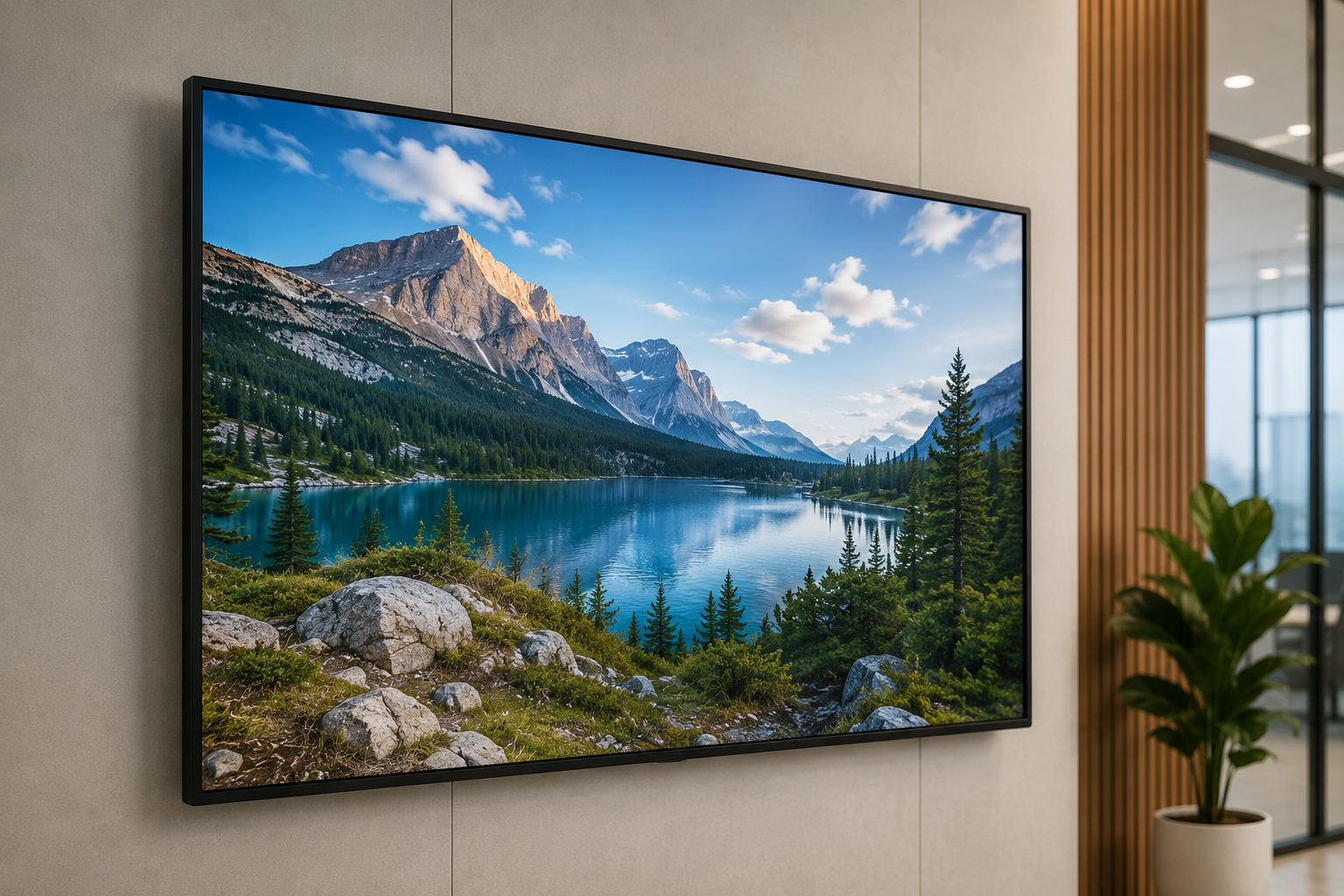


Is the Samsung QBC Series the Right Investment for Your Business?
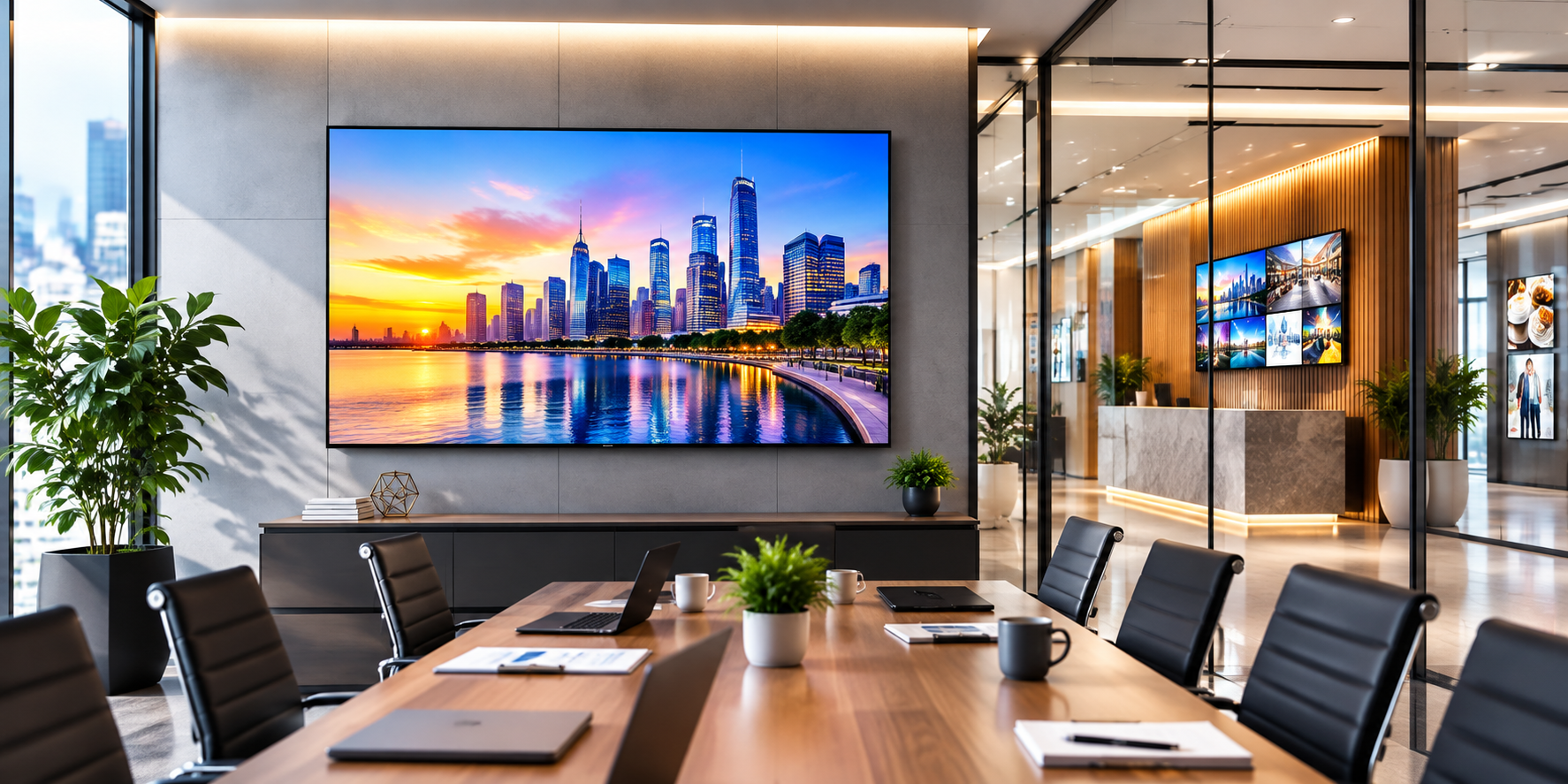
Buying a display for a business sounds like one of those decisions that should take an hour.
Pick a size. Compare a few prices. Get it installed. Done.
In reality, that's usually where the problems start.
A display that looks perfect in a showroom can feel completely wrong once it's mounted in a meeting room. A screen that seems large enough on paper may become difficult to read from the back of a conference room. And a display that looks like a bargain can become expensive once you add mounting, installation, content management and maintenance.
There's another common mistake too: assuming that the biggest screen automatically delivers the best value.
It doesn't.
The right display is the one that fits the space, viewing distance, content and working pattern of the business.
That's why the Samsung QBC Series
is worth evaluating from a business perspective. The range is built around 4K UHD professional displays and offers multiple screen sizes for different commercial environments.
But that doesn't mean every QBC model is right for every company.
The useful question is not “Is Samsung QBC good?”
It's:
“Where does a Samsung QBC display actually make business sense, and what should I check before buying one?”
Let's start there.
What Exactly Is the Samsung QBC Series?
The Samsung QBC Series is a range of professional 4K UHD displays intended for business and commercial applications.
Depending on the model and installation, businesses may consider the range for environments such as:
-
Corporate offices
-
Meeting and conference rooms
-
Retail stores
-
Showrooms
-
Reception areas
-
Training environments
-
Education spaces
-
Hospitality locations
The important thing here is the word professional.
You're not simply choosing a screen for watching entertainment after work. You're choosing equipment that may become part of how your company presents information, communicates with employees, interacts with customers or runs presentations.
That changes the buying conversation.
Instead of asking only:
“How many inches is it?”
you should also be asking:
-
How far will people be from the screen?
-
What type of content will be displayed?
-
How many hours will it operate?
-
How bright is the room?
-
How will content be updated?
-
What equipment needs to connect to it?
-
What happens if the display stops working?
Those questions aren't exciting.
They're also the ones that save you from making an expensive mistake.
Why Is 4K UHD Important for Business?
4K sounds like a specification until you actually have to present information to a room full of people.
Imagine a board meeting.
There's a sales chart on the screen. The CEO can see it. The person sitting near the screen can see it. Someone at the back is trying to work out whether that number says ₹18 lakh or ₹13 lakh.
That's not a screen-size problem alone. It's a communication problem.
With Samsung 4K UHD signage, businesses can display detailed content with high-resolution clarity.
That can be useful for:
-
Financial charts
-
Business dashboards
-
Product images
-
Presentations
-
Training material
-
Promotional graphics
-
Corporate videos
-
Detailed documents
For a retail showroom, sharp product imagery can make a difference.
For a conference room, readable presentations matter more.
For a training centre, diagrams and instructional content need to remain clear for everyone in the room.
But here's where I'd be careful.
Don't buy a 4K display just because “4K” sounds better.
If your content is mostly simple text and the audience sits very close to the screen, resolution may not be the biggest factor in your decision.
Business buyers should pay attention to the complete setup, not one specification.
How Do You Decide Which Samsung QBC Size You Need?
This is where I would tell a client to stop looking at the price list for a moment.
Go into the room.
Stand where the furthest viewer will sit.
Look at the wall where the screen will go.
Now imagine a presentation with small text on it.
Can everyone read it comfortably?
That's a much better starting point.
The QBC range offers different screen sizes, including 43-inch, 50-inch, 55-inch, 65-inch, 75-inch and 85-inch options.
The right choice depends on the environment.
Small meeting rooms
A smaller display may be sufficient when:
-
The room has limited seating
-
People sit relatively close
-
Presentations are the main use
-
Wall space is restricted
Medium conference rooms
A larger display can make more sense when:
-
Participants sit farther away
-
Presentations contain detailed information
-
Video meetings are common
-
Several people need to read the screen
Large conference rooms
Here, viewing distance becomes even more important.
You want people at the back of the room to see the content without constantly leaning forward or asking someone to zoom in.
Reception and common areas
This is a different calculation again.
People may walk past the screen rather than sit directly in front of it, so visibility from different angles and distances becomes important.
Retail and showrooms
Here, the screen is part of the customer-facing environment.
The question becomes less about “Can someone read this presentation?” and more about:
“Can customers clearly notice and understand what we're showing?”
There is no universal perfect screen size.
That's why a proper site assessment is more useful than simply saying, “Let's take the biggest one.”
Where Can a Samsung QBC Display Be Used?
One of the practical strengths of a Samsung QBC display is that the same general display category can fit several different business situations.
But the content and installation should change with the environment.
Corporate offices
A corporate office might use the screen for:
-
Presentations
-
Video meetings
-
Training
-
Internal announcements
-
Dashboards
-
Company communication
In a meeting room, placement matters almost as much as the screen itself.
Too high, and people spend the meeting looking upward.
Too low, and the front row can block part of the screen.
It sounds obvious, but these details are often considered only after the display has arrived.
Retail stores
Retail is where content strategy becomes especially important.
A display can show:
-
Promotional campaigns
-
Product launches
-
Seasonal offers
-
Product demonstrations
-
Brand videos
-
Product information
But don't expect the screen to do the marketing for you.
A beautifully installed display with confusing content is still confusing.
If your promotion needs ten seconds of explanation, the problem probably isn't the screen.
Showrooms
Showrooms are a natural environment for large-format visual communication.
A customer can see product videos, comparisons, demonstrations and brand content without relying entirely on printed material.
The screen becomes part of the sales conversation.
Reception areas
A reception display can quietly reinforce the company's identity.
Instead of filling the wall with printed posters, you can use the display for:
-
Welcome messages
-
Company information
-
Brand videos
-
Visitor instructions
-
Corporate announcements
The trick is restraint.
A reception screen doesn't need to flash five messages at once.
Sometimes one clean message works better.
Education and training
Training environments have one simple requirement: everyone needs to see the information.
That makes screen size, placement and viewing distance particularly important.
If the person in the last row can't read the slide, the display hasn't done its job.
Is a Samsung QBC Display Better Than a Regular TV?
This is probably the question a procurement manager should ask before approving the purchase.
And the answer isn't automatically yes.
A consumer TV can be perfectly adequate for certain situations.
If you're putting a screen in a small office mainly for occasional entertainment, you may not need a professional display.
But business requirements become different when the screen is part of daily operations.
Ask:
-
Will it run for extended periods?
-
Is it being used primarily for business communication?
-
Will content be updated regularly?
-
Do you need professional signage functionality?
-
Will several displays be deployed?
-
Does installation support matter?
-
Is long-term reliability important to the operation?
If the answer is yes to several of these, a Samsung business display becomes worth serious consideration.
The mistake is comparing a professional display and a consumer TV only by screen size and price.
You're comparing two different use cases.
What Should You Check Before Buying?
Before signing off on the purchase, I'd go through this checklist.
Screen size
Don't guess.
Measure the room and understand the viewing distance.
Resolution
Consider the type of content you'll actually show.
4K is particularly useful for detailed visual content, presentations and graphics.
Brightness
Look at the actual installation environment.
A bright showroom and a controlled boardroom don't present the same challenge.
Operating pattern
How many hours a day will the display run?
Occasional presentations are different from an all-day digital signage application.
Connectivity
Check every device that needs to connect to the display.
Laptop? Media player? Conference system? Other source devices?
Make the list before installation day.
Content management
This is one of the most overlooked questions.
Who will update the content?
Your marketing team?
An office administrator?
A store manager?
An external agency?
The answer affects how practical the entire solution will be.
Installation
Don't treat installation as an afterthought.
Consider:
-
Wall structure
-
Mounting method
-
Viewing height
-
Cable routing
-
Power availability
-
Ventilation
-
Access for maintenance
A great display can still look badly installed.
Support
Businesses don't have the luxury of treating every equipment problem as a weekend project.
If the screen is critical to meetings, sales or customer communication, support becomes part of the buying decision.
Total cost
The price on the quotation is only the beginning.
Consider the complete investment:
-
Display
-
Mount
-
Installation
-
Configuration
-
Content setup
-
Maintenance
-
Future replacement
That's the number worth comparing.
How Can a Business Actually Get ROI From a Digital Display?
This is where I would challenge the usual thinking.
A screen doesn't create ROI just because it's expensive.
It creates value when it improves something the business already cares about.
For example:
A retailer might use it to promote a higher-margin product.
A showroom might use it to demonstrate a product without requiring a salesperson to repeat the same explanation every few minutes.
A corporate office might use it to improve presentations and internal communication.
A training centre might use it to make demonstrations easier for a larger group to follow.
So before buying, ask:
-
What problem are we solving?
-
Who will see the content?
-
How frequently will it change?
-
Who will manage it?
-
What happens if we add more locations?
-
What result would justify the investment?
That last question is important.
If the answer is simply “It will make the office look modern,” that's not necessarily a business case.
If the answer is “It will replace printed promotional material across five stores and allow us to update campaigns centrally,” now you're talking about an operational benefit.
That's the difference.
What Mistakes Should Businesses Avoid?
A few mistakes come up again and again.
Choosing the biggest screen
Bigger isn't automatically better.
Choosing only by price
The cheapest display isn't necessarily the cheapest solution after installation and maintenance are included.
Ignoring viewing distance
A screen can be technically excellent and still be the wrong size for the room.
Forgetting about content
Hardware can't compensate for poor communication.
Leaving installation until the end
Mounting, cable routing and viewing height should be considered before the purchase.
Buying without thinking about future expansion
If you're opening three more locations next year, your first display purchase should ideally fit into a repeatable setup.
Treating the display as a one-time purchase
A professional display becomes part of your business infrastructure. Plan for its operation, content and support—not just its installation.
So, Is the Samsung QBC Series Right for Your Business?
The Samsung QBC Series can be a sensible option for companies that need professional 4K UHD displays for presentations, digital signage, customer communication or corporate environments.
But I'd avoid making the decision based on brand name, screen size or resolution alone.
Start with the environment.
Then understand the content.
Then determine the viewing distance.
Then choose the size.
And only after that should you compare the models and the overall investment.
That's a more sensible way to buy business display technology.
Because six months after installation, nobody is going to congratulate you for buying the biggest screen.
They'll notice whether:
-
Everyone can read the presentation.
-
Customers can understand the promotion.
-
Employees can use the system without frustration.
-
The content is easy to update.
-
The display fits naturally into the space.
-
The investment continues to make sense.
That's what a successful display purchase looks like.
Not the biggest screen on the wall. The right screen for the job.