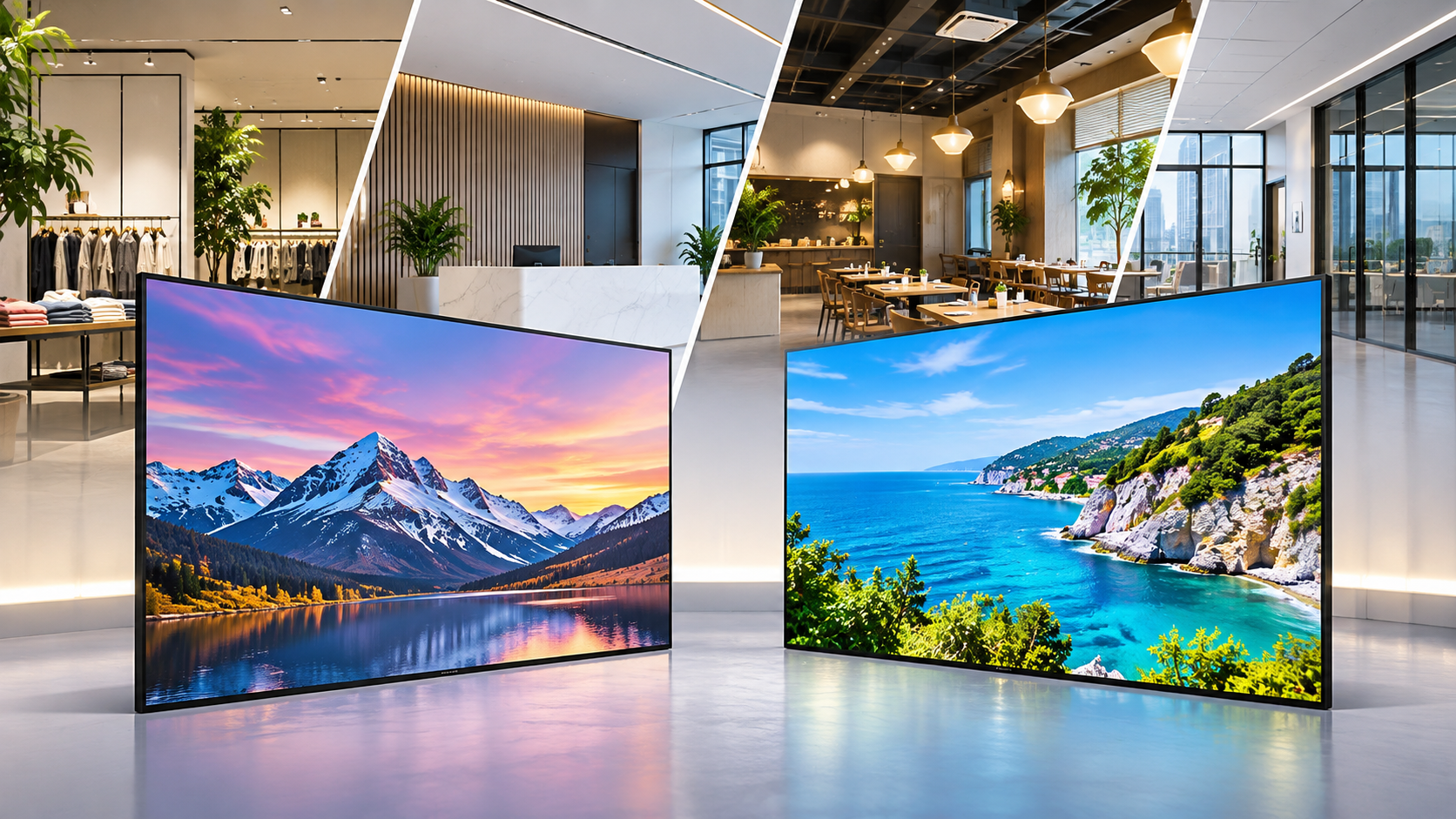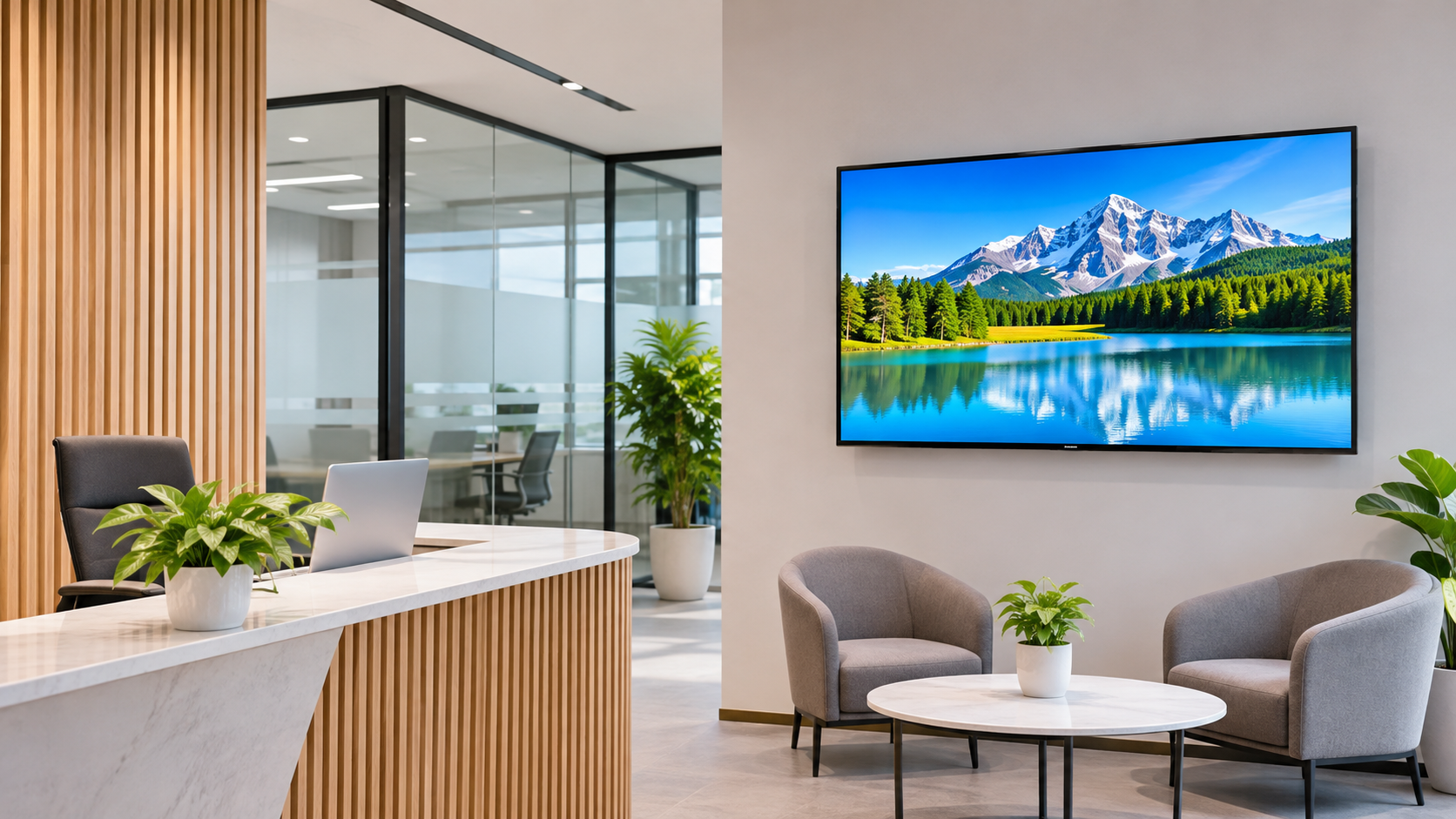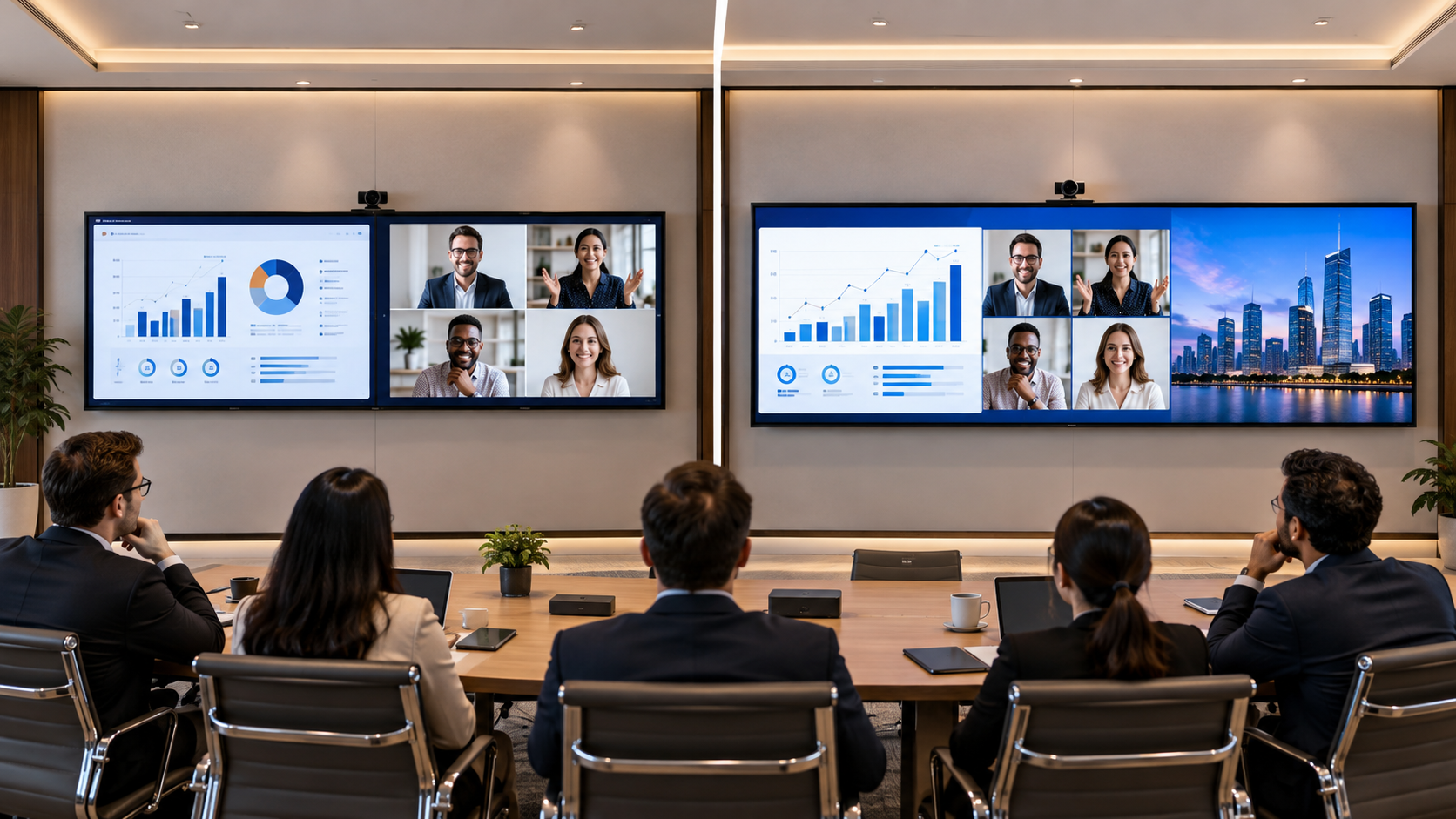

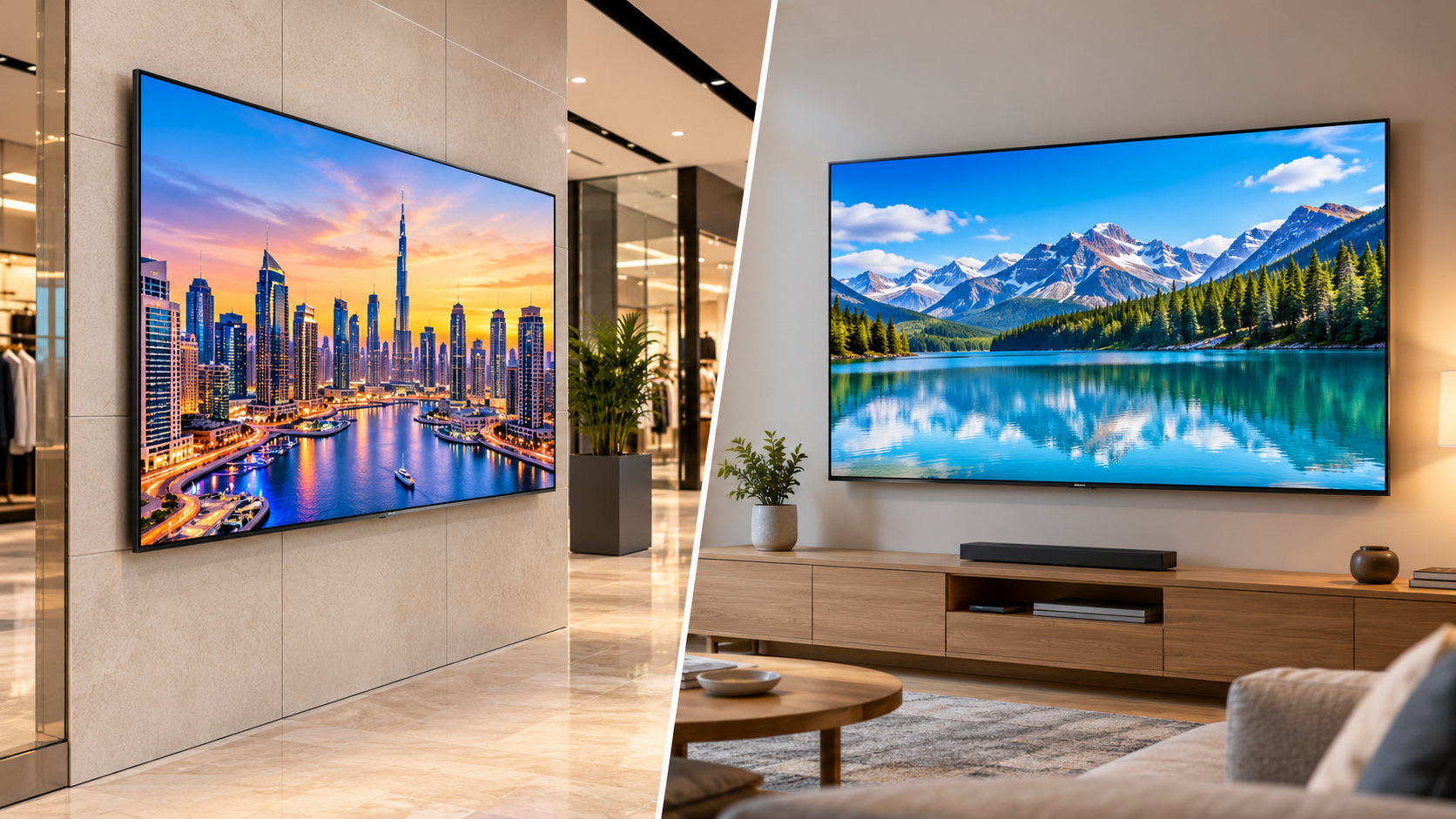
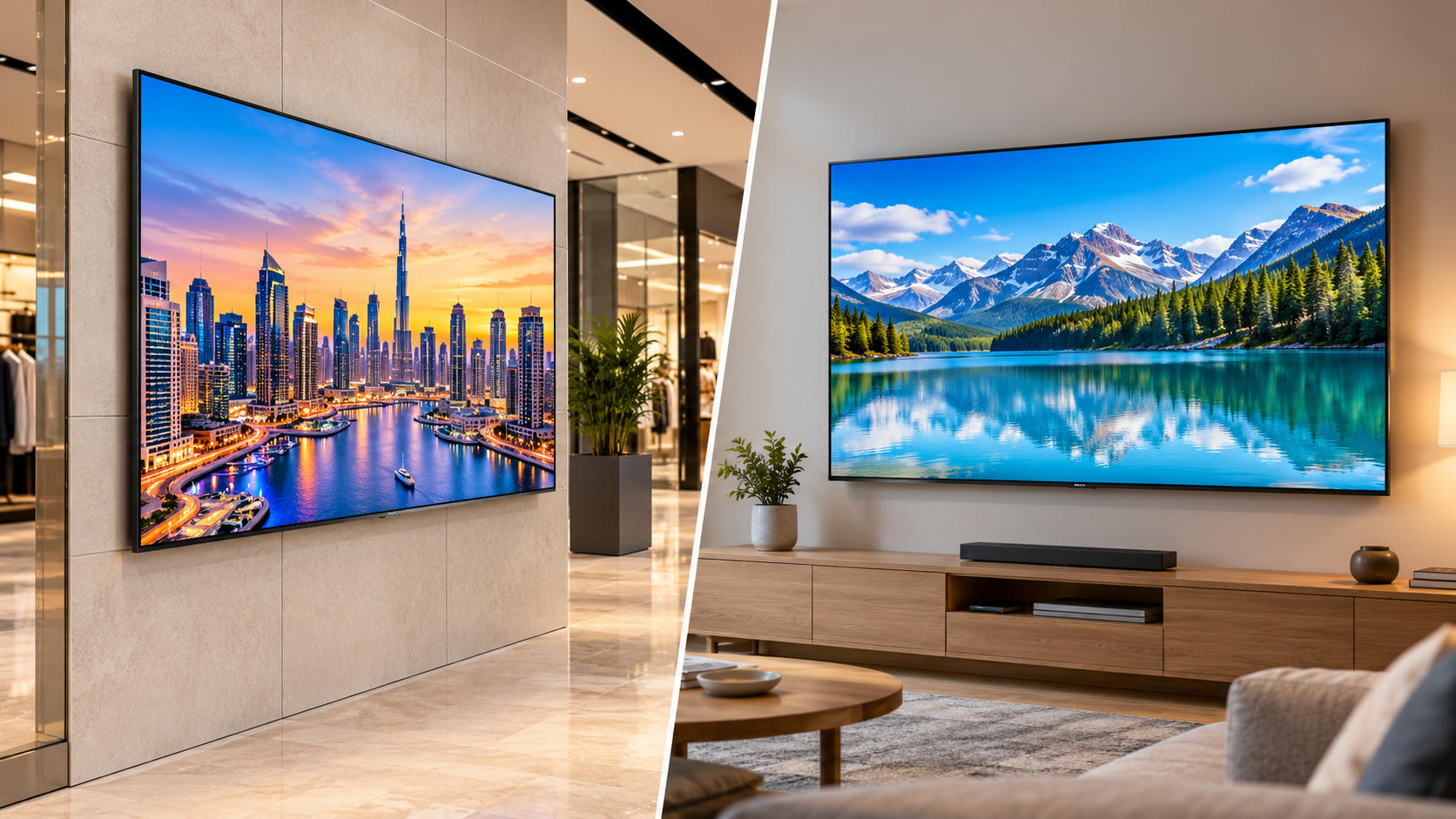
 When choosing a display for business use, you should think about the different requirements that may be needed compared to using a regular 4K TV. Retail stores, corporate offices, hotels, showrooms and other business environments may need displays to be used for everyday business use and for presenting information professionally.
Comparing the Samsung QBC Series vs Regular 4K TV will help you to determine which is best. While both provide 4K, they may have different uses.
Before investing into a display, business owners should think about what it can do, and not just the quality.
What Is the Samsung QBC Series Commercial Display?
The Samsung QBC Series is a range of commercial displays ideal for business use. They provide 4K UHD along with slim design features and professional features.
With these features this display can be used for:
-
Retail promotions and advertising
-
Corporate communication
-
Reception areas
-
Hotel information
-
Meeting rooms
-
Educational environments
While this isn’t a conventional TV, it is designed for commercial use. Depending on the specifications, how it will be installed and the operating hours, it can be a good option.
What Is a Regular 4K TV?
A regular 4K TV is designed to be used at home. They provide Ultra High Definition to allow you to watch movies, TV programmes, sports and streaming content with great detail.
Most TVs have:
-
4K UHD display
-
Streaming Apps
-
HDMI and USB
-
Built in speakers
-
Smart TV Operating Systems
-
Adjustable settings
These features make them suitable for use at home, and some light use environments. However, they may not provide enough features to meet your business requirements.
What Is the Difference between Samsung QBC Series vs Regular 4K TV?
While both can provide 4K quality, there are differences between the Samsung QBC Series and Regular 4K TV.
1. Purpose
A regular 4K TV is mainly for entertainment use. Whereas the Samsung QBC Series Commercial Display is designed for professional display use.
For example:
-
Regular TV: Ideal for watching movies in your lounge.
-
QBC Display: Could be used for promotions in your retail store.
-
Commercial Display: Can be used to communicate within your business in your reception areas.
-
Professional Display: Can be used as part of a planned digital display.
Depending on what you want your display to do.
2. Display Quality (4K)
Both displays can provide a 4K (UHD) quality. This means you’ll get high levels of detail and clear text depending on what you’re watching and how far away you are.
The Samsung QBC Series displays provide 4K to showcase your products, promotions, presentations and other business related content.
Before choosing which display to use, look at the following:
-
Resolution
-
Brightness
-
Contrast
-
Viewing angle
-
Size
-
Lighting
Just because they have a 4K label, doesn’t mean they will both provide the same quality. Look at the panel specifics.
3. Operating Hours
If you’re using a commercial display, you’ll need to know how long it will be on for.
If you’re using this in your retail store, you’ll likely want it on all day. In your corporate office it could be used for meetings and presentations. Or in your hotel it could be used to provide information most of the day.
Look at what the manufacturer specifies for the operating hours.
Not all commercial displays will be able to run 24/7. Consumer TVs have different operating hours depending on the model.
4. Content Management
One of the biggest differences between the Samsung QBC Series vs Smart TV is content management.
A regular Smart TV will be focused on streaming.
However, a professional display may have extra features for managing content. The Samsung QBC Series comes with the Tizen based platform and professional signage features. What these can do will depend on the model.
Consider:
-
How you will upload your promotional content.
-
Will you need to update your content regularly?
-
Will you have multiple displays to manage?
-
Are they compatible with content management software?
-
Can they support the correct media?
This can be very important if you’re managing multiple locations.
5. Connectivity
Ensure the display is suitable for your business.
Check if it has:
-
HDMI and USB ports
-
Networking
-
Wi-Fi and Ethernet
-
Wall mounting
-
VESA
-
Portrait/Landscape
Professional installations may need to have cabling managed. Ensure you have the correct fittings and access to power and networking.
Always check the specifics of the model.
6. Design
The display will be part of the design in your commercial environment.
The Samsung QBC Series has a slim design and thin bezel to give a clean look.
This could be ideal for:
-
High-end retail showrooms
-
Corporate reception areas
-
Hotel lobbies
-
Shopping centres
-
Service areas
A regular 4K TV can look good too. Just ensure you look at the design, mounting and suitability.
Samsung QBC Series vs Regular 4K TV Comparison Table
| Feature | Samsung QBC Series | Regular 4K TV |
|---|---|---|
| Main purpose | Commercial | Home |
| Resolution (Supported Models) | 4K UHD | 4K UHD |
| Content | Business Content & Signage | Streaming & Entertainment |
| Operating Hours (Model Specific) | Varies depending on model | Varies depending on model |
| Content Management | Professional Signage Features | Mainly Smart TV Features |
| Installation | Commercial | Home |
| Business Use | Retail, Office, Hotel + More | Limited / Light Business Use |
This is a general comparison. Specifications will vary depending on the model.
Which One Is Best for Business?
This depends on how much you’ll be using the display and what you’ll be using it for.
Retail Store / Shopping Centre
If you’re in retail, you may need to regularly update your promotions, product information and advertising. Using a commercial display could be a good option.
Corporate Office
You may need displays to present information, communicate internally and in your meeting rooms. If you need professional signage features then a QBC display could be a good option.
Hotel
Hotels will use displays in their reception areas, communal areas and information areas. Consider how much content you will need, operating hours and installation.
Small Business
A regular 4K TV could be sufficient for occasional presentations. However, if you plan to regularly use it for promotions and professional signage then look at the commercial displays.
What to Consider Before Buying a Display
Ask yourself the following:
-
How many hours will it be on daily? Ensure the model has the correct operating hours.
-
What content will you be showing? If you’re showing promotional videos, presentations and static content it may require different features.
-
Will you need to regularly update the content? Ensure there are content management features.
-
Where will you be installing? Consider the lighting, viewing distance and mounting.
-
Will you have multiple displays? Ensure they have the correct network and central management.
-
What is the overall cost? Consider the price, installation, maintenance, software and operating costs.
This will help you to not choose a display based on the size.
Final Thoughts – Is Samsung QBC Series Better than a Regular 4K TV?
It depends on your requirements.
A regular 4K TV can be a good option for basic viewing, occasional presentations and light use. However, if you need to showcase professional content and have signage features then the Samsung QBC Series should be considered.
Ultimately, your choice between a Samsung QBC Series vs Regular 4K TV should be based on how you’ll be using the display, the specifications, installation requirements and future business needs.
At Vishwanath Traders we can help you find the best commercial displays to suit your project, installation and use. By looking at the right specifications you can ensure your investment is more practical.