
Digital Signage Content Strategy: 10 Rules for Displays That Actually Drive Business Results.
You invested in the hardware. You bought commercial displays, set up the players, and mounted screens across your locations. But weeks later, those screens are still showing the same three slides from last month. And nobody is watching them.
This is the most common problem businesses face with digital signage. They spend heavily on equipment but treat content as an afterthought. The result? Expensive screens that blend into the wallpaper.
Here is the truth: your digital signage content determines your ROI far more than your hardware does. A basic commercial display running strategic, well-designed content will outperform an expensive video wall with stale messaging every single time.
If you are looking for digital signage solutions in Delhi this guide will help you get the most out of your investment — not just through better hardware, but through content that actually works.
Rule 1: One Message Per Screen
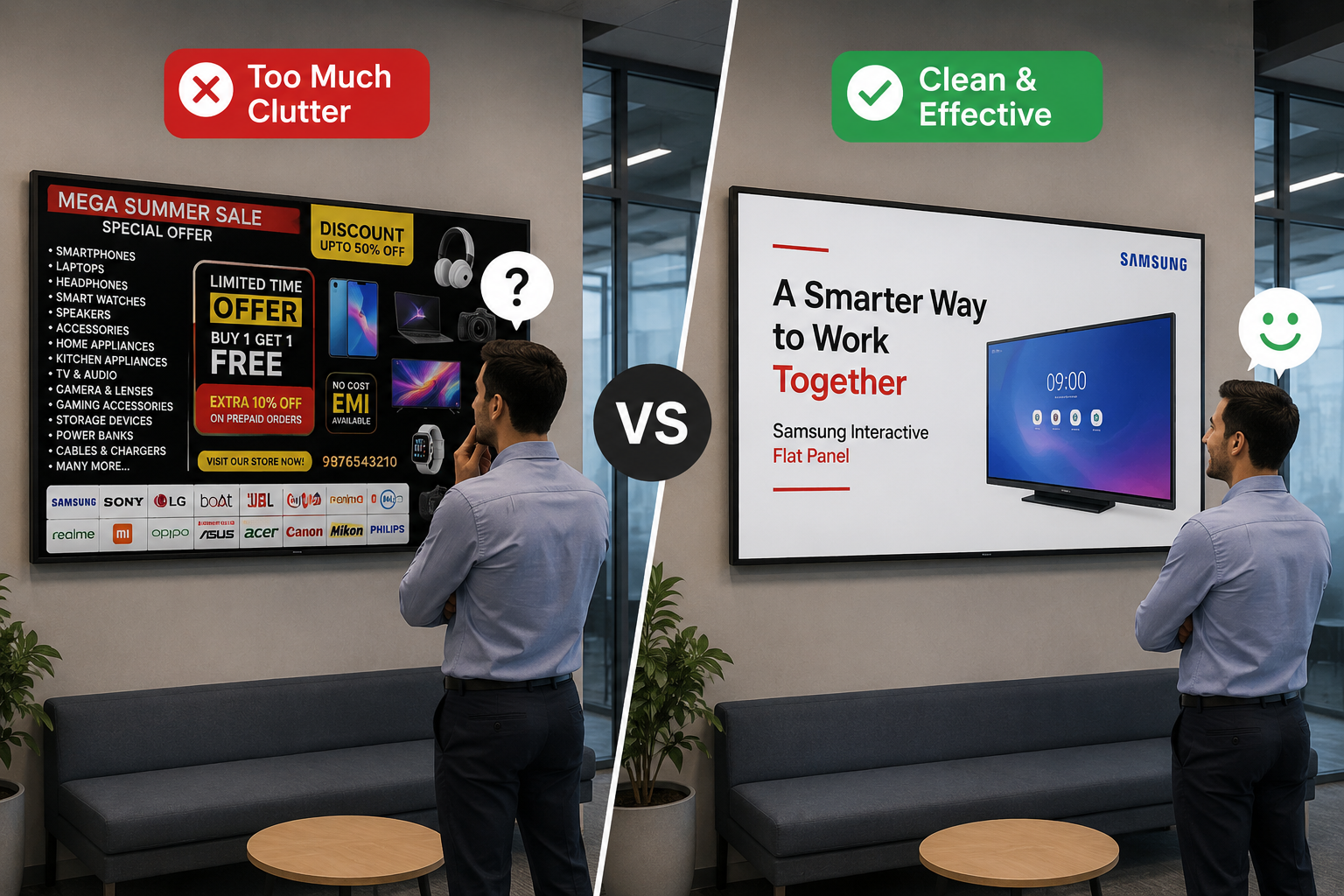
The number one mistake in digital signage is information overload. Business owners want to communicate everything at once — offers, announcements, directions, brand messages — and they cram it all onto one screen.
The result is visual noise that viewers instinctively ignore.
The fix is simple: each screen should communicate exactly one message. One offer. One announcement. One direction. If you have five things to say, rotate them across five screens or five time slots. Your audience will absorb more from five single-message screens than from one cluttered screen.
A good benchmark is the 3-second rule. If a viewer cannot understand your message in three seconds, it is too complex. Strip it down until it passes.
Choosing the right display also matters. Samsung commercial display with high brightness and wide viewing angles ensures your single message is visible from across the room, even in brightly lit environments.
Rule 2: Lead with Visuals, Not Text
Human beings process visual information 60,000 times faster than text. Yet most businesses fill their digital signage screens with paragraphs of copy that nobody will read.
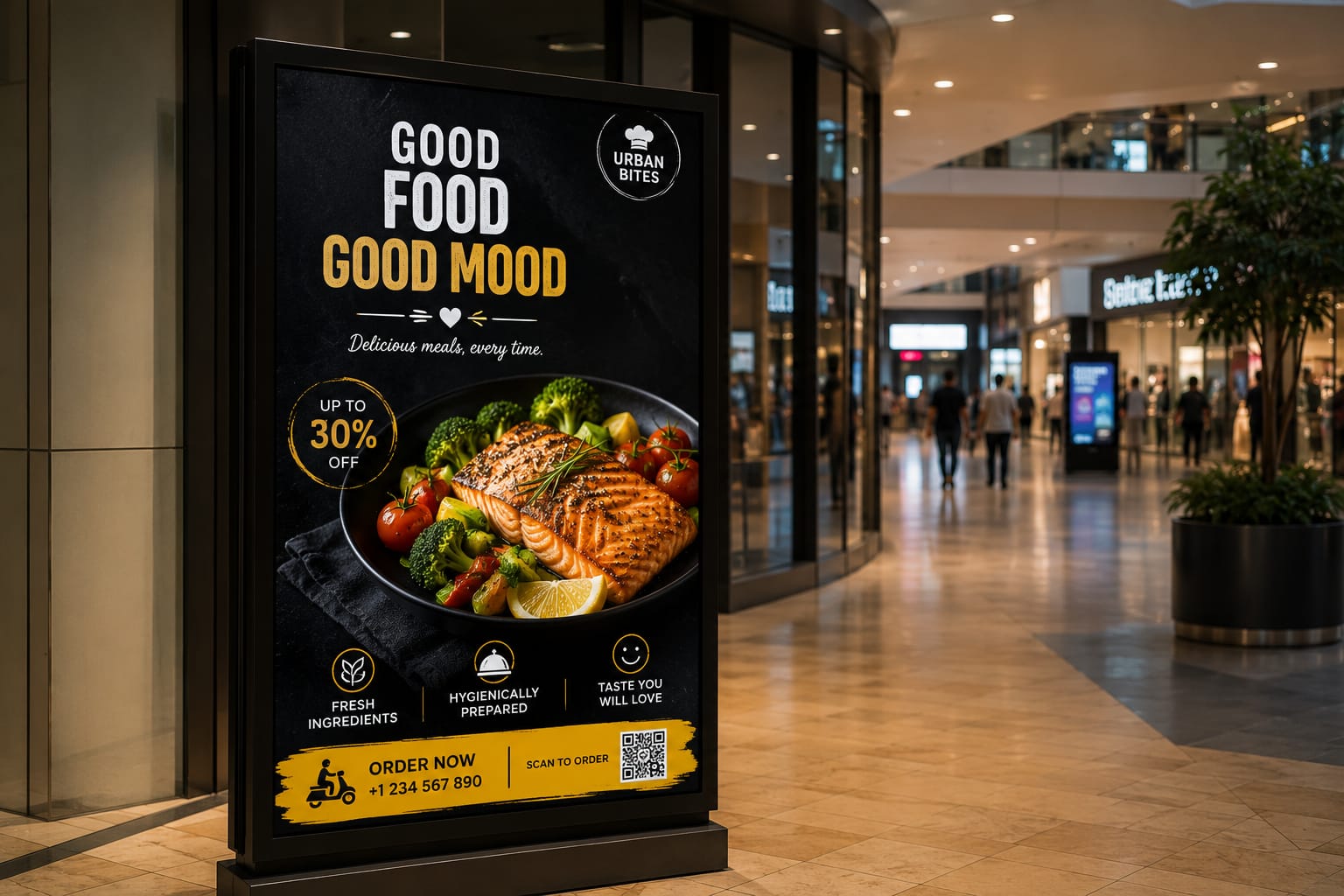
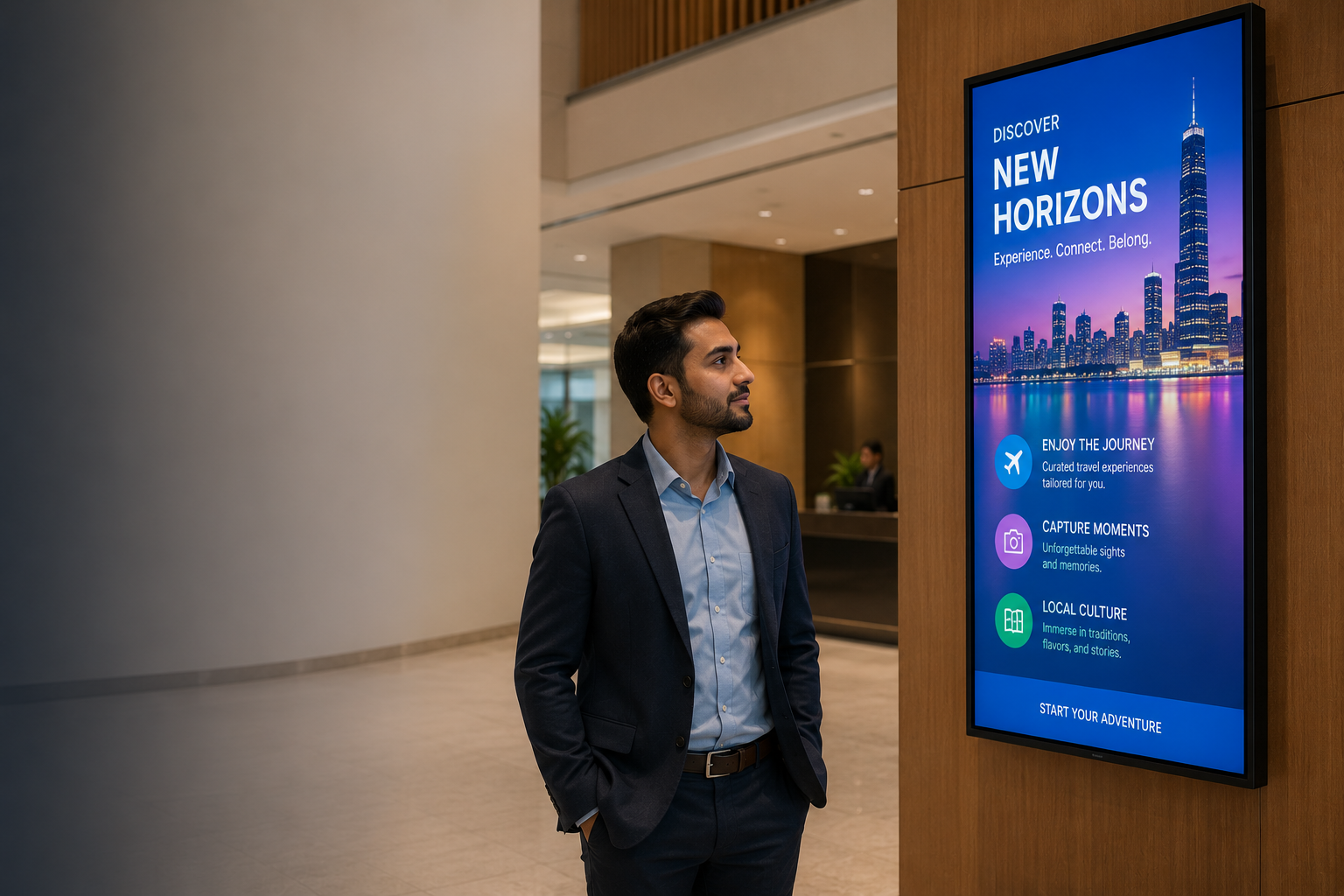
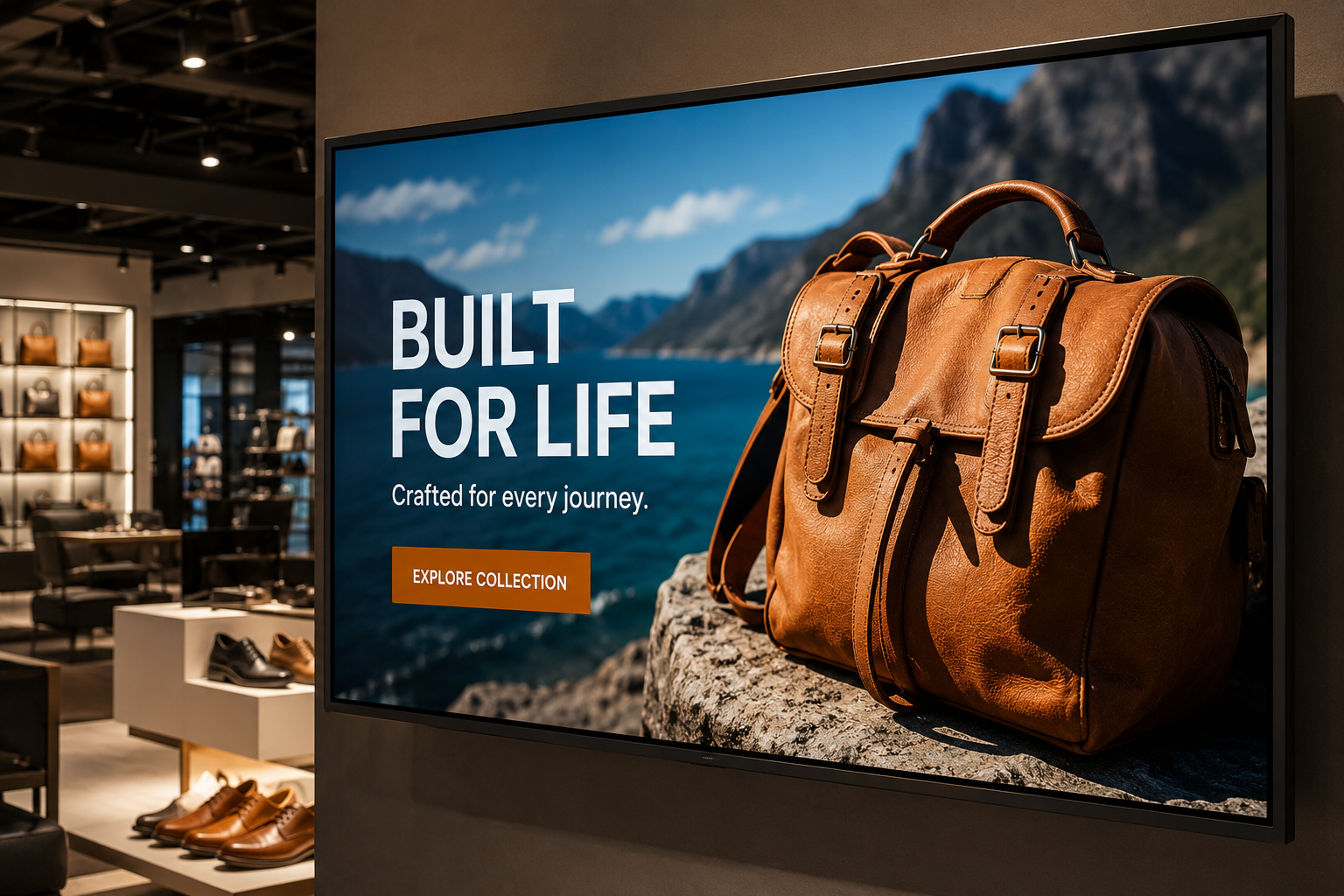
Your content should be at least 70% visual. Use high-resolution images, short video clips, bold graphics, and minimal text. Headlines should be 5 to 7 words maximum. Save the details for brochures, websites, or follow-up conversations.
For retail environments, product photography with clean backgrounds and strong lighting performs best. For corporate lobbies, branded lifestyle imagery creates a professional impression. For hotels, high quality room and amenity photos drive bookings.
A commercial-grade display with accurate colour reproduction makes your visuals look their best. Samsung and LG signage panels are designed specifically for this purpose vibrant colours, deep contrast, and consistent brightness over long operating hours.
Rule 3: Follow the 3x5 Rule for Text
When text is necessary — and sometimes it is — follow the 3x5 rule:
- Maximum 3 lines of text per screen
- Maximum 5 words per line
- Minimum 24pt font for body text, 48pt for headlines
This is not a creative limitation. It is based on how people consume information in public spaces. Viewers are typically standing, walking, or distracted. They do not have time to read paragraphs. Short, bold text cuts through the noise.
Pair your content strategy with the right digital signage hardware. A dedicated media player ensures your content plays at full resolution without buffering or stuttering, which is critical for text readability and video smoothness.
Rule 4: Update Content on a Fixed Schedule
Nothing kills audience attention faster than stale content. When customers see the same message for three consecutive visits, their brains learn to ignore that screen entirely. You lose not just that message, but every future message as well.
Set a content calendar and stick to it
Daily updates: Offers, social media feeds, news headlines, weather
Weekly updates: New products, customer testimonials, upcoming events
Monthly updates: Seasonal campaigns, brand refreshes, compliance content
Modern content management systems make scheduling automatic. Upload a month of content in one session and let the system rotate it based on your calendar.
For hospitality businesses, a LG 32LR571C Hospitality TV with built-in hospitality mode makes scheduling even easier. Set different content for check-in hours, dining hours, and late-night quiet periods all from a single dashboard.
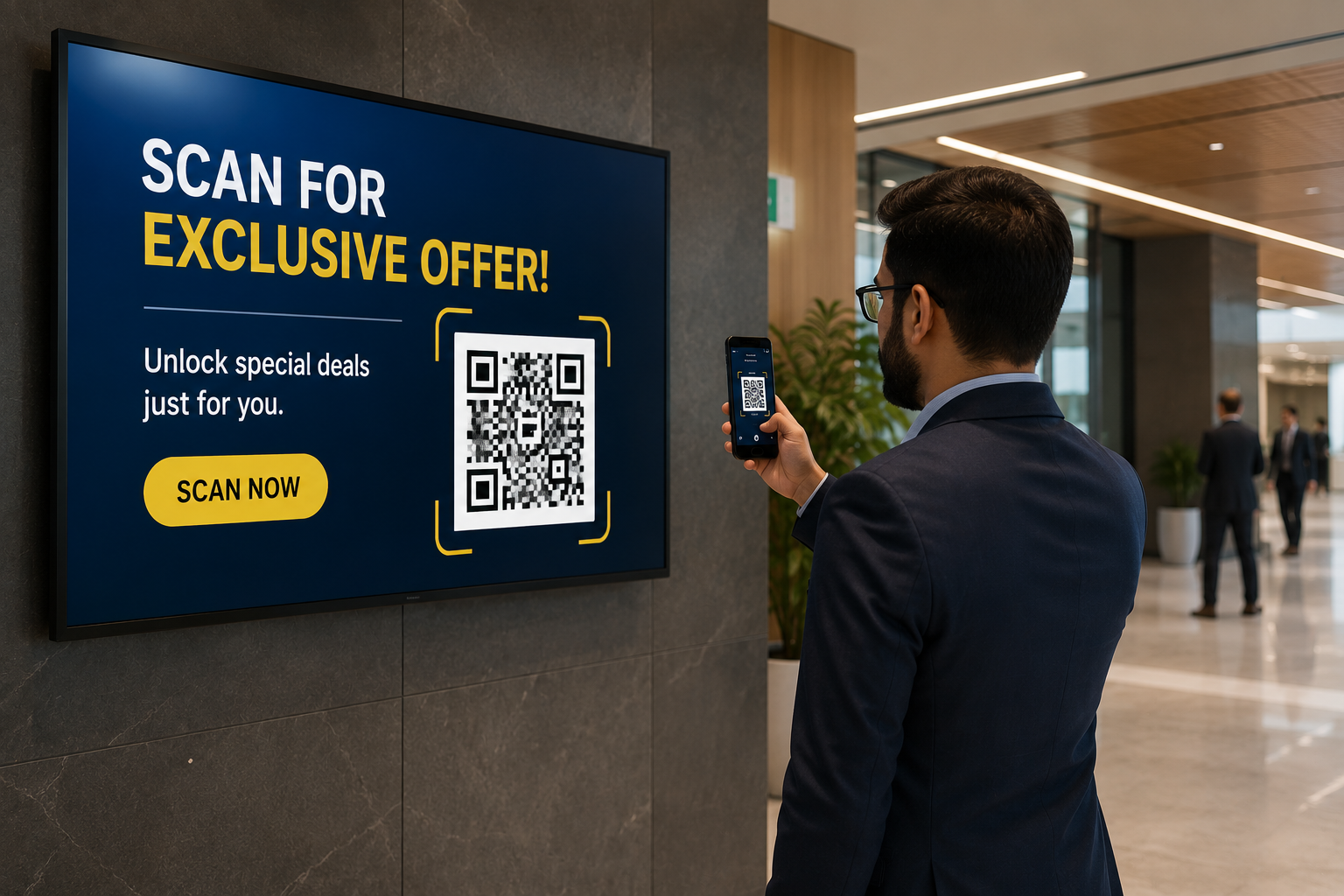
Rule 5: Include Clear Calls to Action
Every piece of digital signage content should answer one question: what should the viewer do next?
Without a clear call to action, your content is just decoration. Effective CTAs for digital signage include:
- Visit our showroom on the second floor
- Scan the QR code for a special discount
- Ask our staff about bulk pricing
- Call +91 8851717696 for a free consultation
- Visit www.vishwanathtrader.com to browse products
The CTA should be visually prominent a different colour, larger font, or enclosed in a button graphic. Test different CTAs to see which ones generate the most responses.
For hotels, a Samsung hospitality TV can display checkout times, spa offers, and restaurant menus with clear CTAs that guests can act on from their room.
Rule 6: Use Motion to Capture Attention
Static images blend into the background. The human eye is naturally drawn to movement, which is why video and animation outperform static content in engagement metrics.
Incorporate gentle animation, rotating text, or video backgrounds into your content. Even simple transitions between slides a slow fade instead of a hard cut keep the display feeling alive and dynamic.
Best practices for motion content:
- Keep video loops between 7-15 seconds
- Use subtle animations, not flashy effects
- Ensure transitions are smooth, not jarring
- Test motion content at different times of day to measure engagement
Rule 7: Match Content to Audience and Location
A digital signage screen in a corporate lobby serves a different purpose than one in a hospital waiting room or a hotel lobby. Yet many businesses run the same content across all their screens.
Segment your content strategy by:
Location: Different branches, cities, or floor levels
Audience:Customers vs employees vs visitors
Time of day: Morning briefing content vs afternoon promotions vs evening branding
Day of week:Weekend offers vs weekday information
Samsung commercial displays come with built-in scheduling features that make this easy. You can program different playlists for different times and days, so your content is always relevant to the audience in front of it.
Rule 8: Leverage Real-Time Data and Feeds
Static content grows stale. Dynamic content stays relevant. The most effective digital signage strategies incorporate real-time data that changes automatically without manual intervention.
Connect your digital signage to:
- Social media feeds (Instagram, Twitter, LinkedIn)
- Industry news headlines
- Weather updates
- Live countdown timers for events or sales
- Real-time inventory or availability status
The LG 43UL5Q Smart Signage Display supports webOS content management with built-in integration for real-time data feeds. Pull in your social media wall, display live news, or show a countdown to your next sale — all without additional hardware.
Rule 9: Measure What Works
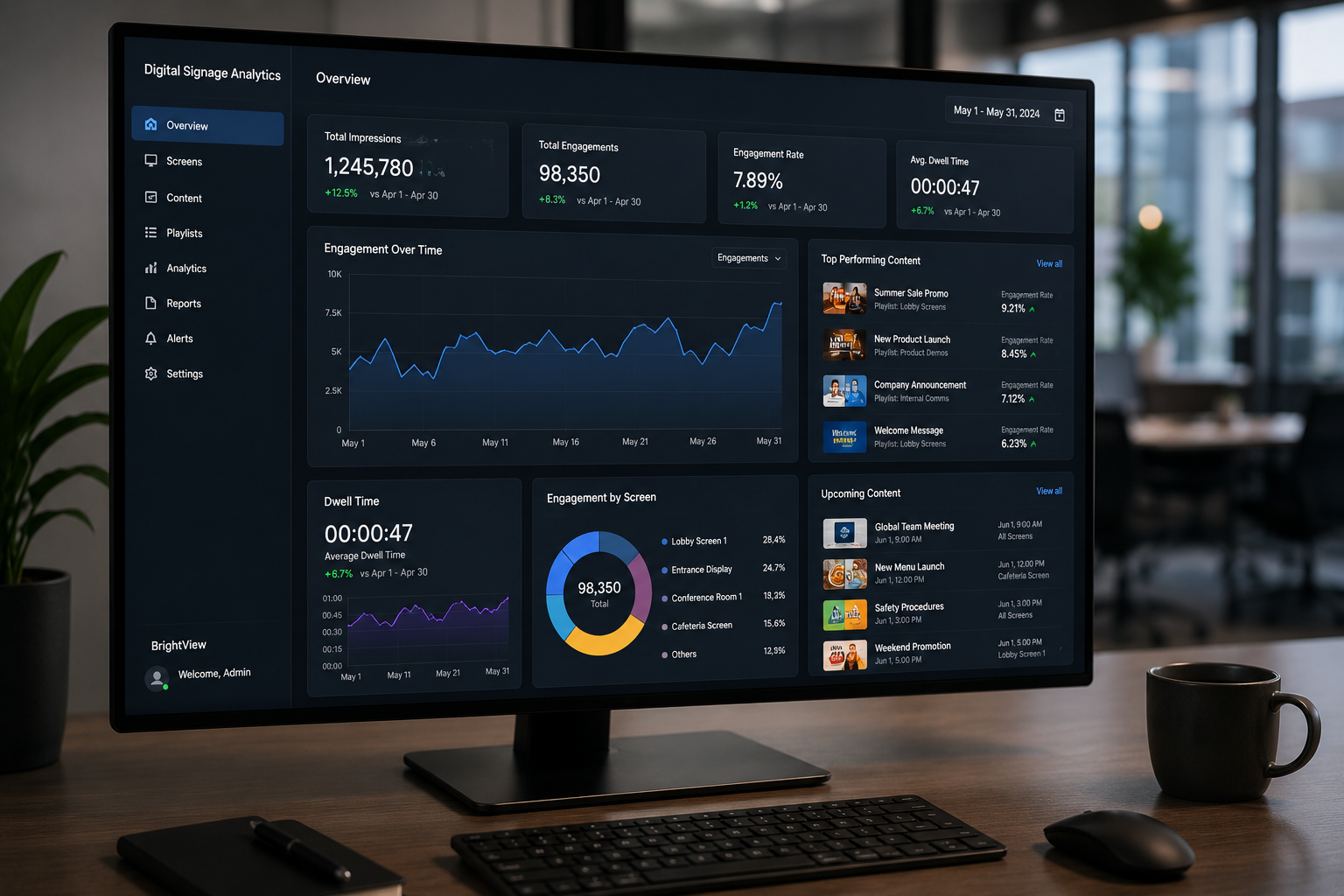
You cannot improve what you do not measure. Digital signage analytics tools can track:
- Which content gets the most engagement
- Which screens have the highest dwell time
- Which calls to action generate the most responses
- Best performing times of day
- Content loop completion rates
Use this data to continuously refine your strategy. If a particular video is getting high engagement, create more content in that style. If a CTA is not performing, test a different one. Data-driven decisions will improve your ROI faster than guesswork ever will.
Rule 10: Test, Iterate, and Improve
The best digital signage content strategies are never finished. Continuous testing and iteration is the only way to keep improving.
Run A/B tests to compare:
- Video content vs static images for the same message
- Different CTA placements (top, bottom, centre)
- Short content loops vs medium-length loops
- Different colour schemes and font styles
For large-format installations like corporate lobbies and retail flagship stores, a Samsung video wall display gives you the flexibility to test multi-screen layouts. Run different content variations on different sections of the video wall and measure which side gets more attention.
Frequently Asked Questions
1. What is the ideal video length for digital signage?
7-15 seconds for high-traffic retail environments. Up to 30 seconds for waiting areas, lobbies, and hospitality settings where dwell time is longer.
2. How often should I update digital signage content?
At minimum, weekly updates are essential. For high-traffic locations, daily updates with fresh offers, news, or social media content perform best.
3. Can I schedule different content for different times of day?
Yes. Most enterprise digital signage platforms support time-based scheduling. You can run morning briefing content, afternoon promotions, and evening brand messaging automatically.
4. What file formats work best for digital signage?
MP4 (H.264) for video, JPEG and PNG for images, HTML5 for interactive content. Avoid PowerPoint exports — they often have resolution issues on large screens.
5. How many slides should a content loop have?
15-30 slides is the standard range. Each slide should be visible for 7-10 seconds to give viewers enough time to read and absorb the message.
6. Should I use sound with my digital signage?
Only in controlled environments where audio is appropriate. In retail stores, lobbies, and public areas, silent content with on-screen text is the standard.
7. What is the best font size for digital signage?
Headlines: 48-72pt. Body text: 24-36pt. Adjust based on viewing distance — the further away viewers stand, the larger the font needs to be.
8. Can I manage content for multiple locations from one dashboard?
Yes. Cloud-based content management systems let you manage screens across Delhi, Mumbai, Bangalore, and beyond from a single login.
9. How do I know if my content is effective?
Track engagement through built-in analytics, monitor QR code scan rates, measure customer response to CTA-driven offers, and gather direct feedback from staff and customers. Read our digital signage guide for more measurement strategies.
10. Do you offer digital signage setup in Delhi?
Yes. Vishwanath Traders provides complete digital signage solutions including hardware selection, content management setup, and professional installation across Delhi-NCR and pan India.
Conclusion
Hardware gets your digital signage noticed once. Content keeps people coming back. By following these 10 rule one message per screen, lead with visuals, regular updates, clear calls to action, and continuous testing you can transform your displays from expensive screens into revenue-generating assets.
The difference between digital signage that works and digital signage that is ignored is not the size of the screen or the resolution. It is the strategy behind the content.
Looking for the right display for your digital signage setup? Vishwanath Traders offers a wide range of Samsung commercial displays, LG signage displays, and professional digital signage solutions at competitive B2B prices. As an authorised VU Partner and Samsung reseller and LG reseller in Delhi, we provide genuine commercial grade products with GST billing and pan-India delivery. Whether you need a single display for your retail store or a multi-location deployment for your enterprise, we have the expertise and product range to deliver.
Call +91 8851717696 or visit www.vishwanathtrader.com for bulk pricing and a free consultation. Our team can help you choose the right hardware, plan your content strategy, and handle installation across all your locations.